AWC7813 motion controller user manual
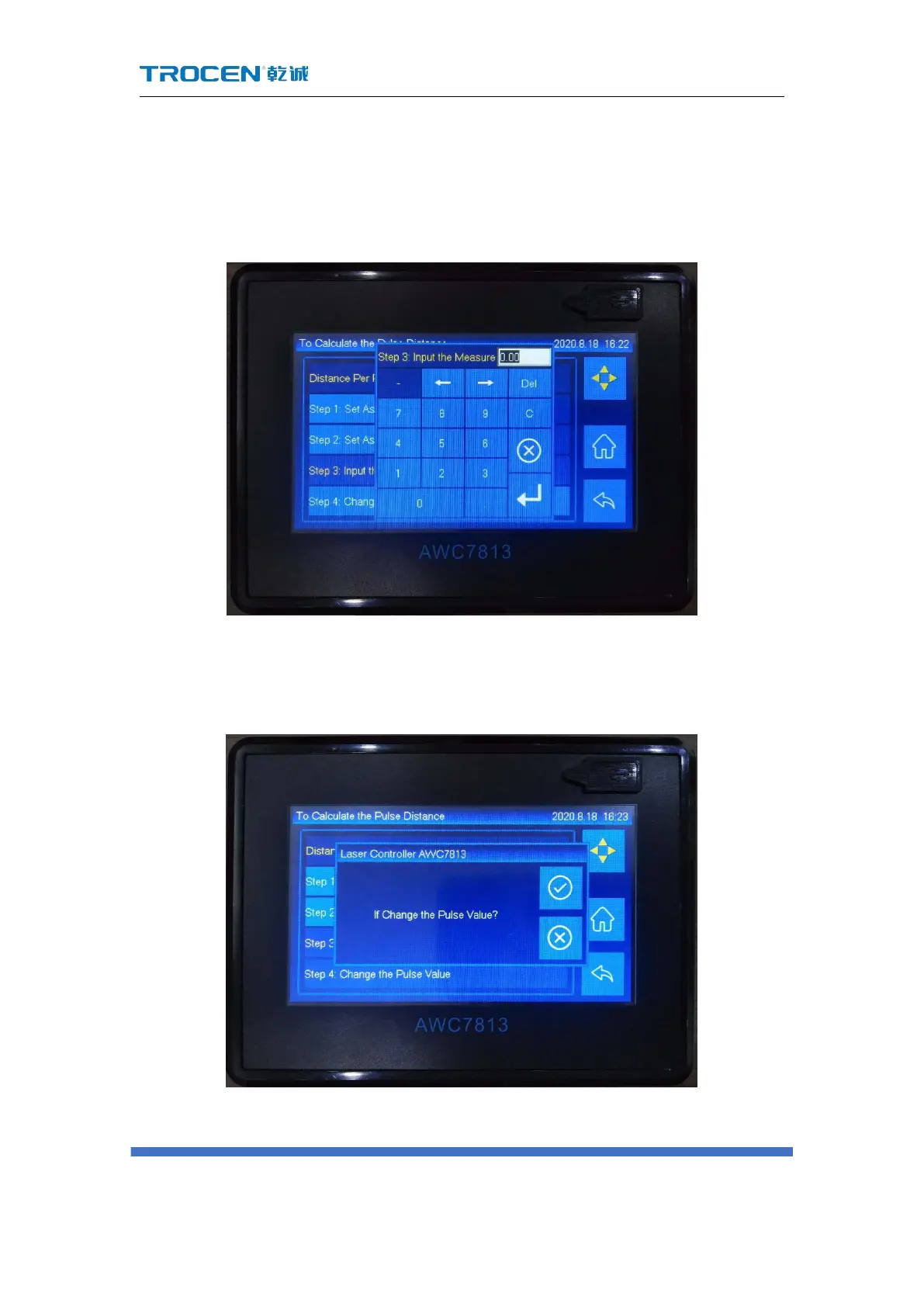
actual measurement value, and click enter (if the value after 【Step 2: Set
As End Position 】 is the same as the actual measurement, no need to
modify 【Distance Per Pulse】);
Figure3-16-1-1-3 Measured distance
5) Click the 【Step 4: Change the Pulse Value】 button, click "√" to set the
【Distance Per Pulse】;
Figure3-16-1-1-4 Modify distance per pulse
6) 【Distance Per Pulse】 needs to check whether it is correct after setting.



 To Next Page