AWC7813 motion controller user manual
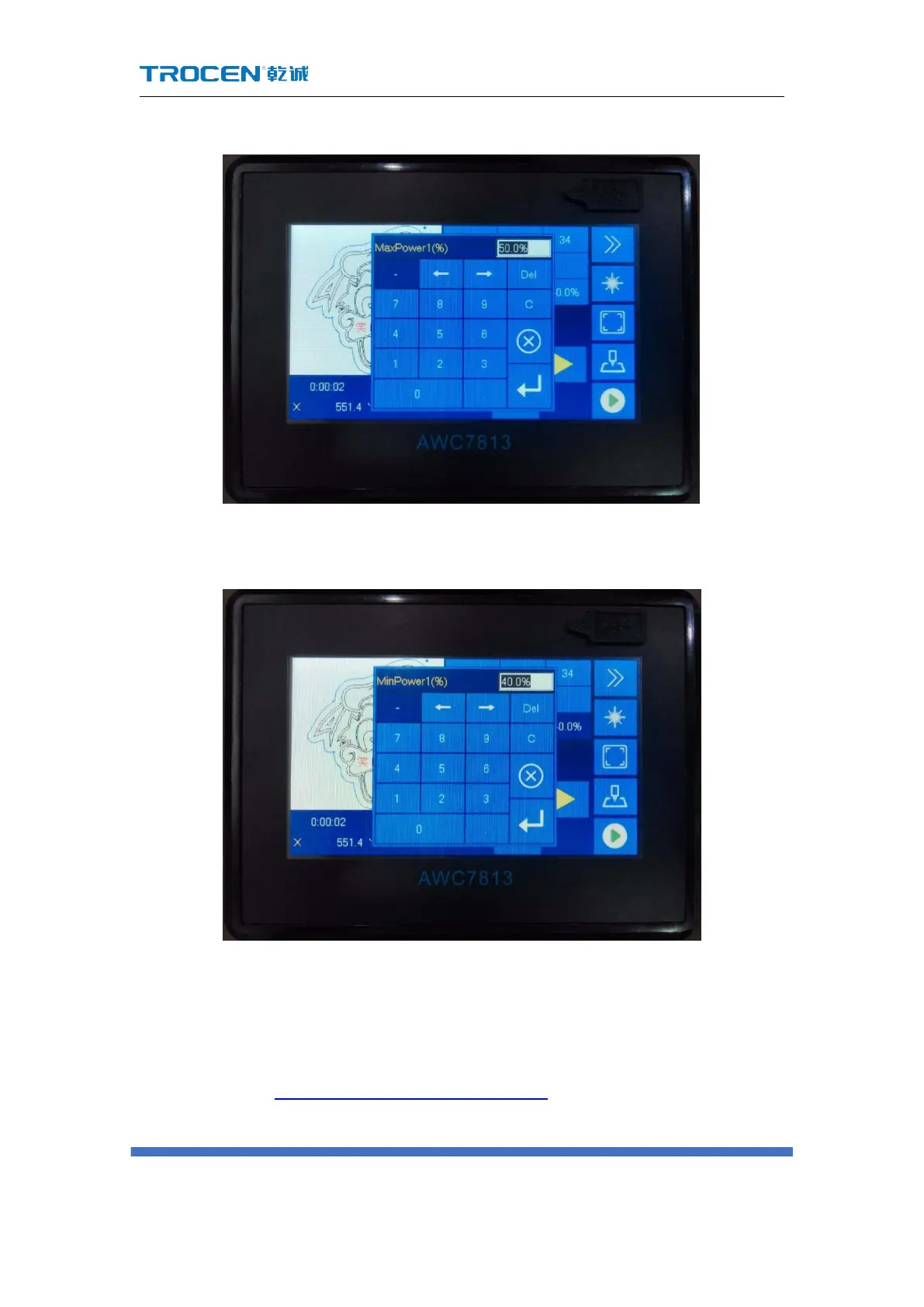
Figure3-10-1-1 Modify the max laser power
Figure3-10-1-2 Modify the mini laser power
3.10.2 Modify the power of the file being processed
When the machine is working, the power area displays the working power of
the laser head in Figure3-1-3 Main interface area division interface, that is, the power of
the processing file. After clicking the【Pause】button, this value can be modified. The



 To Next Page