AWC7813 motion controller user manual
this key to turn off the laser. For the content of laser power, please refer to 3.10.1
Modify Laser power.
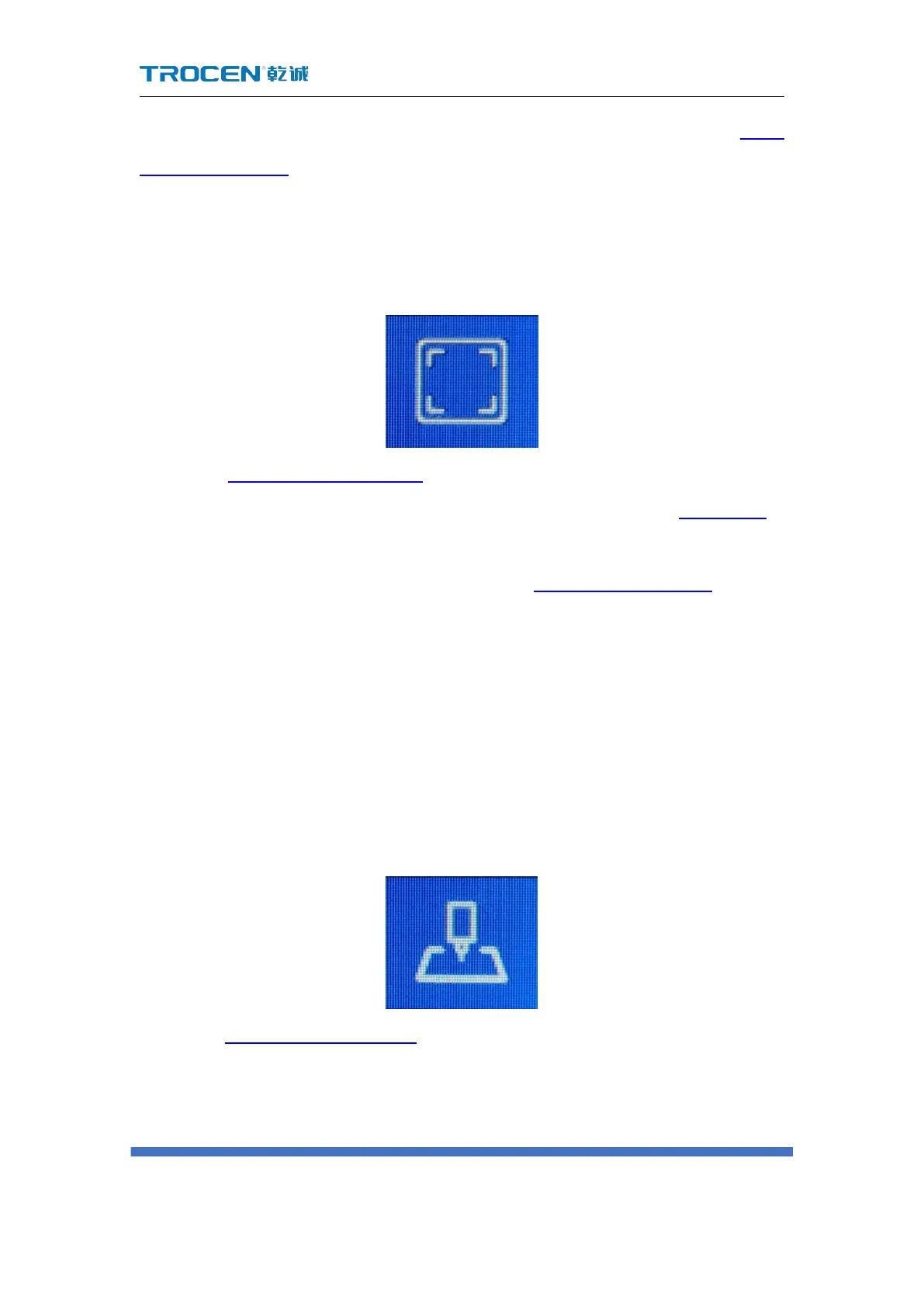
3.2.6 Box
Figure3-2-6 Box
In the Figure3-1-1 Main interface 1, click the【box】button, the laser head starts
from the positioning point(the meaning of 【Origin】,please refer to 3.2.7 Origin),
walking a rectangular around the outer frame of the graph at 【RunBox’Speed】 (For
the definition of 【RunBox’Speed】, please refer to 3.15.2.3 RunBox’Speed), and it is
a rectangular graph.
This button is to test the size of the processed graphics and the currently
selected positioning point, that is, you can view the approximate position and range
of the graphics on the material by walking the box.
3.2.7 Origin
Figure3-2-7 origin
In the Figure3-1-1 Main interface 1, click the【Origin】button, set the starting point
of the laser head, the laser head moves to X+, Y+ direction to cut with this point as
the base point. Setting the position point is to determine the position of the graphic



 To Next Page