AWC7813 motion controller user manual
3.3.2 Fast and slow movement switch key
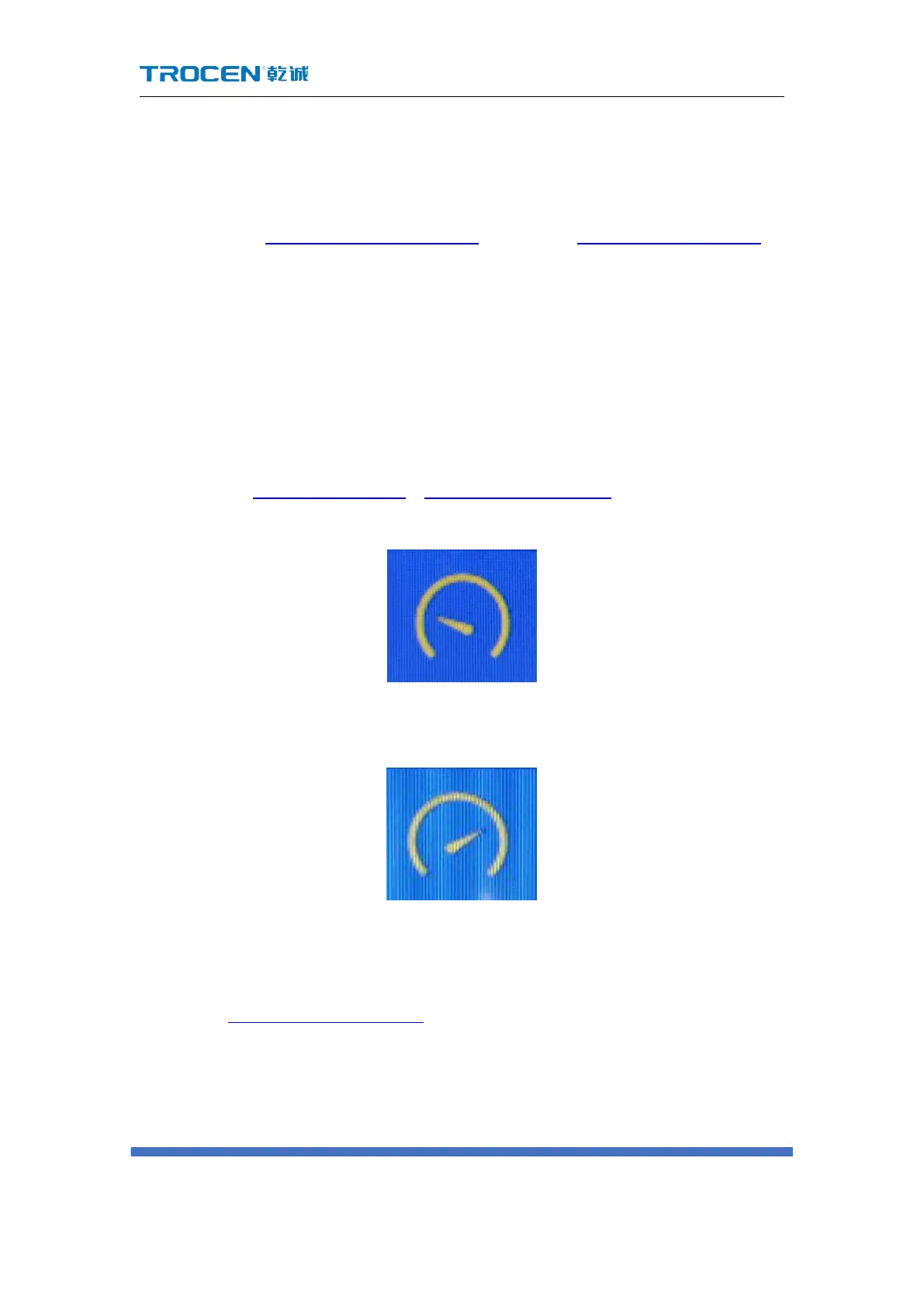
Switch between fast movement and slow movement. Click the icon in the main
interface, if the Figure 3-3-2-1 Slow movement changed to Figure 3-3-2-2 Fast moving, at
this time the 【KeyMove’Speed】is changed from slow to fast, the opposite is the
same.
When moving the X/Y axis, the slow moving speed defaults to the【start speed】
in the【motion parameters】,the default fast moving speed is【KeyMove’Speed】.
When moving the Z axis, the slow moving speed defaults to the【jumping speed】in
the【Z axis parameters】, the fast moving speed is【KeyMove’Speed】. For details,
please refer to 3.14.1.6 Start Speed、3.15.2.2 KeyMove’Speed.
Figure3-3-2-1 Slow movement
Figure3-3-2-2 Fast moving
3.3.3 Z axis Movement Button
In the Figure3-1-2 Main interface 2, press the Z axis movement key to move the Z
axis.
1) Z axis up move key, control Z axis to move up.



 To Next Page