AWC7813 motion controller user manual
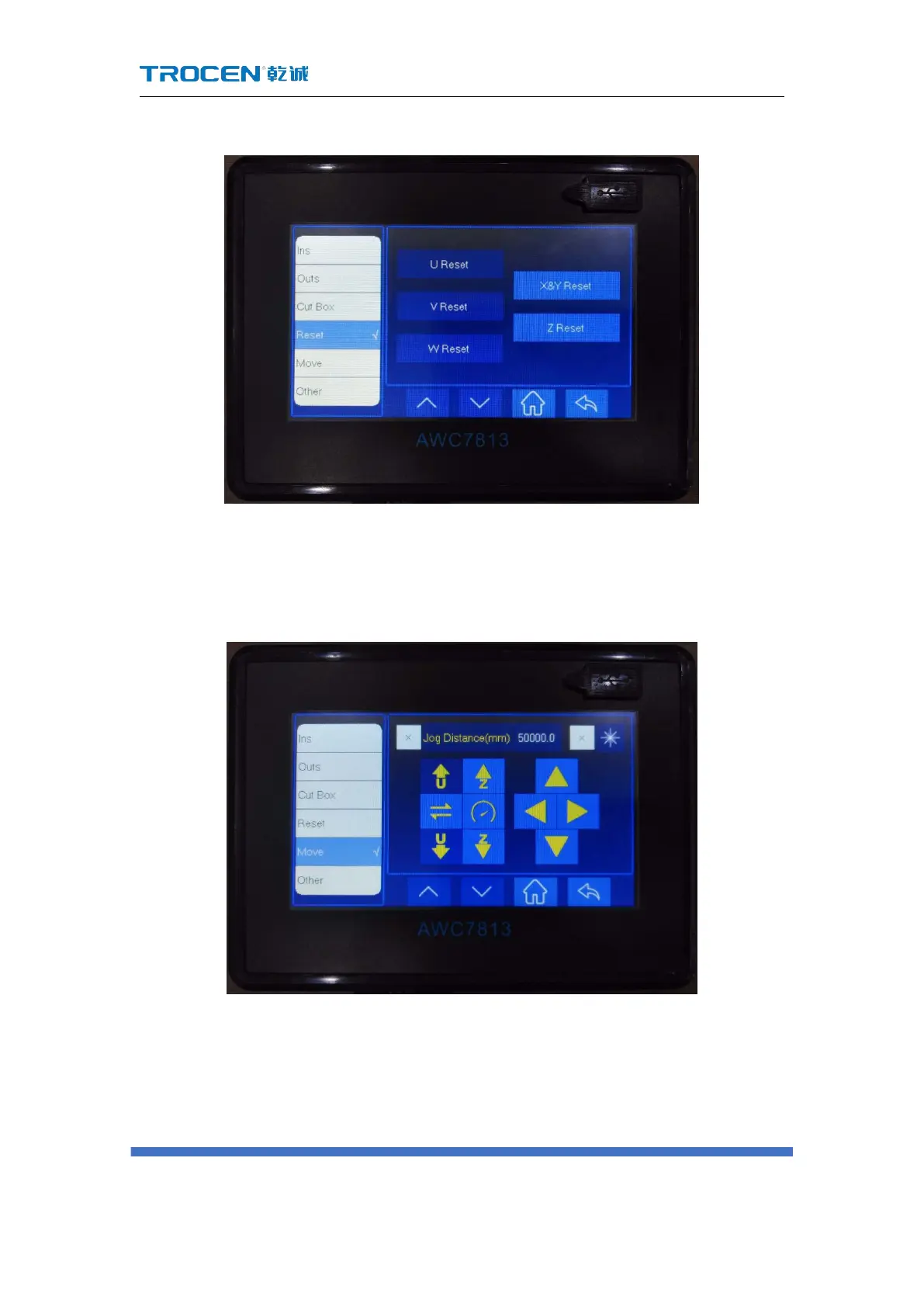
Figure3-23 Axis reset
3.24 Key Moving
Figure3-24 Key moving
1) In Figure3-1-2 Main interface 2 interface, click 【More】→【Move】→【Jog
distance】 the selection box in front, when it becomes "√ ", you can jog
control;
2) Move the direction axis, the set value can be accurately moved once;



 To Next Page