AWC7813 motion controller user manual
Click 【Data Check】, the system will automatically detect
this file, if the data is correct, the system will prompt that
the file data is correct, otherwise it will prompt that the
file data is wrong.
Click 【[Copy to U Disk】, and the file will be copied to the
U disk.
Click 【Delete】, and the selected file will be deleted.
Click 【 All Delete 】 , all files in the mainboard will be
deleted.
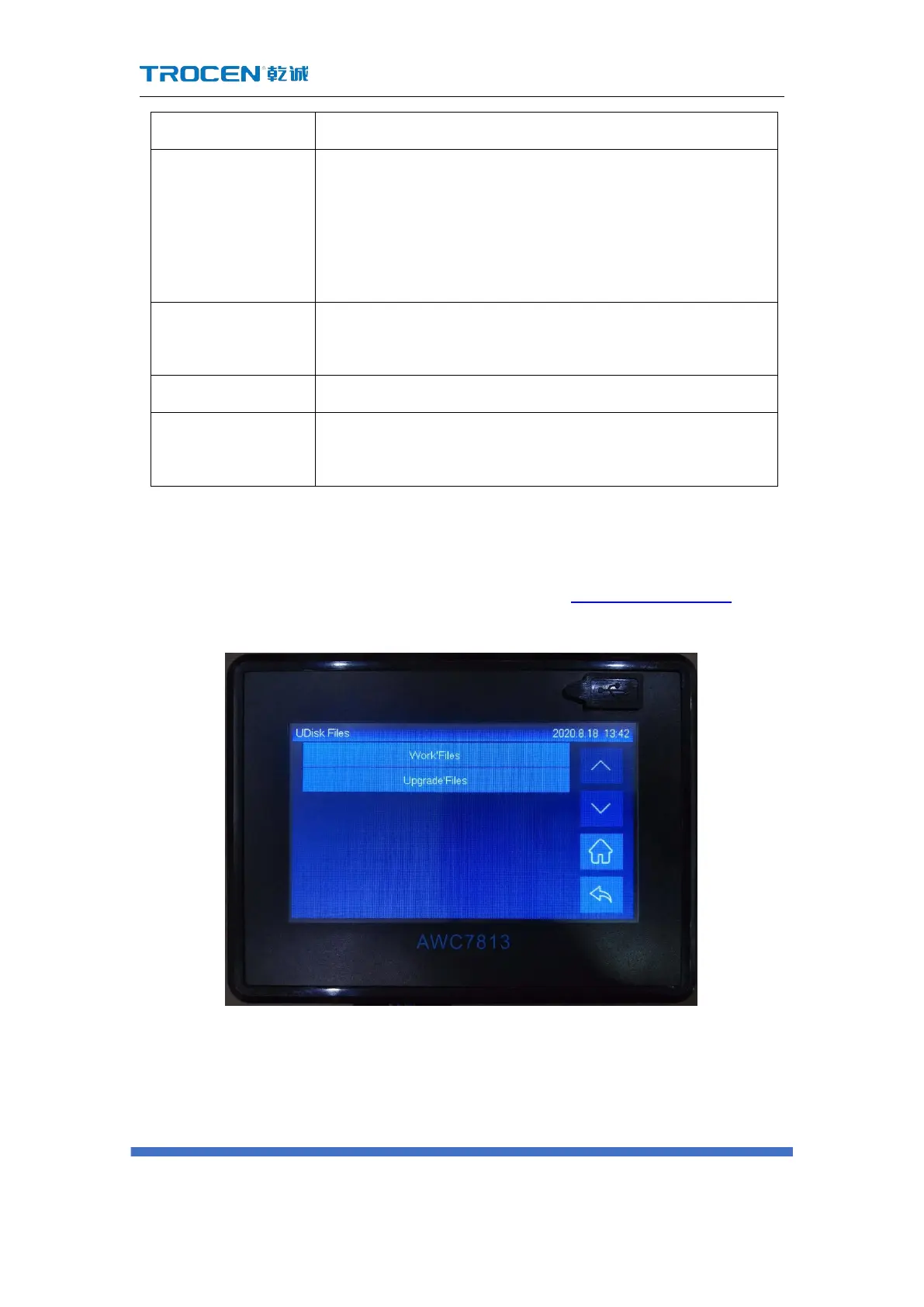
3.12 U disk transfer files and mainboard upgrade
Please refer to the USB flash drive interface content 2.3.1 U Disk interface.
Figure3-12 U disk transfer files and mainboard upgrade
3.12.1 Use U disk to transfer files to mainboard
1) Choose a USB flash drive that meets the requirements, please refer to the



 To Next Page