AWC7813 motion controller user manual
3.7 Current processing file name display area
3.7.1 The properties of the processing file
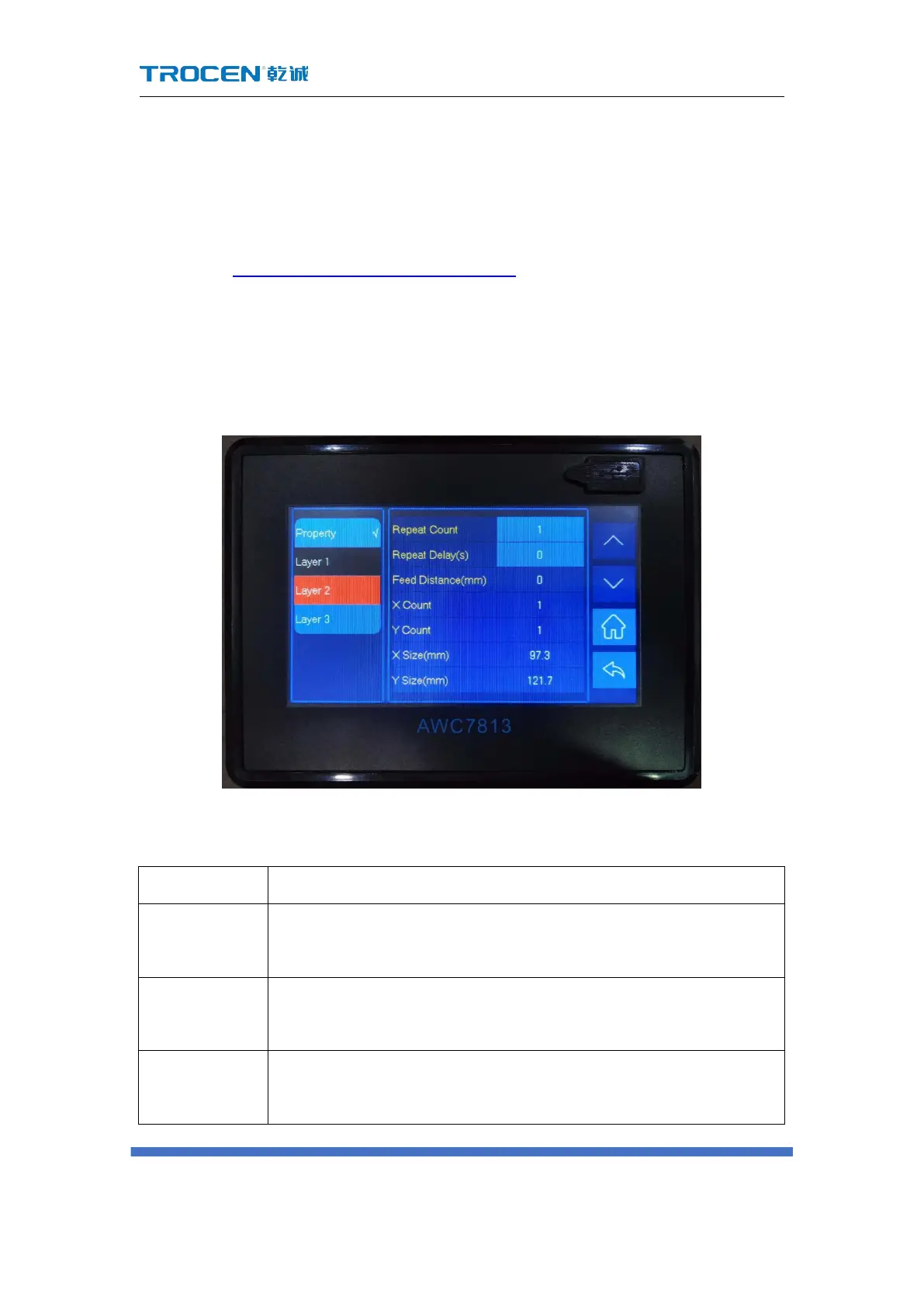
In the Figure3-1-3 Main interface area division interface, click 【 File Name 】 →
【Property】 enter the property interface to modify【Repeat Count】 /【Repeat
delay(s)】, and you can check the graphics size of the current processing file through
【X size(mm)】 and 【Y size(mm)】.
Figure3-7-1 Property graph
Table3-7-1 Description of property interface
The number of repeated processing files. If the【Repeat Count】is
set to 2, the file will be processed twice.
The waiting time from the end of file processing to the next
repeated processing of the file.
That is the length of the file in the Y-axis direction. This control
panel has no feeding function.



 To Next Page