AWC7813 motion controller user manual
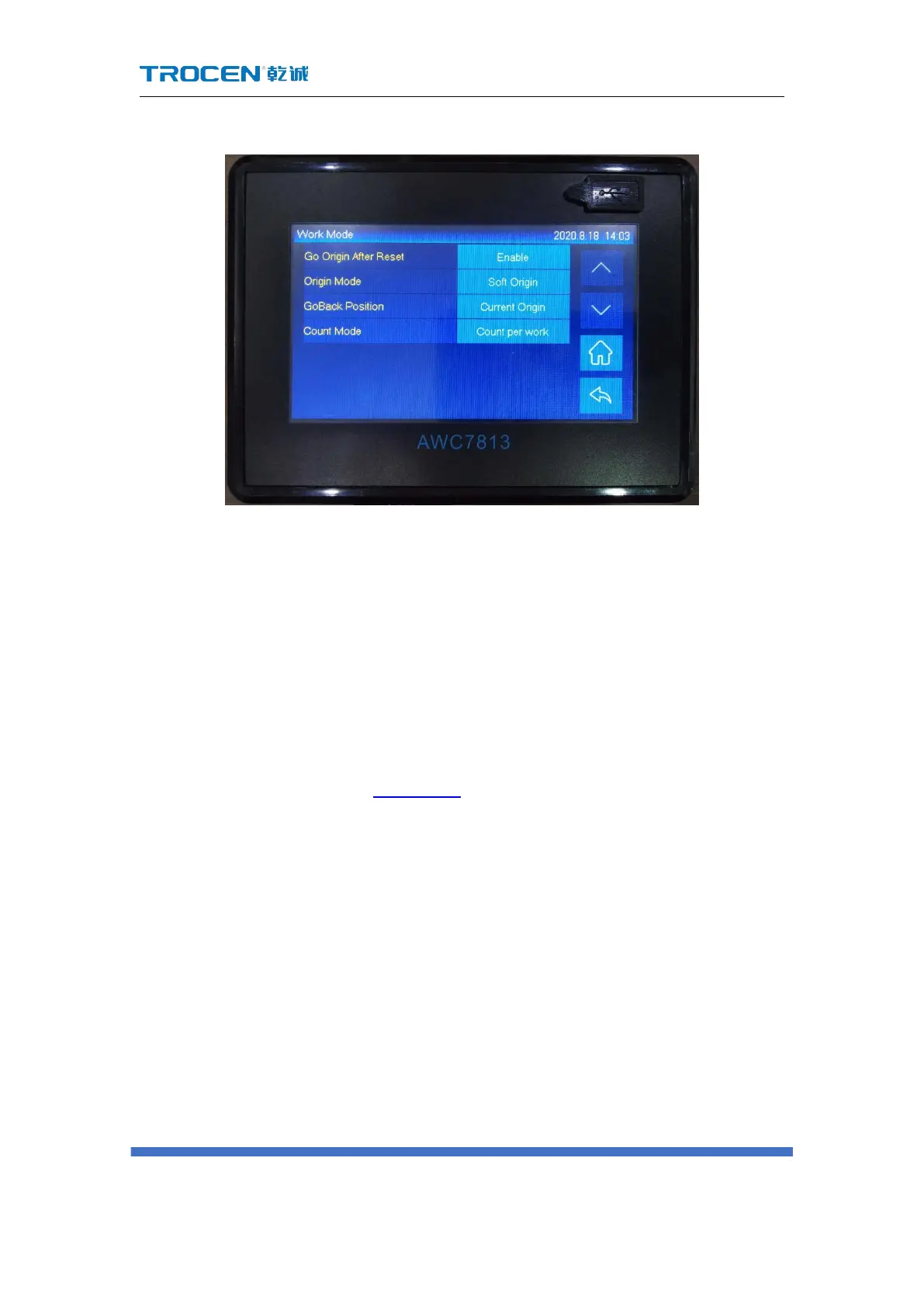
Figure3-15-1 Work Mode
3.15.1.1 Go Origin After Reset
If this function is enabled, the laser head will stop at the origin after 【Reset】,
otherwise the laser head will stop at the machine zero.
3.15.1.2 Origin Mode
【Origin】Please refer to 3.2.7 Origin.
【Current Position】: Set the current position of the laser head as the origin,
wherever the laser head stops, it will be the origin, no key operation required;
【Key Origin】: After selecting【Origin】, return to the main interface, move the
laser head to the chosen position, and click 【Origin】;
【 Soft Origin 】 : set the origin point when drawing a graph on LaserCAD
software.
【Machine Zero As Origin】:set the machine zero point as origin.



 To Next Page