AWC7813 motion controller user manual
use water protection, you need to turn it on here. When the laser tube emits light, if
the temperature is too high, the laser tube will burst, so water needs to be
discharged to cool the laser tube. When this function is turned on, when the
machine detects a water stop signal, a "water protect!" prompt will appear, and the
machine will stop working to protect the laser tube.
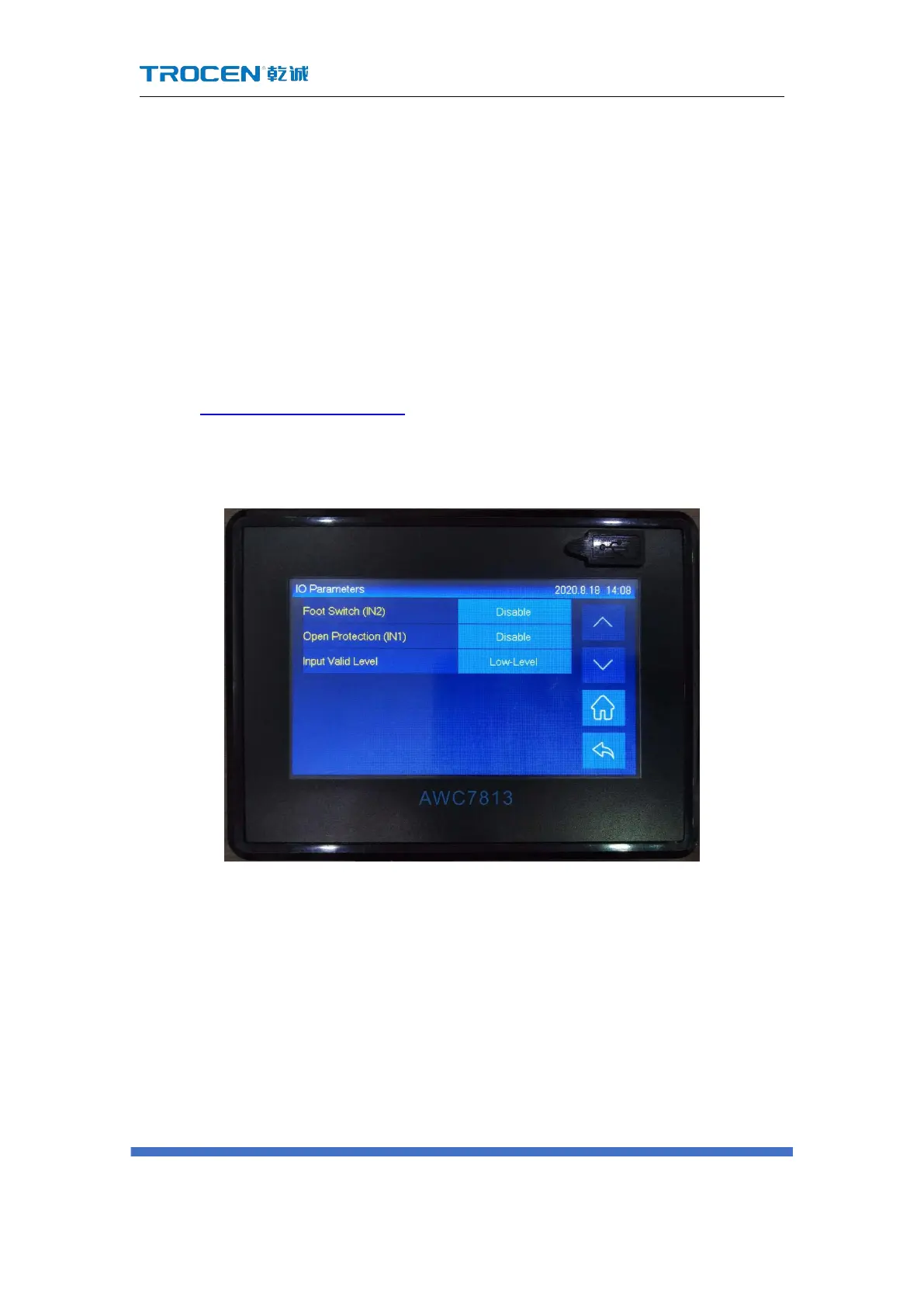
3.16.3 IO Parameters
In Figure3-1-2 Main interface 2 interface, click 【 Menu 】 → 【 Manufacturer
Parameters Settings】→【IO parameters】 to enter the corresponding interface.
Figure3-16-3 IO Parameters
3.16.3.1 Foot Switch
Use the foot pedal to control the operation of the machine, step on the machine
to start running, and then step on the machine to stop running, and enable this
function when needed. The modification steps are as follows:
1) Connect the corresponding hardware, the signal pin of the foot switch
corresponding to the mainboard is IN2, please refer to the relevant wiring



 To Next Page