AWC7813 motion controller user manual
as the corresponding 【input valid level】 configuration in the panel.
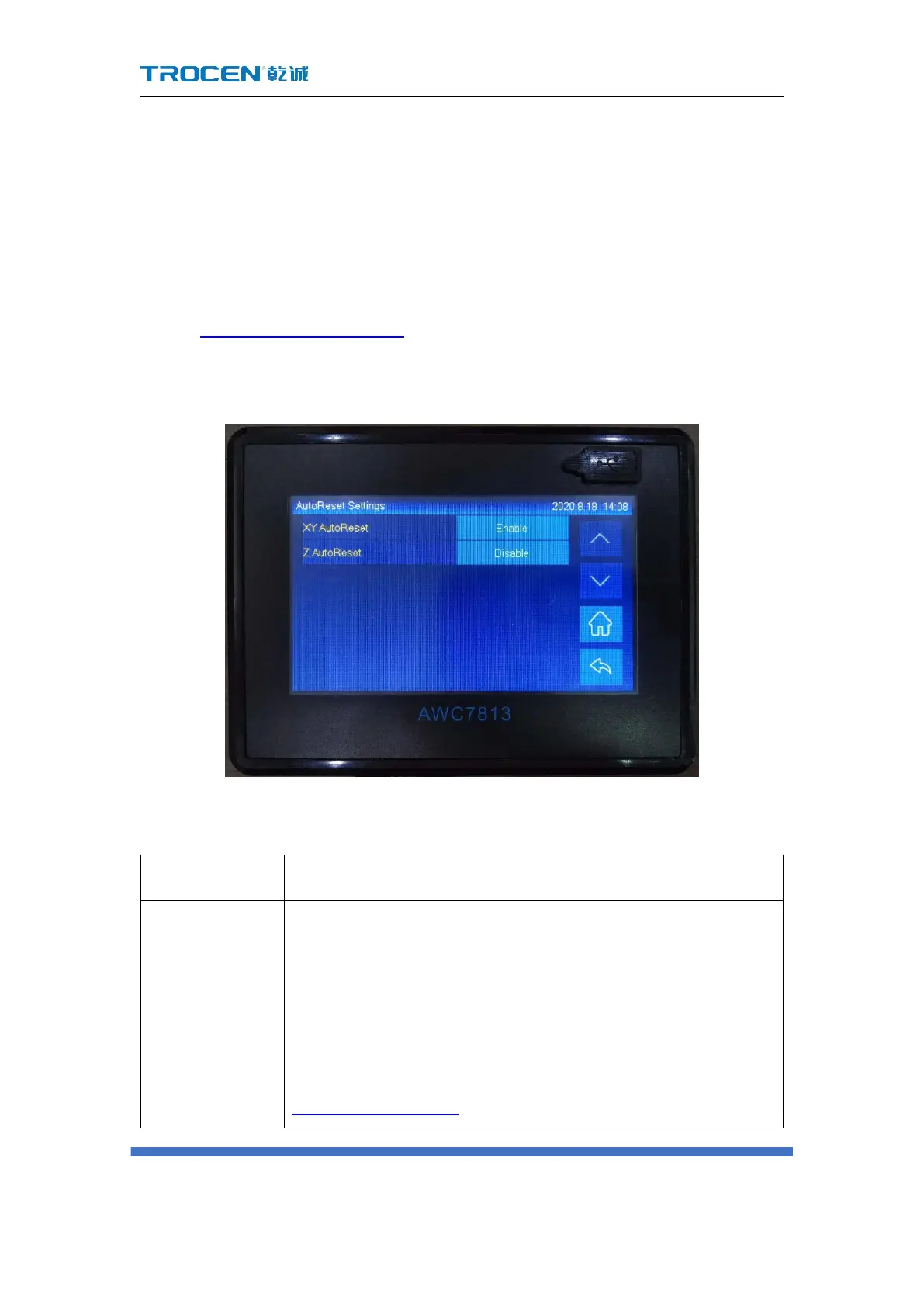
3.16.4 AutoReset Settings
When you click the 【Reset】 button and the laser head does not move, you
need to turn on the power-on reset function. Procedure as follows:
In Figure3-1-2 Main interface 2 interface, click 【 Menu 】 → 【 Manufacturer
Parameters Settings】→【AutoReset Settings】 to turn it on.
Figure3-16-4 Autoreset settings
Table 3-16-4 Power-on reset setting instructions
Generally it is on. The process of power-on reset is actually the
process of finding the zero point. The X and Y axes drive the
laser head to move in the X- and Y- directions, stop when it
touches the X- and Y- limit switches, and then walk back for a
while Distance, that is, the offset distance of the origin (see
3.16.1.10 Zero Offset ) . If you do not enable the function of



 To Next Page