Tap Normal
operation
(Temporary
Lockout Only).
Normal Operation.
Double tap NA Normal Operation.
Press & hold Disabled Normal operation.
FUNCTION
+ Tap
Normal
Operation
(Temporary
Lockout Only).
While scanning: Normal operation
While Holding: Disabled
FUNCTION
+ Double
tap
NA While scanning:
Normal operation
While Holding:
Disabled
Disabled While scanning:
Normal operation
While Holding:
Disabled
FUNCTION
+ Press &
hold
Disabled While scanning:
Normal operation
While Holding:
Disabled
Normal
operation.
While scanning:
Normal operation
While Holding:
Disabled
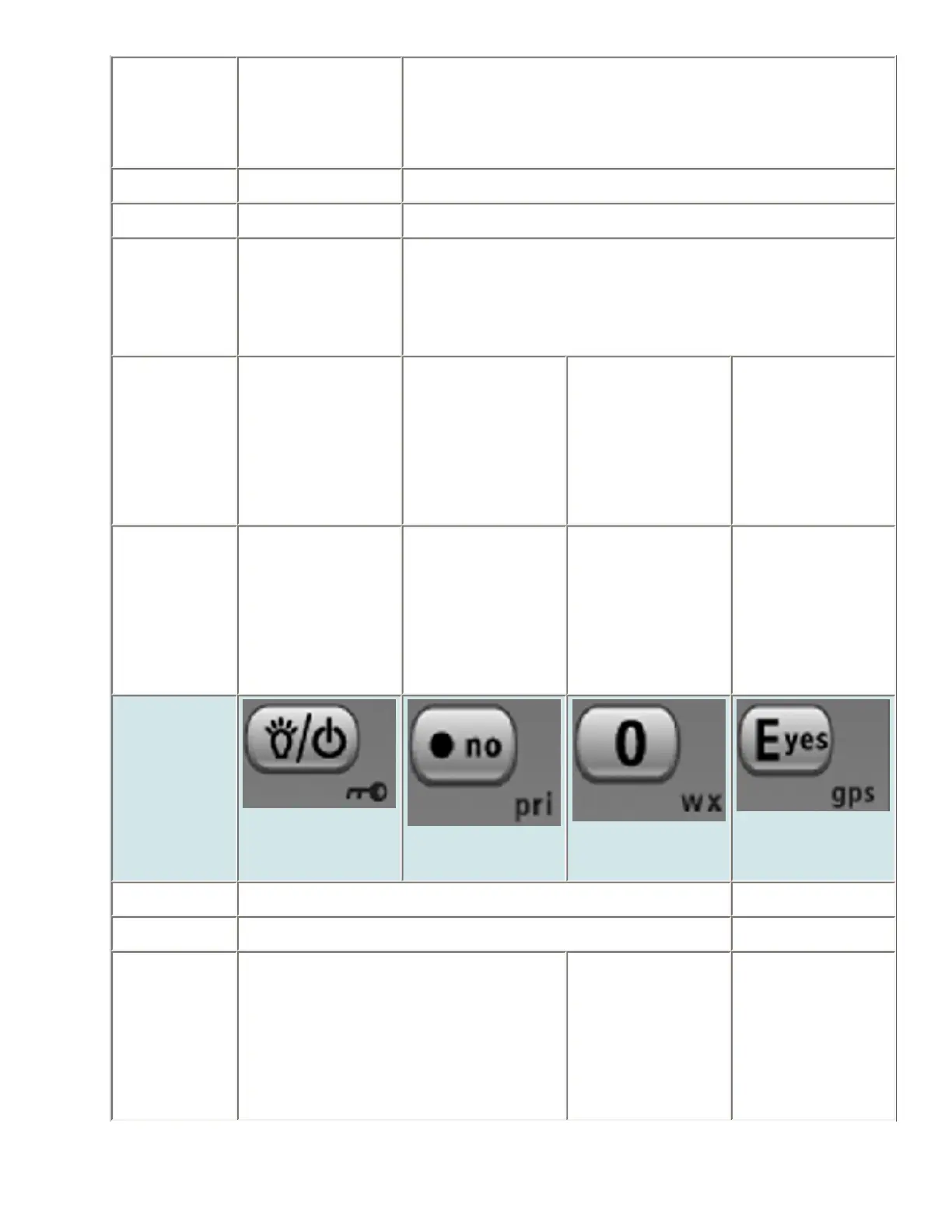
Key Name
(2nd
operation)
Action on:
Backlight
(Power, Lock)
No (Decimal,
Priority)
0 (Weather)
Yes (Enter,
GPS)
Tap Normal operation Disabled
Press & hold Normal operation Disabled
FUNCTION
+ Tap
Normal operation While Scanning:
Normal operation
While Holding
Disabled
Disabled
file:///C|/Documents%20and%20Settings/POpitz/My%20Documents/temp/CDImage_090515/Manual/KeySafeMode.html (3 of 4)5/26/2009 11:16:33 AM



 To Next Page