Thursday, May 14, 2009
CLOSE CALL MODE
The basic Close Call feature allows the scanner to immediately lock onto a transmission above a threshold
signal strength. The way the scanner treats a Close Call is based on settings of the menu at Srch/CloCall
Opt and Close Call.
Display during Close Call Mode
: This icon indicates when the Close Call Mode is “CC Pri”.
: This icon indicates when the Close Call Mode is “CC DND”.
Close Call Search
*Close Call function does not work in Temporary Hold or System Select of Scan Mode, Weather Scan
Mode, Search and Store Mode and Tone-Out Mode.
**While the scanner is staying on a repeater frequency or a reverse frequency, it does not prompt for any
new Close Call hits.
The scanner checks Close Call transmissions while scanning or searching every 2 seconds.
If a Close Call hit is found, the scanner alerts the user according to the setting of Set CC Alert, and the Close
Call icon blinks.
CC DND is set:
The scanner does not make Close Call checks when it is already receiving a voice transmission.
“DND” means “Do Not Disturb”.
CC Pri is set:
The scanner makes Close Call checks even if it is receiving a voice transmission.
You will notice a “gap” every two seconds when receiving a voice transmission.
CC Override is On:
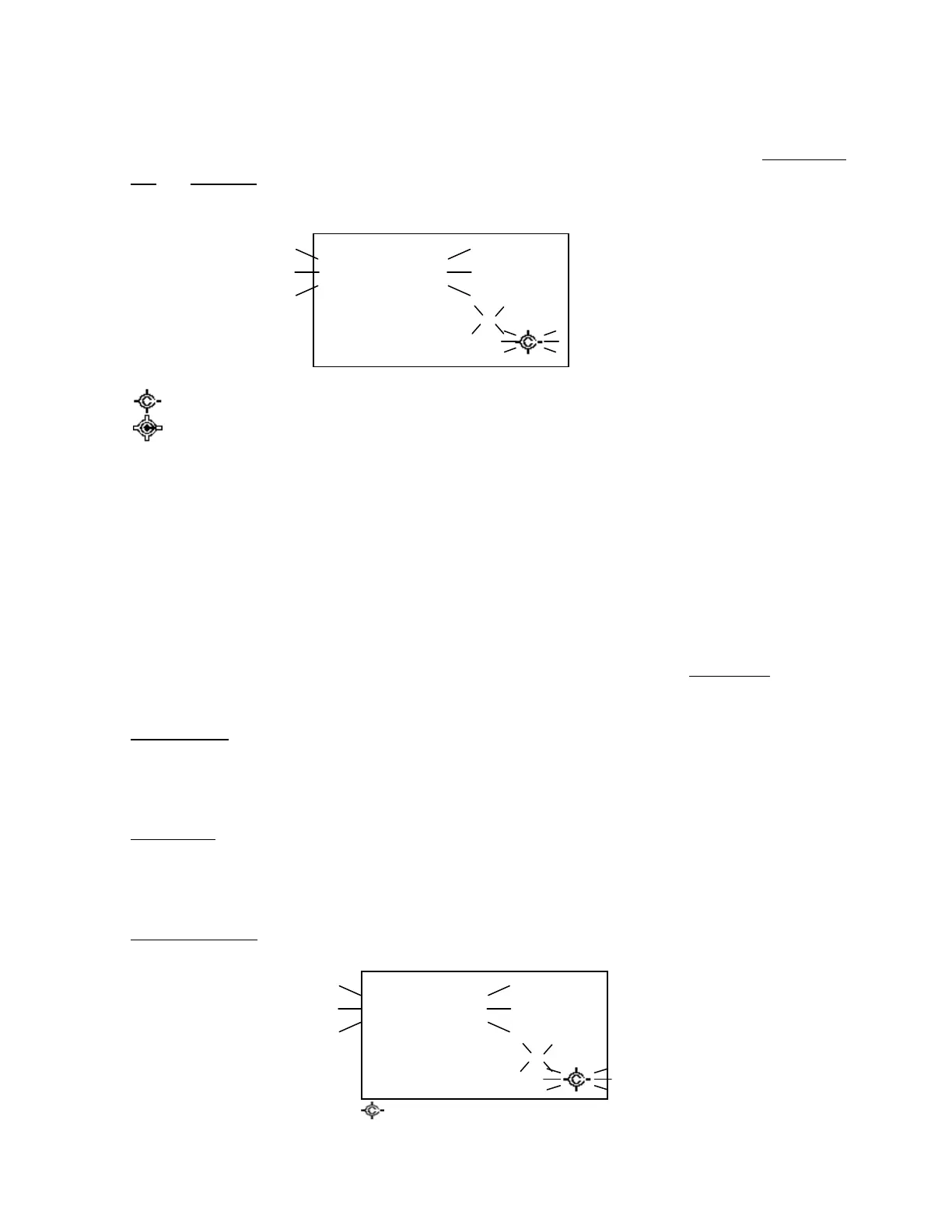
When the scanner gets a Close Call hit, it displays as follows.
Press any key other than [Hold / ] to listen the detected frequency.
CC Found!
Press Any Key
1 2 3 4 5 6 7
CC Found!
Press Any Key
1 2 3 4 5 6 7



 To Next Page