Thursday, May 14, 2009
Service Search
You can search one of the pre-programmed search ranges.
Publi c Safety
30. 8600MHz ↑
NFM
The Scanner starts from the lowest frequency of the selected range and searches in ascending or
descending order. While searching, turn [Scroll Control] to change the searching direction.
If the scanner finds a transmission, it stops on the frequency and the second line displays the frequency
and the unit “MHz”. The scanner displays a signal meter that shows a signal level. (1 – 5)
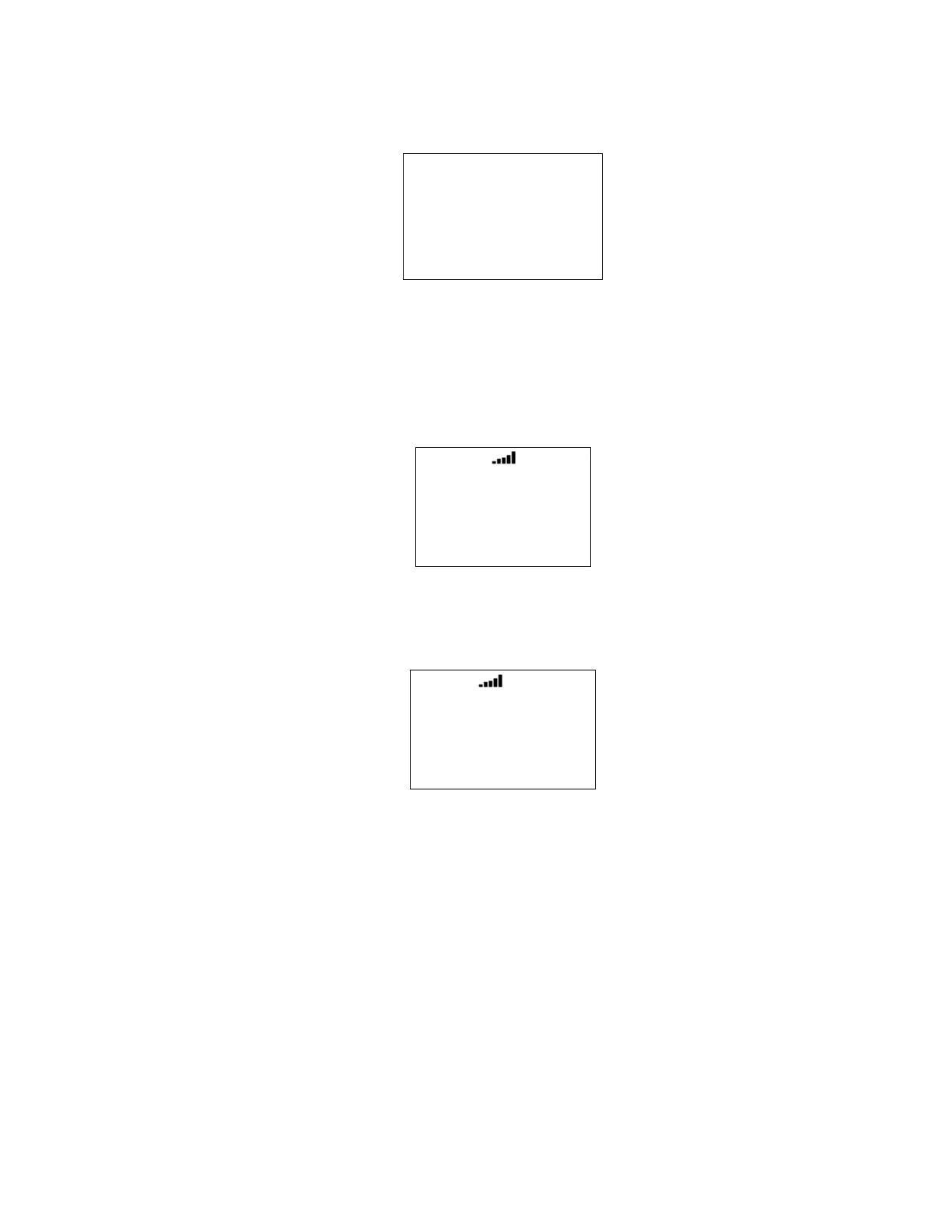
For example, if it stops on 30.9000 MHz in Public Safety, the scanner displays as follows.
Publi c Safety
30. 9000MHz
NFM
If the search range is one that includes channel numbers (like CB or Marine), the scanner displays the
frequency and the channel number. The frequency unit is not displayed.
For example, if it stops on 27.4050 MHz of CB Radio, the scanner displays as follows.
CB Radi o
27. 4050 CH40
AM
While monitoring the transmission, press [SCAN / srch] in Function Mode or turn [Scroll Control] to resume
searching.
Press [L/O] once to temporarily lock out the frequency. The scanner displays “Temporary L/O".
Press [L/O] twice in a second to permanently lock out the frequency. The scanner displays “Locked Out”,
then resumes searching from the next frequency.
*If you lock out all frequencies in the selected range, the scanner displays "All Locked!" on the second line
and searching does not work.



 To Next Page