Thursday, May 14, 2009
System Hold
Long press [Hold / ] to goes to the System Hold Mode.
While on System Hold, the scanner scans only one system and the scanner flashes the HOLD icon.
Long press [Hold / ] key to resume full system scan, and other keys will work normally.
If the selected system can’t be scanned, the scanner can’t go to System Hold Mode.
Quick System Select
*In trunked system, the “system” means “site” for this section.
*In Quick System Select state, Priority Scan and Close Call function are not performed.
Turn [Scroll Control] knob in Function Mode to select a System. While selecting systems, scanning is not
performed.
You can select from all Systems that have 1 or more Channels. Locked out Systems and Systems belonging
to disabled SQKs also appears in this selection.
Press [E / yes / gps] or the [Scroll Control] to select a system and return to the previous mode.
Press [L/O] in Function Mode to toggle lockout state for the selected system.
Press [1 - 9, 0] in Function Mode to enable or disable GQKs for the selected System.
Quick System Select Resume
Pressing [FUNC] or [E / yes / gps] or press the [Scroll Control] resumes scanning immediately from the
selected system even if the system is locked out (it is force to be unlocked). The scanner also resumes
scanning when a timeout happens.
The temporary system hold status continues after system selection.
If the scanner has no channels to scan (as listed below) in the selected system, it displays "Nothing to
Scan".
・ SQK for the selected system is disabled.
・ All channel groups for the selected system are locked out.
・ GQK for all channel groups are disabled.
・ All channels for the selected system are locked out.
The scanner resumes scanning from the next system when you press any key.
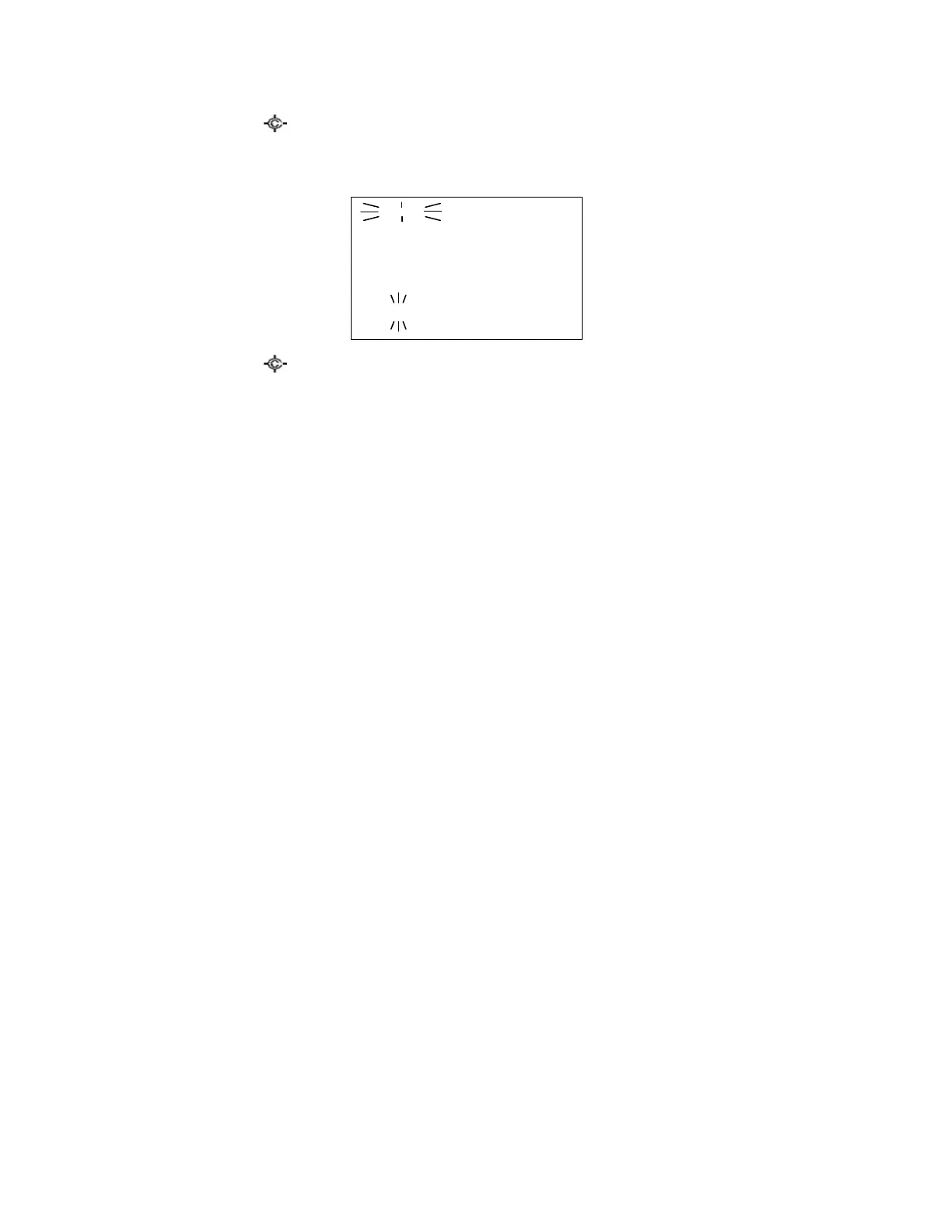
HOLD
System 1 C
Scan ↑
S0: 1 2 3 4 5 6 7 8 9 0
GRP 1 2 3 - - - 7 - - -



 To Next Page