Thursday, May 14, 2009
Receive LTR Control Channel:
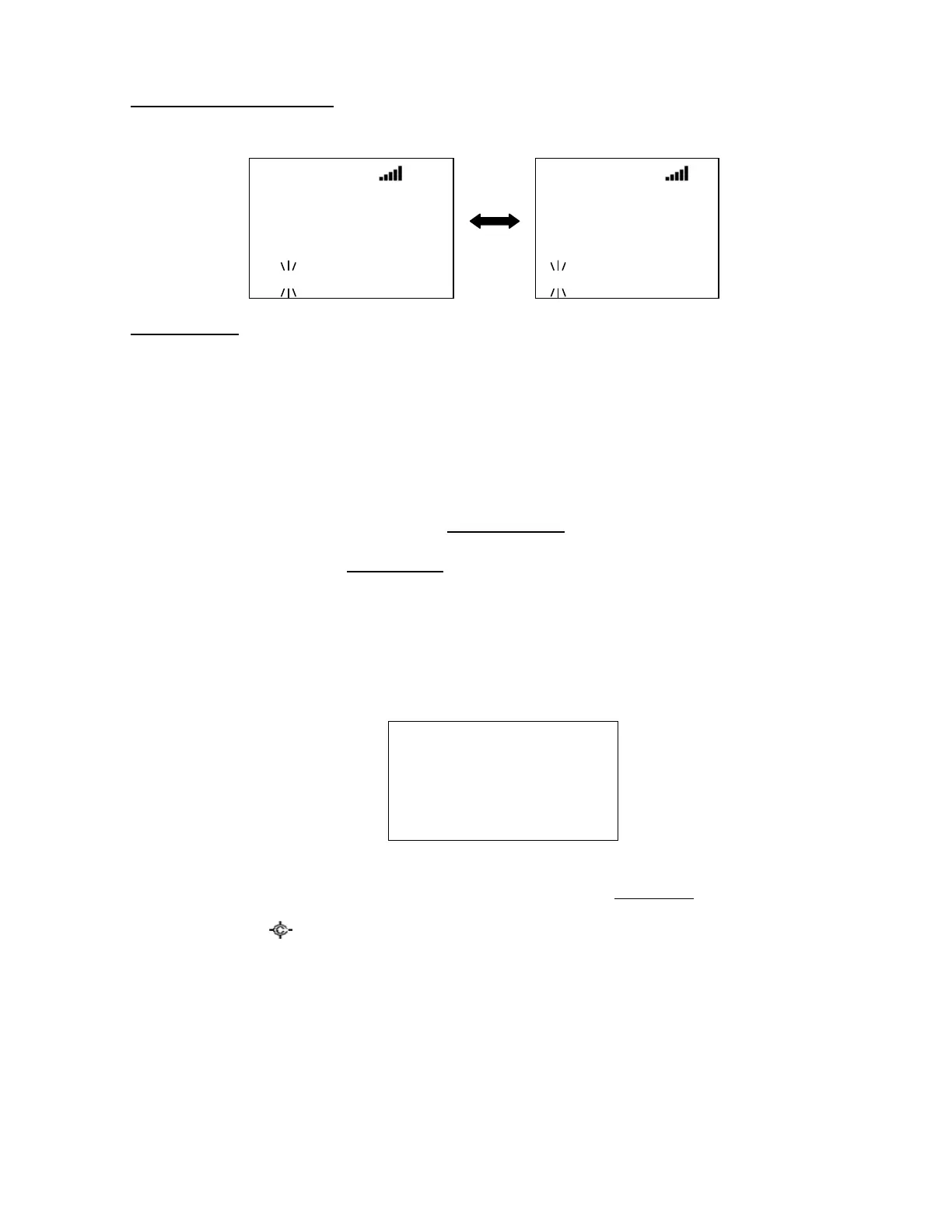
The scanner displays “LT System” and TGID. The scanner toggles the following display while receiving it.
Key Operation :
Turn [Scroll Control] to resume Frequency Search.
When receiving a Motorola control channel, press [6 / RIGHT / disp] key in Function Mode to change the
system ID name display (Display Mode 1,3) and system ID display (Display Mode 2). This doesn’t work in
Scan Mode, because this is used for Group Quick Key operation.
Search and Store
The scanner searches and stores found frequencies or TGIDs automatically. You can make the scanner
perform this function by menu selection. See Search and Store for details.
In this operation, the setting of Set C-Ch Only is invalid.
Quick Search
Quick Search searches all bands.
You can start Quick Search by pressing [SCAN / srch] key in Function Mode during Scan Mode, Scan Hold
Mode, Close Call Mode, Weather Scan Mode and Tone-Out Mode. The scanner prompts "Quick Search?".
Qui ck Search?
Yes=”E” / No=”. ”
If you press [E / yes / gps, the scanner starts Quick Search.
If you press [. / no / pri, the scanner goes to the Search for… Menu at Search for....
If you press [Hold / ], the scanner goes directly to Quick Search Hold Mode.
Pressing [L/O] cancels the prompt and it returns to previous mode.
Custom 1
ID:0- 01- 001
851. 0125
1 2 3 4 5 6 7 8 9 0
LT System
ID:0- 01- 001
851. 0125
1 2 3 4 5 6 7 8 9
0



 To Next Page