196
WIRED CLONE MODE
You can clone almost all the data of one scanner to another.
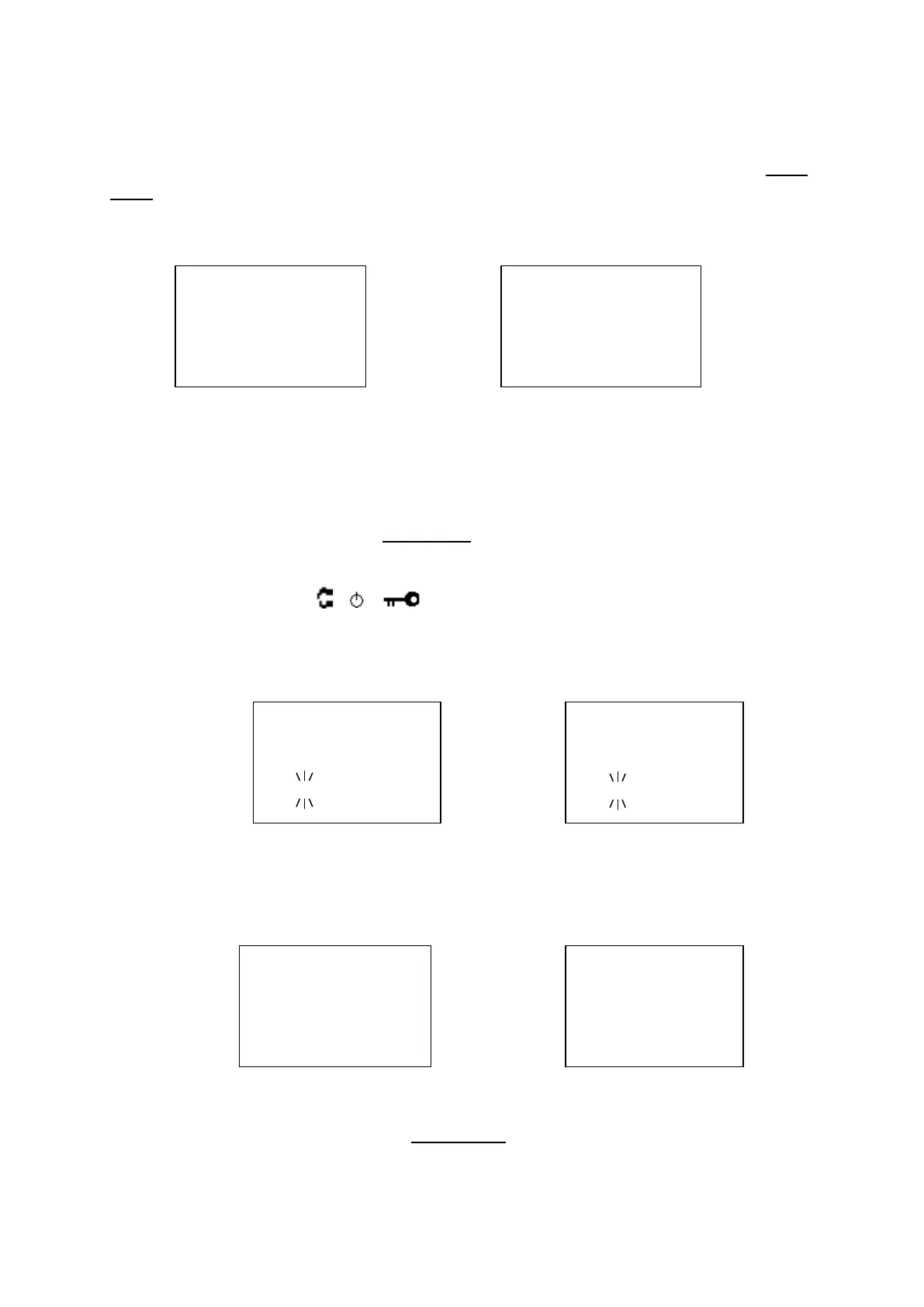
After connecting the two scanners, turn on the two scanners. Then select "Master" or "Slave" Wired
Clone.
Confirm State
First, you select Master or Slave.
Press [Scan / srch] on the Slave Unit, then on the Master Unit. The Master Unit checks whether the Slave
Unit is connected correctly. When the Master Unit receives an acceptable response from the Slave Unit,
the data transfer is started from the Master Unit to the Slave Unit. If the Master Unit doesn't receive an
acceptable response in 10 second, it fails with an error.
Press [L/O] to return to Menu Mode at Wired Clone.
In the Slave Unit, when [Scan / srch] key is pressed and the display is "Clone Slave Waiting Data", the
only control that will work is [
/ / ] for turning off the scanner and turning on the backlight.
Transferring State
During the data transfer, the scanners display a progress message. ("=" shows progressing transfer.)
Complete State
When the data transfer is completed, the scanners display "Complete".
Press [L/O] on the Master Unit to return to Confirm State.
When you reboot the Slave Unit, it is has the new cloned data.
Clone Master
Press SCAN Key
Clone Slave
Press SCAN Key



 To Next Page