186
KEYLOCK
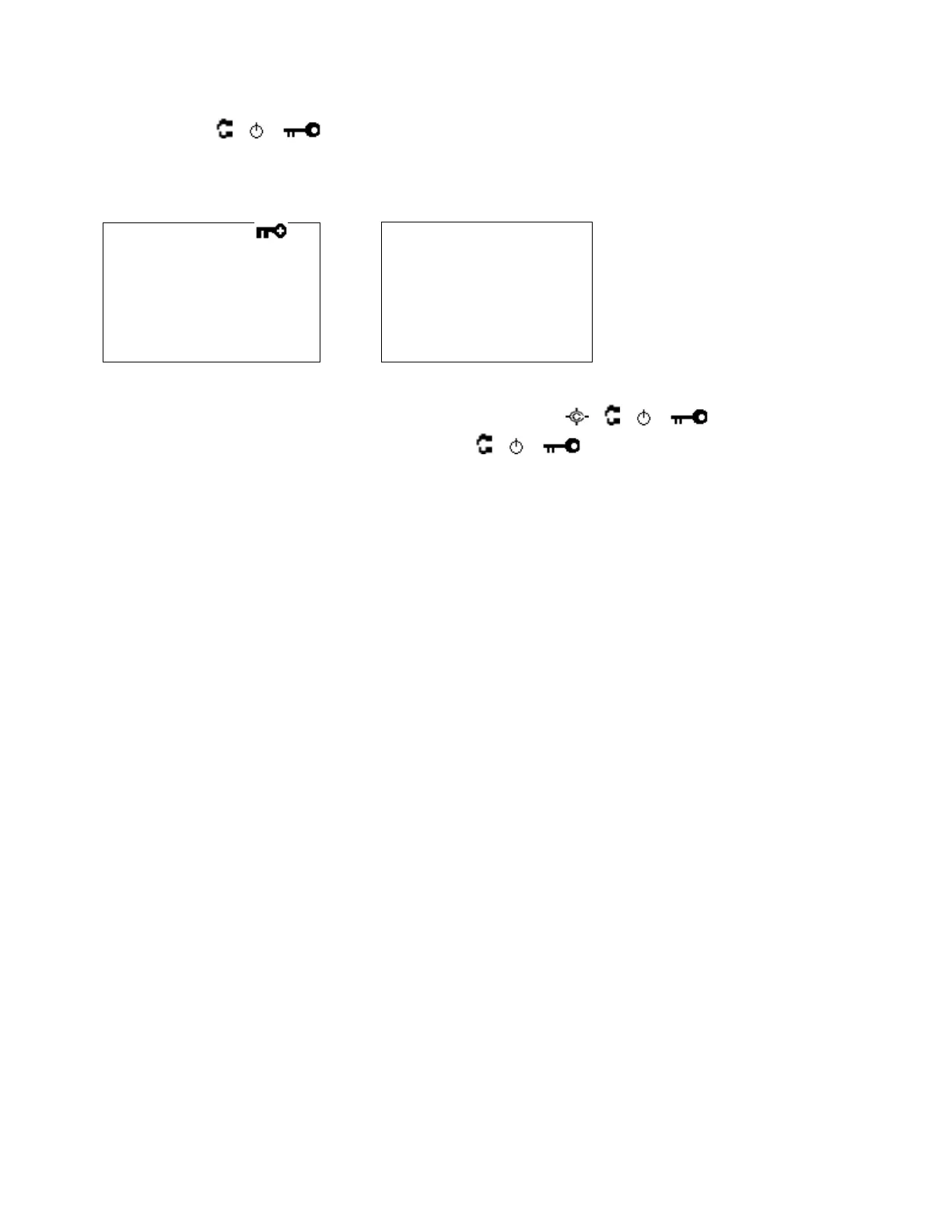
Press [Func] + [
/ / ] to lock or unlock the keypad. If you change this setting, the scanner displays
"Keypad Lock" and "On" or "Off".
While the keypad is locked, any key operation other than [Hold / ],[
/ / ],[Func] and turning
[Scroll Control] key are invalid. (Of course, [Func] + [
/ / ] key is also valid to cancel the keypad
lock status)
Pressing any other key causes the scanner displays "Keypad Lock" and "On" and does not sound any beep.



 To Next Page