Thursday, May 14, 2009
Press [Hold / ] to go to Close Call Hold Mode on the frequency.
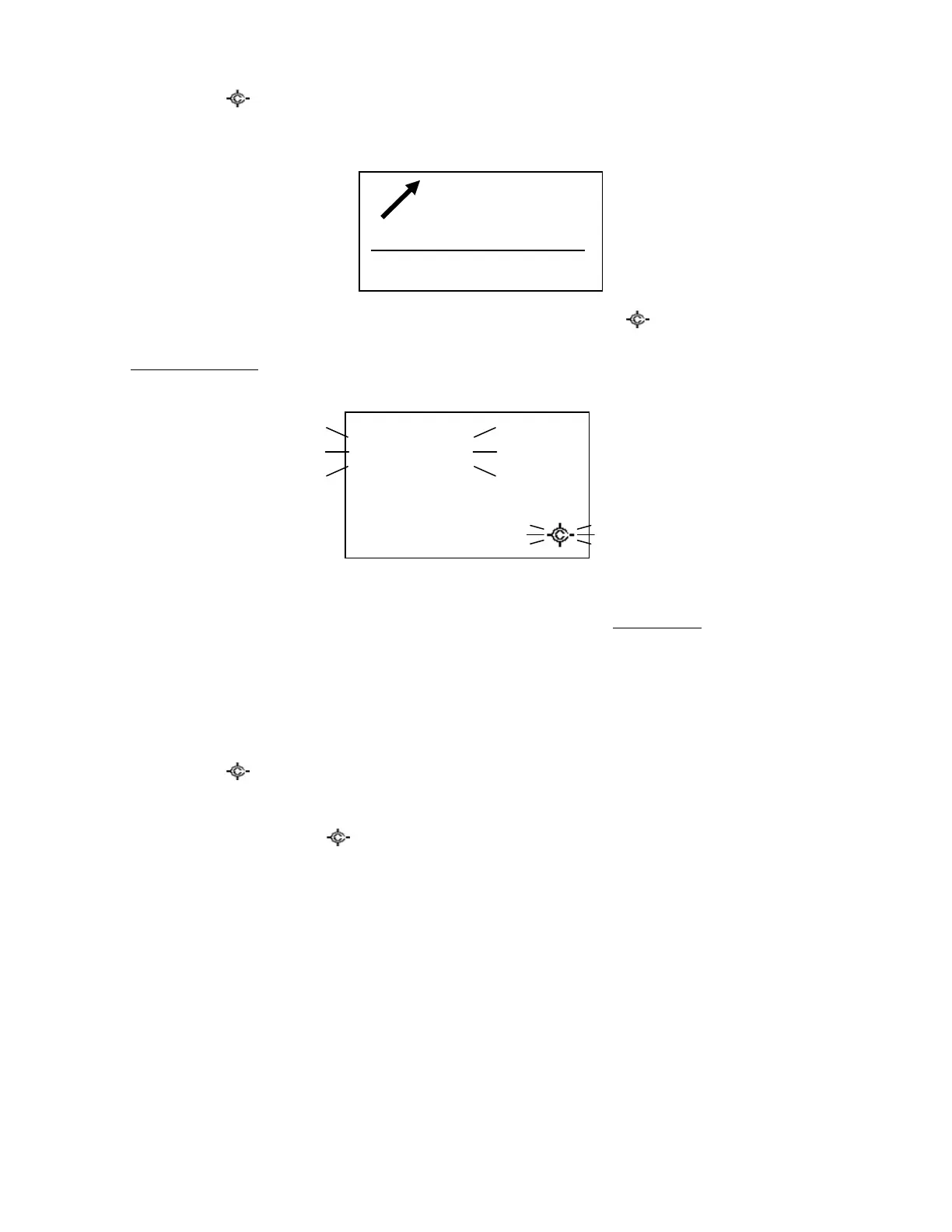
If the scanner gets a Close Call hit in GPS Mode, it displays “Press FUNC Key” on the 4th line.
You can listen to the detected frequency by pressing [FUNC] or [Hold / ].
CC Override is Off:
When the scanner gets a Close Call hit, it displays as follows.
Press [FUNC] or [E / yes / gps] to listen to the detected frequency.
Press [. / no / pri] or don’t press any key during the time that is set in Set CC Pause to ignore the Close Call
hit and return to the previous state. In this state, pressing [Scroll Control], [L/O] or [Menu] operates the
same as pressing [. / no / pri], and other keys are invalid.
If you ignored the hit during the CC Pause time, the scanner will not check for any Close Call transmission
for 10 seconds.
Press [Hold / ] to go to Close Call Hold Mode with the frequency.
When the scanner gets a Close Call hit in GPS Mode, it displays “Press FUNC Key” on the 4th line and you
can press [FUNC] or [Hold / ] to listen to the detected frequency. Other keys cannot be used for the
detected frequency.
SW 1h 10m
15. 03 mi
HOME
Press FUNC Key



 To Next Page