Thursday, May 14, 2009
When you select ”Set Spacing”, the following spacing values can be selected:
5.00 kHz 6.25 kHz 10.00 kHz 12.50 kHz 15.00 kHz
18.75 kHz 20.00 kHz 25.00 kHz 30.00 kHz 31.25 kHz
35.00 kHz 37.50 kHz 40.00 kHz 43.75 kHz 45.00 kHz
50.00 kHz 55.00 kHz 56.25 kHz 60.00 kHz 62.50 kHz
65.00 kHz 68.75 kHz 70.00 kHz 75.00 kHz 80.00 kHz
81.25 kHz 85.00 kHz 87.50 kHz 90.00 kHz 93.75 kHz
95.00 kHz 100.00 kHz
Turn the [Scroll Control] to select. Press [E / yes / gps] to set the Spacing.
Note: If Base Freqs haven’t been set yet, the setting of Offset and Spacing will not be accepted.
For rebanded systems, the most likely settings for Base (Lower and Upper), Offset and Spacing in the table
are:
Set Site Type
You can select the site type for EDACS WIDE/NARROW system.
Wide(Standard) EDACS wide site
Narrow EDACS narrow site
Press [E / yes / gps] to accept and return to the previous menu.
Set Frequencies
You can select a stored frequency or enter a new system frequency.
Frequencies already set are displayed as a Menu Item and "New Frequency" is displayed as the last one.
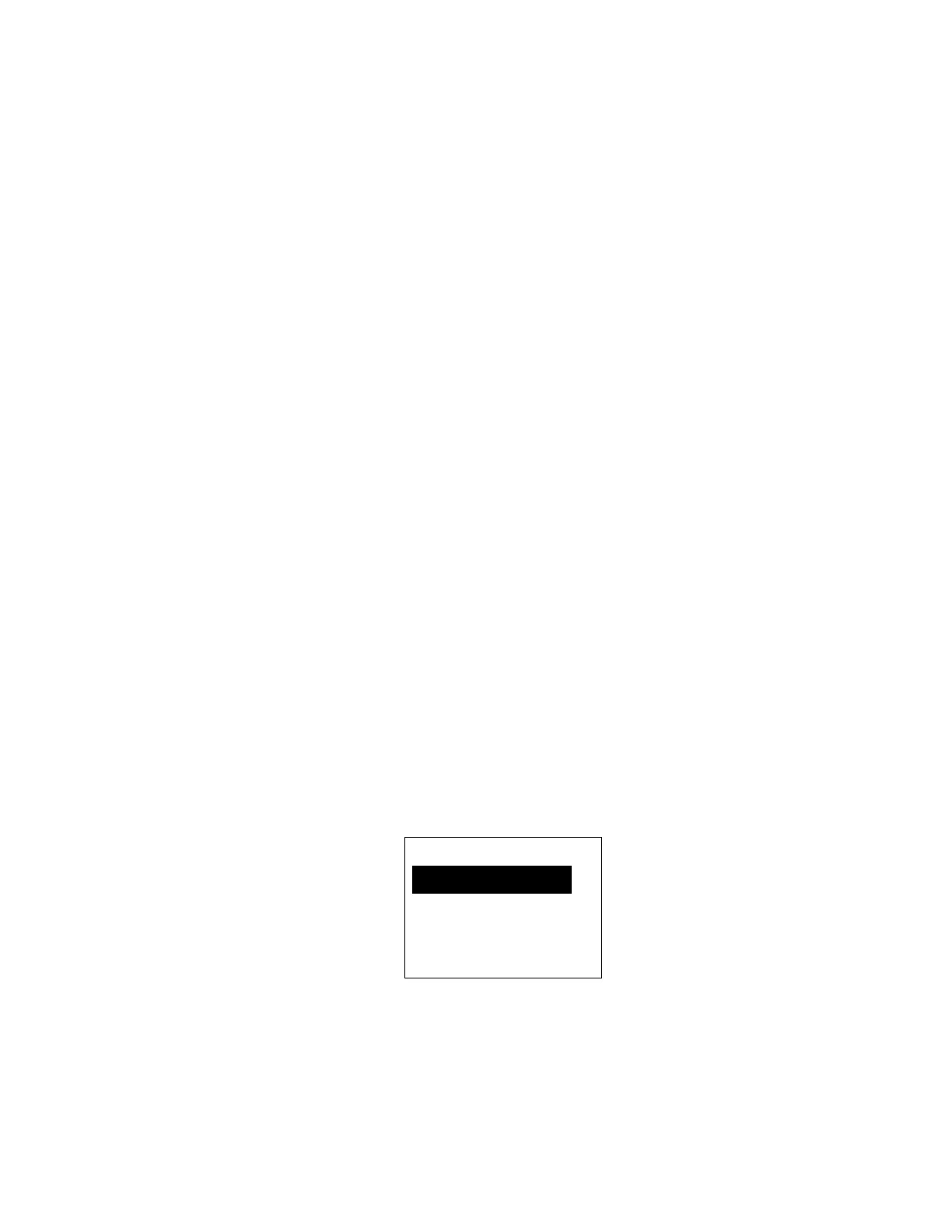
For example, if you have stored "851.0125MHz" and "868.9875MHz", the selectable items are as follows:
Note: At first, only "New Frequency" is displayed.
The limit of trunk frequencies in a site is 500 - 1000. You can store up to 1000 total TGID and trunk
frequencies. When it is over the limit, the scanner sounds an Error Tone.
Sel Frequency
851. 0125MHz
868. 9875MHz
New Frequency


 To Next Page