Thursday, May 14, 2009
Volume and Squelch Control
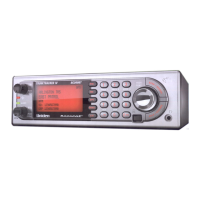
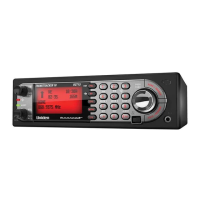
Volume and Squelch can be adjusted by rotating the [Scroll Control] in the following modes: Scan Mode,
Scan Hold Mode, Search Mode, Search Hold Mode, Tone-Out Mode, Weather Scan Mode, Close Call Only
Mode, Band Scope Mode, Band Scope Hold Mode.
Volume Adjust Mode
To adjust the volume level, press [Scroll Control]. When the volume level indicator appears, rotate [Scroll
Control] to change the volume level.
You can set the volume level from 0 to 15.
Press [Scroll Control] again or wait for 10 seconds to quit from the volume level control mode.
Squelch Adjust Mode
To adjust the squelch level, press [Function] + [Scroll Control]. When the squelch level indicator appears,
rotate [Scroll Control] to change the squelch level.
The squelch level can set from 0 to 15.
Press [Scroll Control] key again or wait for 10 seconds to quit from the squelch level control mode.


 To Next Page