Thursday, May 14, 2009
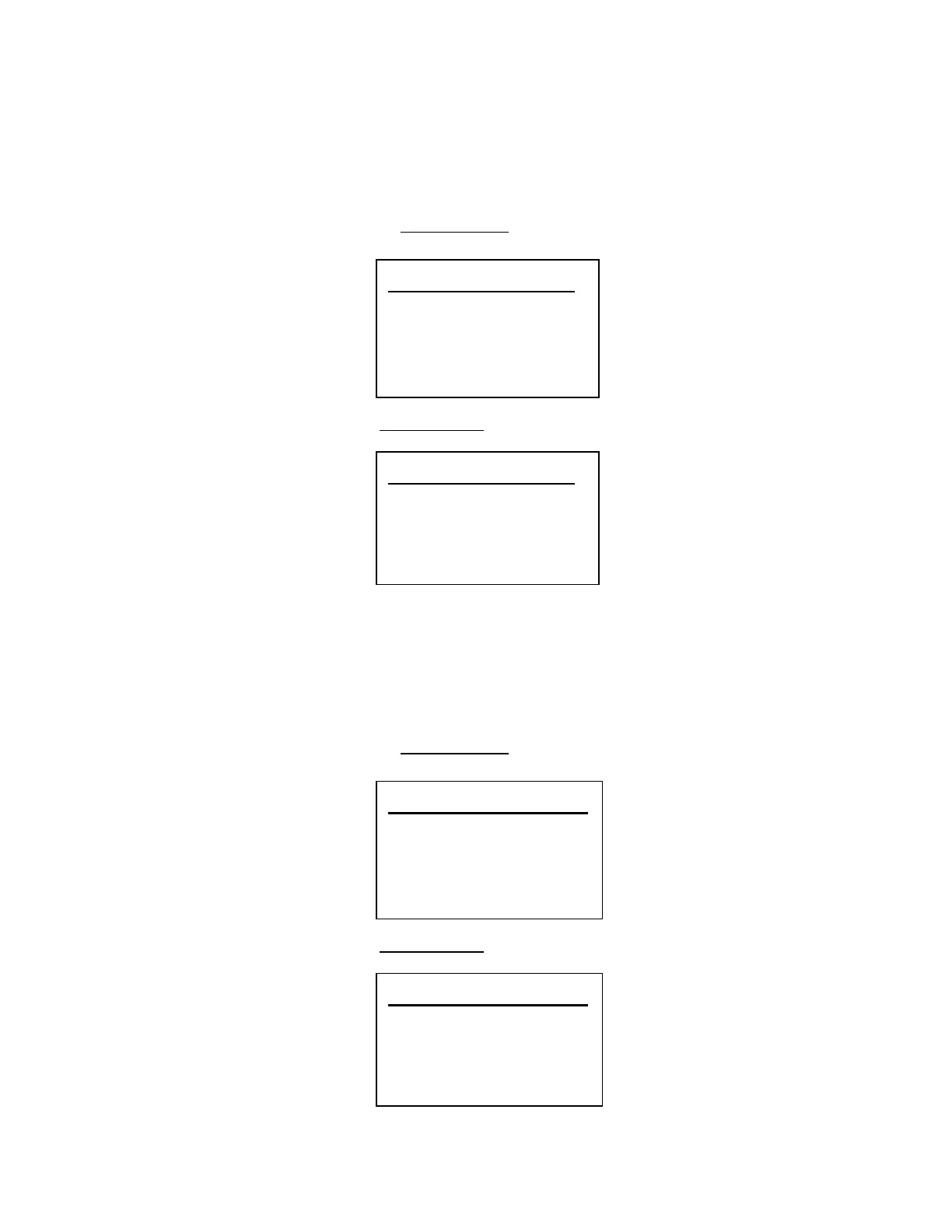
Set Lati tude
00. 000000 N
Set Longi tude
00. 000000 W
Set Latitude
Press the number keys to enter latitude data. Press any number key when the cursor is in the last position
to toggle between south latitude (S) and the north latitude (N).
Press [E / yes / gps] to accept and return to the previous menu.
If “DMS:DDD⁰MM’SS.ss” is selected in Set Pos Format, the display is the following.
If “DEG:DDD.dddddd” is selected in Set Pos Format, the display is the following.
Set Longitude
Press the number keys to enter longitude data. Press any number key when the cursor is in the last
position to toggle between east longitude (E) and west longitude (W).
Press [E / yes / gps] to accept and return to the previous menu.
If “DMS:DDD⁰MM’SS.ss” is selected in Set Pos Format, the display is the following.
If “DEG:DDD.dddddd” is selected in Set Pos Format, the display is the following.
Set Lati tude
00⁰00’ 00. 00 N
Set Longi tude
00⁰00’ 00. 00 W


 To Next Page