Thursday, May 14, 2009
Set Serial Port
You can set the serial port speed from the following items.
4800 bps
9600 bps
19200 bps
38400 bps
57600 bps
115200 bps
Off
Press [E / yes / gps] to accept the selection and return to the previous menu.
Band Defaults
This menu lets you set the default modulation and default step for each band.
The band settings are shown as menu items.
25.0:AM / 5.0
26.9:AM / 5.0
27.4:AM / 5.0
28.0:NFM/ 20.0
29.7:NFM/ 10.0
50.0:NFM/ 20.0
54.0:WFM/ 50.0
72.0:FM / 5.0
76.0:WFM/ 50.0
88.0:FMB/100.0
108.0:AM / 8.3
137.0:NFM/ 12.5
144.0:NFM/ 5.0
148.0:NFM/ 12.5
150.8:NFM/ 5.0
162.0:NFM/ 12.5
174.0:WFM/ 50.0
216.0:NFM/ 20.0
400.0:NFM/ 12.5
406.0:NFM/ 12.5
420.0:NFM/ 12.5
450.0:NFM/ 12.5
470.0:NFM/ 12.5
806.0:NFM/ 12.5
849.0:NFM/ 12.5
894.0:NFM/ 12.5
1240.0:NFM/ 25.0
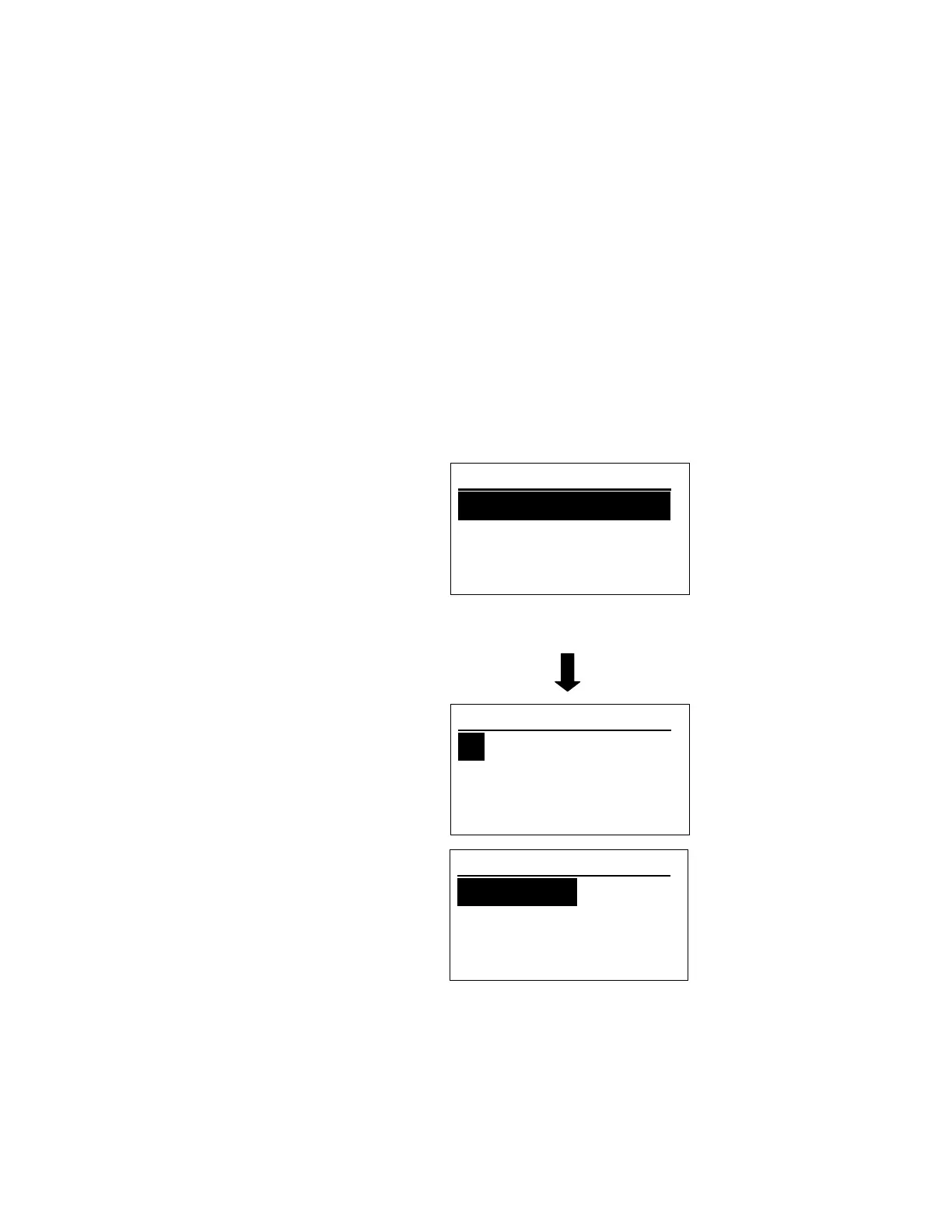
Turn [Scroll Control] to focus the cursor on the band you want to change. Then, press [E / yes / gps] to
enter the modulation setting menu.
Band Defaults
25. 0: AM / 5. 0
27. 0: AM / 5. 0
27. 4: AM / 5. 0
Set Modulati on
AM
NFM
FM
Set Step
5. 0 kHz
6. 25kHz
7. 5 kHz



 To Next Page