Thursday, May 14, 2009
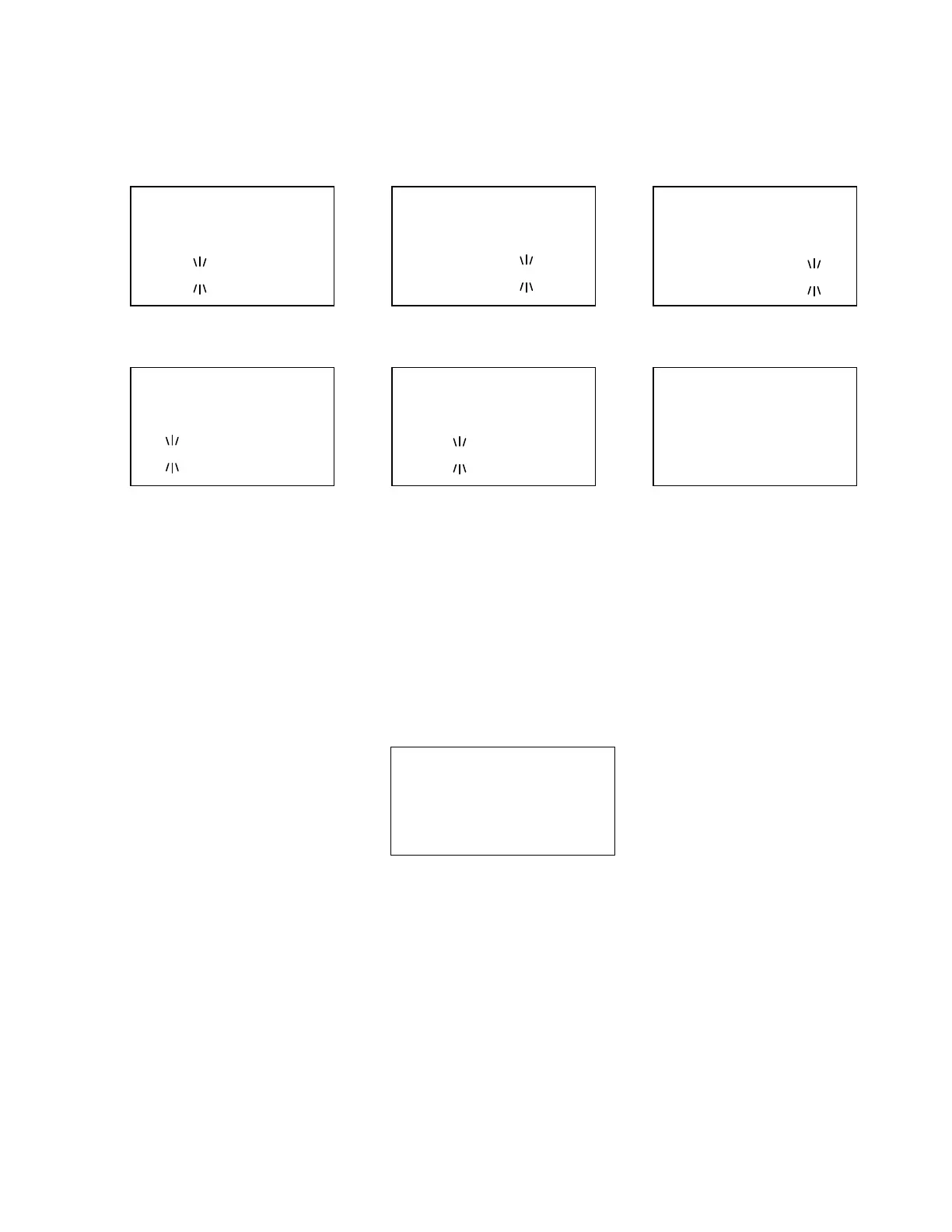
While in the Scan Mode, the first line displays currently scanned system, site or search range name and the
second line displays "SCAN" (for conventional System) or "ID SCAN", "ID SEARCH" (for trunked System)
scrolling from the right to the left, or a search frequency. Disabled Quick Keys are displayed as “*”. The
Quick Key for the Current System blinks.
When all channels are locked out directly or indirectly*, the scanner displays "Nothing to Scan" and the
scanner stays in the Scan Mode.
*"A channel is locked out directly or indirectly" means:
1. The channel is locked out.
2. The group containing the Channel is locked out.
3. The Quick Key for groups to which that group belongs is disabled.
4. The system / site containing the channel is locked out.
5. The Quick Key for systems / sites to which that system belongs is disabled.
Scan Mode
Nothi ng to Scan
S0: - - - - - - - - - -
GRP - - - - - - - - - -
If the Channels are unlocked by cancellation of any of the above-mentioned states, the scanner will start
scanning immediately.
Scan for conventional system ID Scan for trunked system ID Search for trunked system
System 1 C
SCAN ↑
S0: 1 2 3 4 5 6 7 8 9 0
GRP 1 2 - 4 5 6 - - - 0
Si te 2- 1 MOT
ID SCAN ↑
NFM
S0: 1 2 3 4 5 6 7 8 9 0
GRP 1 - - - 5 - - - - -
Si te 3- 2 EDC
ID SEARCH ↑
NFM
S0: 1 2 3 4 5 6 7 8 9 0
GRP 1 - - - - - 7 - - -
Service Search in Search with Scan Custom Search in Search with Scan Close Call Hits with Scan
Close Call Hi ts
462. 6375MHz↑
NFM
S0: - - - - - - - - - -
GRP - - - - - - - - - -
Publi c Safety
30. 8600MHz ↑
NFM
S1: 1 - - - - - - - - -
GRP - - - - - - - - - -
Custom 1
25. 0000MHz ↑
AM
S1: - - 3 - - - - - - -
GRP - - - - - - - - - -



 To Next Page