Smart Plus (PHT-35LHS)
Technical Manual
VT-TECH-Smart Plus-001
COPYRIGHT© 2018 VATECH.
13) Run EzEval.exe and click the CT Image Evaluation tab.
EzEval.exe path: C:\VCaptureSW\Util\EzEval_Phantom
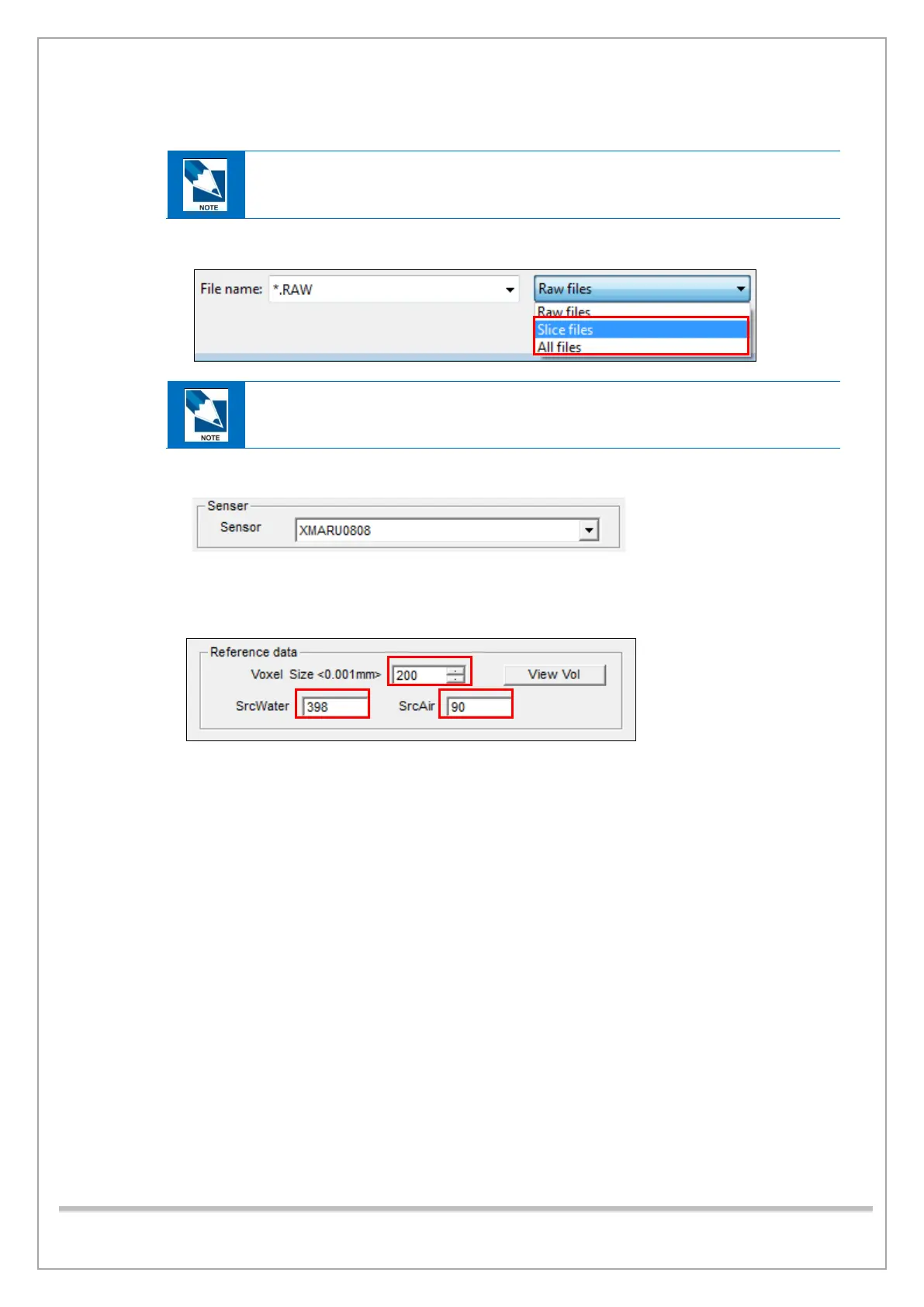
14) Click brw, browse a captured slice image and open it.
Slice image path: C:\VCaptureSW\Acquisition\CBCT\WidePano\SLICE
15) Select XMARU0808 in the Sensor box.
16) Under Reference data,
- Type 200 in the Voxel Size box.
- Type the Air; Water CT Number recorded at step 17) in the SrcWater and SrcAir box.














 To Next Page