Vectorworks 2010 Products 103
Vectorworks Spotlight 2010 Getting Started Guide
Surface Thickening/Solid Shell Tool
As mentioned, NURBS are pure geometric planes in space. If you need a plane that has thickness, select a NURBS Curve and the
Solid Shell Tools. Set your thickness in the preferences and click the Green Check Mark.
Conclusion
NURBS are valuable options for modeling. We’ve only reviewed a few of the possibilities here, but as always, the help les and
manuals are great options. NURBS are just one area of Vectorworks Spotlight that require more in depth study and explanation than
can be covered in this small volume. NURBS do provide the perfect metaphor for that study and the depth of resources available within
the application and by adding third party resources to Spotlight. At the top of this section, I listed the many Tools and Commands
available. We then experimented with some of those possibilities. You can clearly see there is much more to explore. The same is true
of everything we have covered. Your journey towards prociency in Vectorworks should be rewarding and exciting. Use of the
application should offer many opportunities for personal growth as an artist, designer, manager or engineer.
Exercise
Create another document with 10 layers. Create 10 NURBS Objects, assign classes with textures, provide some context (walls,
backgrounds, base objects), light them, establish views (using the Camera or by rotating the view) and create Viewports. Place each
viewport on a sheet layer and add a title block and border for presentation.
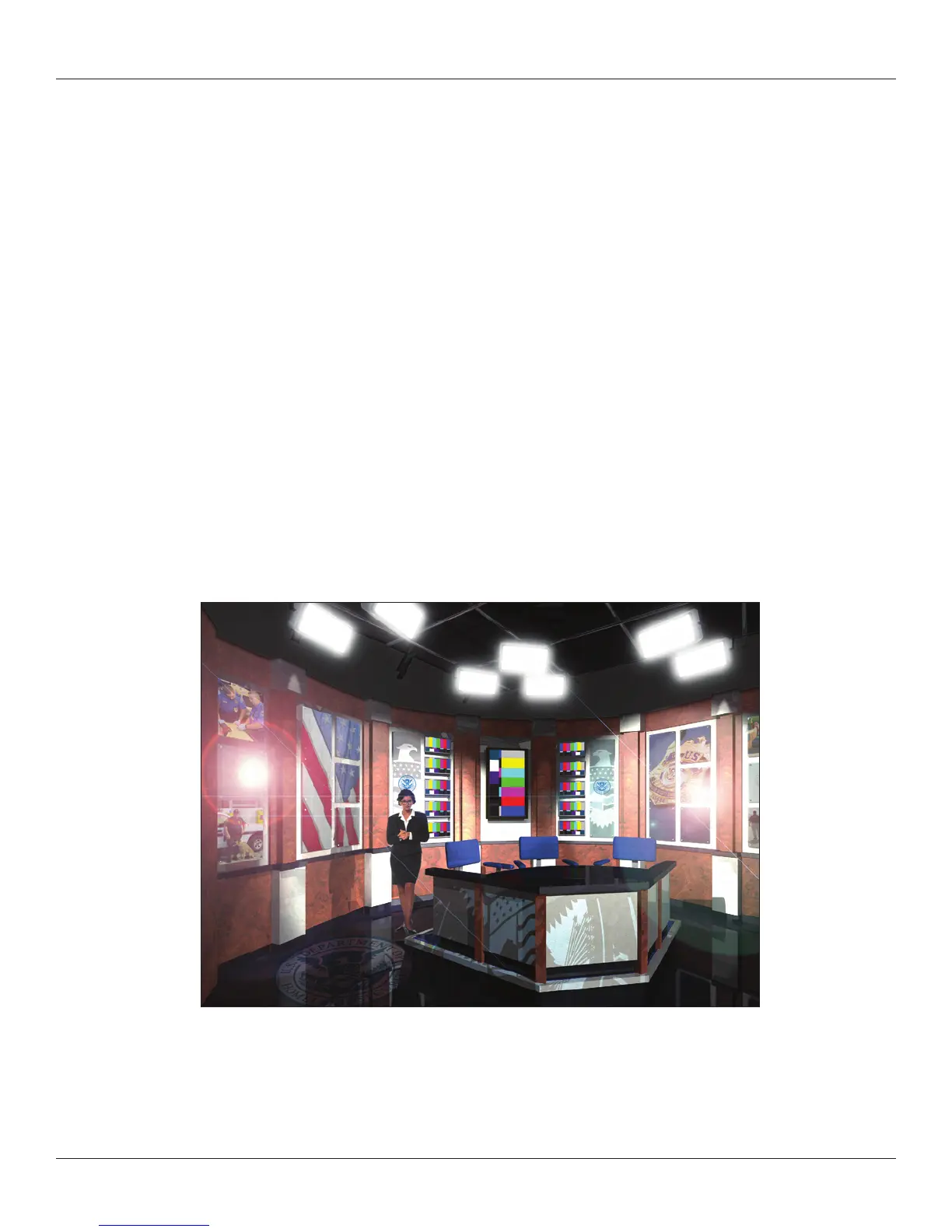
The image above shows a Renderworks rendering that uses the Television Tool after it has been enhanced using a photo editor.
On the back cover you will nd a close-up of the Lighthouse and an image where Image Props were used to create the large lava
lamps. This image was lit with the 3D lighting tools. The texture on the base has transparent openings, so the lights below the stage
emit out. There are gobos lighting the front of the stage.



 To Next Page