Vectorworks 2010 Products 87
Vectorworks Spotlight 2010 Getting Started Guide
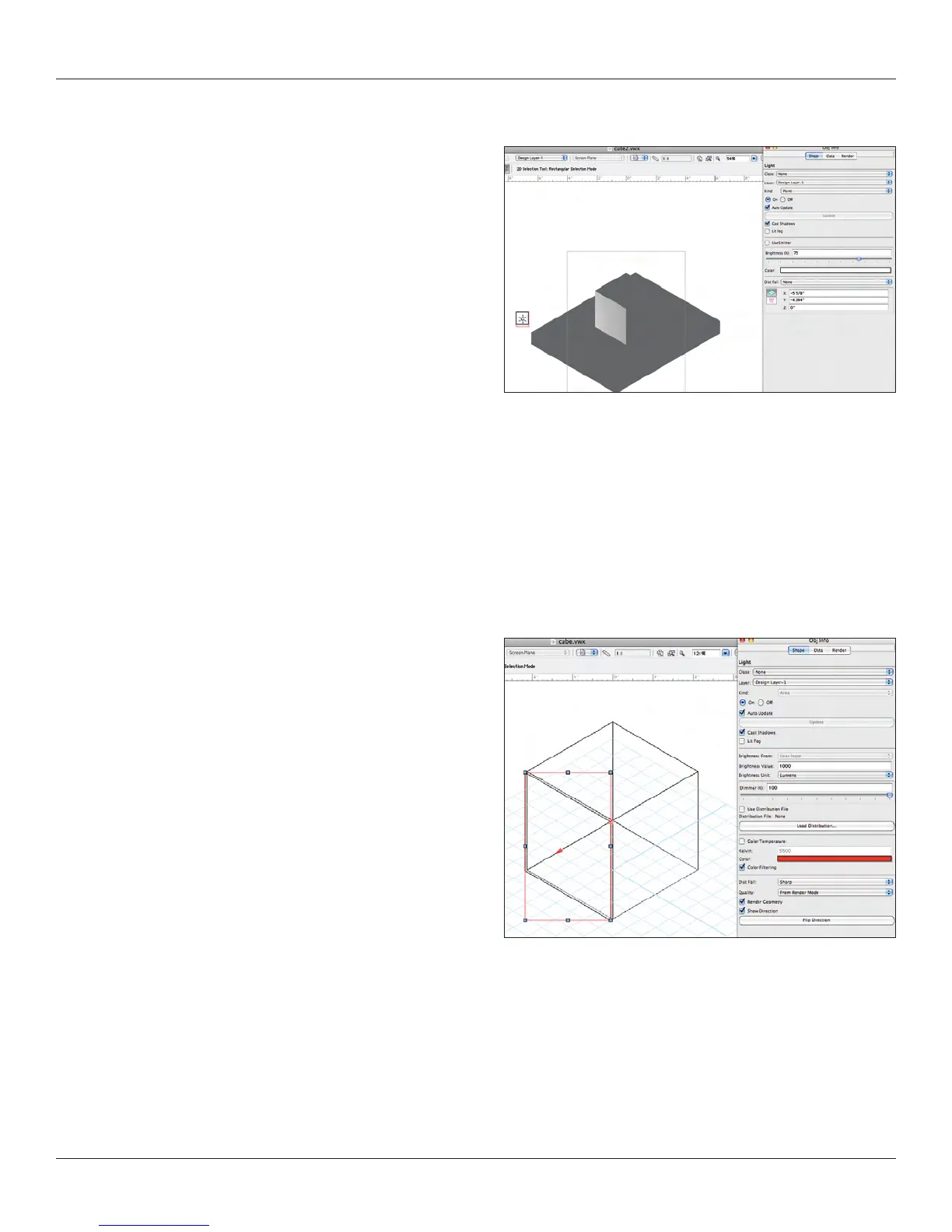
Point Light
Note: The drop down menu in the OIP that allows you to change
one type of light to another. Great for our exploration here.
Point Lights serve a great many functions, but they can really add
to rendering times as they are just like an uncontrolled or focused
lamp sitting in space. Great for backlighting objects.
In my Lighthouse Model, I used a very high powered point light in
front of a reective surface to simulate the light house light.
IES Files and Custom Lights
IES les contain Photometric data. Most manufacturers provide IES les for their lighting products online. When you select the Custom
Light option in the Tool Bar you can load an IES le and create a light in the 3D world based on commercial photometric data.
Imagine being able to create a table lamp and look at the xture with different sources, possibly tungsten or CFL before manufacturing.
You will nd a library of custom lamps including glass enclosures in the Libraries.
Line Lights and Area Lights
Line Lights and Area Lights are great sources for creating neon
effects, edge lighting, illuminated bars and the like. To create
either, start with a 2D primitive line or shape (either for Line
Light, shape for Area Light) and go to Modify>Convert and
either Convert to Area Light or Convert to Line Light. Note that
you can also import an IES le to dene a Line or Area Light.
Observe the small Red
Arrow when a Line light or Area Light is selected indicating
light direction.
Like so many other things, these lights will add considerably to
rendering time in large models. They are especially well suited
to Radiosity Rendering, but can be used in Final or Custom
Renderworks.
Lit Fog Option
While this is way cool, be well warned that clicking the lit fog option will have a huge impact on your rendering time. Please try only with
a mighty system and lots of RAM.



 To Next Page