Vectorworks 2010 Products 27
Vectorworks Spotlight 2010 Getting Started Guide
File Referencing
Another thing that I have mentioned and deferred discussing. It
is very difcult to be linear when going through so many options.
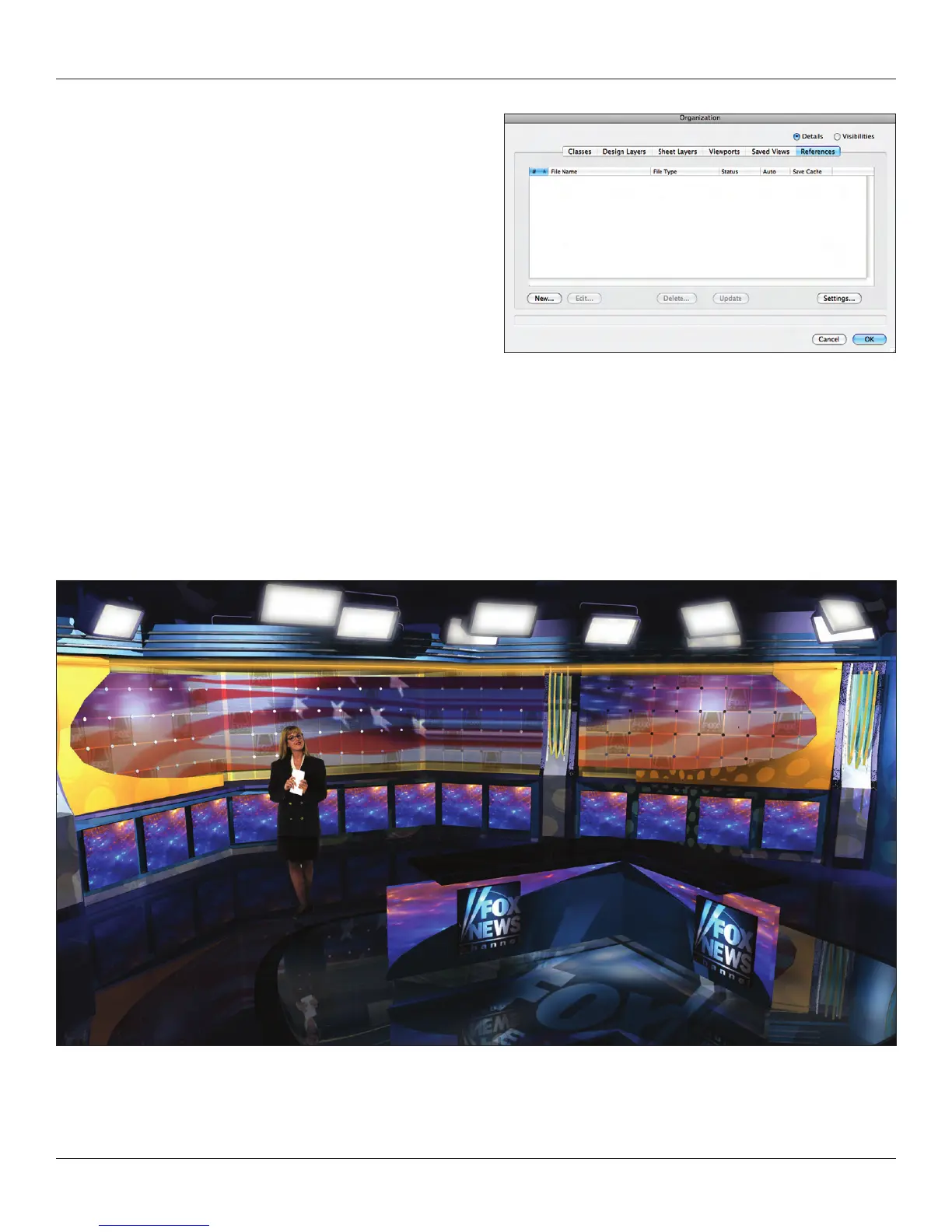
Go to Tools>Organization and open the Organization
dialogue. Select the References tab on the far right. There
will be nothing there.
References are the key to collaboration. If one member of the
team draws the studio, theatre or ballroom space and saves it as
a symbol, other members of the team can ‘reference’ that symbol
and if it is modied all drawings associated with that reference
will be updated. Similarly, the set designer can save the scenic
elements as symbols and as the design is developed, all
members of the team have updated information. A scenic studio can add structure to the set by inserting another symbol.
Again, this is a topic that is a bit beyond getting started, but something every user should know about for future projects.



 To Next Page