Vectorworks 2010 Products 65
Vectorworks Spotlight 2010 Getting Started Guide
Projection/Monitor Tools
Vectorworks includes a number of very useful tools if you will be working with projections onstage, in television, trade shows or
corporate theatre. In the Spotlight Tool set, take note of the Television Tool and the 2 Projection Screen Tools; plain and blended.
These tools work very much like many others covered. Take some time and explore them in a new le. Note that once inserted, you
can change the size of the monitors/screens in the OIP. Note that the Screens show you projector placement and the projection cones
are in 3D so that you can analyze any obstruction issues on the computer and not in the eld.
Photometrics/Photogrid
The Photometrics and the Photogrid Tools provide you with two
ways of ensuring that you have an even wash and that your Focus
Areas are not spread too thin. If you are working on a television
production, Vectorworks use these two tools for measuring the light
from your instruments.
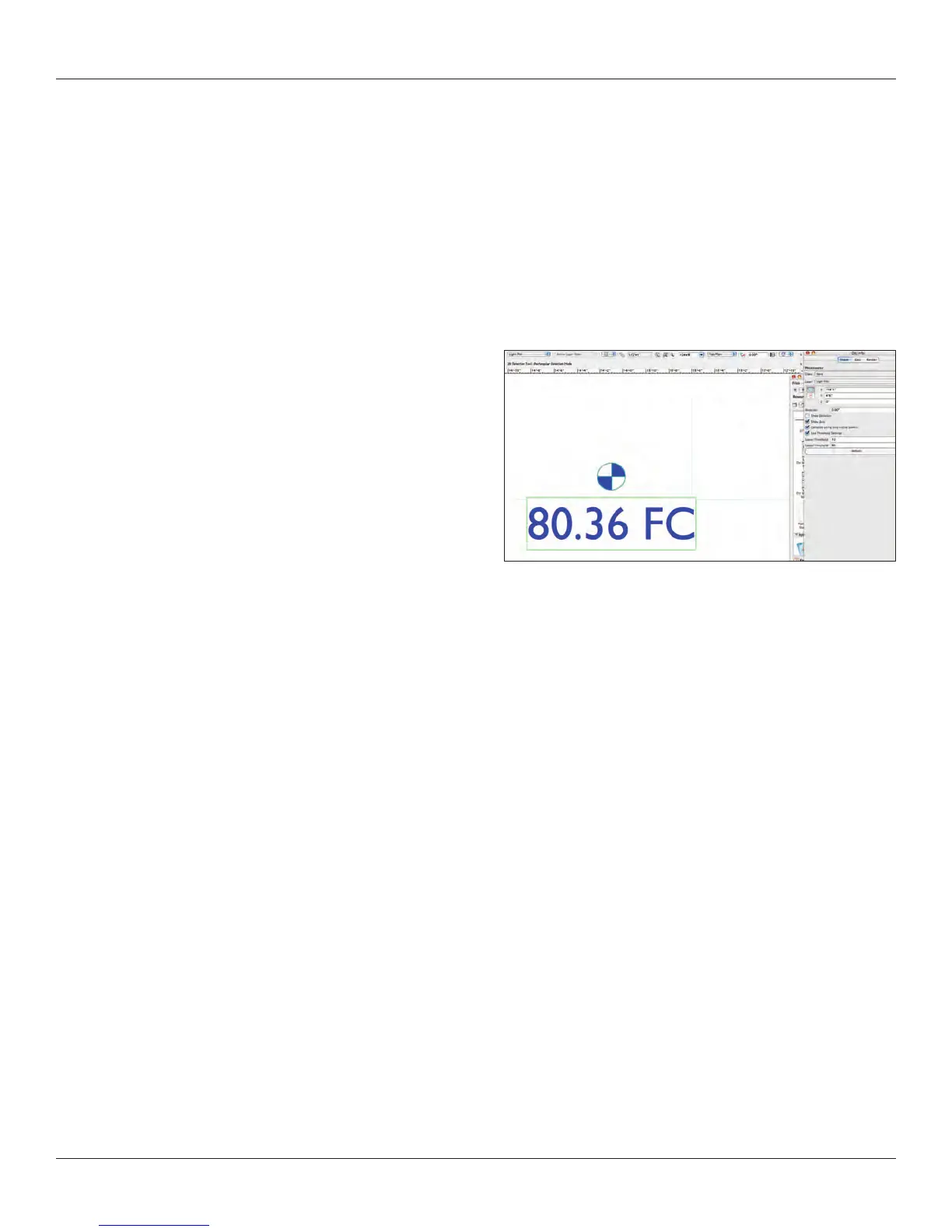
The Photometer Tool in the Spotlight Tool set measures the light at
any given point and elevation on the stage. Draw Beam must be
turned on for this tool to work.
Simply select the tool and insert on the plot. As you turn Draw
Beam on and off for different units or systems, you will have to
Refresh the Photometer Object.
The Photometer Grid tool allows you to create an array of
Photometers across the stage; perhaps one at the center of each
area and one where each area overlaps with the next.



 To Next Page