88 Vectorworks 2010 Products
Vectorworks Spotlight 2010 Getting Started Guide
Exercise
Now with your wonderful le of 3D Objects with Textures, add lights to see how they work and how you can optimally illuminate your
objects. Be sure to add a oor and possibly some walls using either extruded primitives or the Floor Command and Wall
Tools so you
have some surface to cast shadows on or reect light off. Try all of the different light types, Create beauty. Duplicate layers so you can
really explore the various lights on your objects.
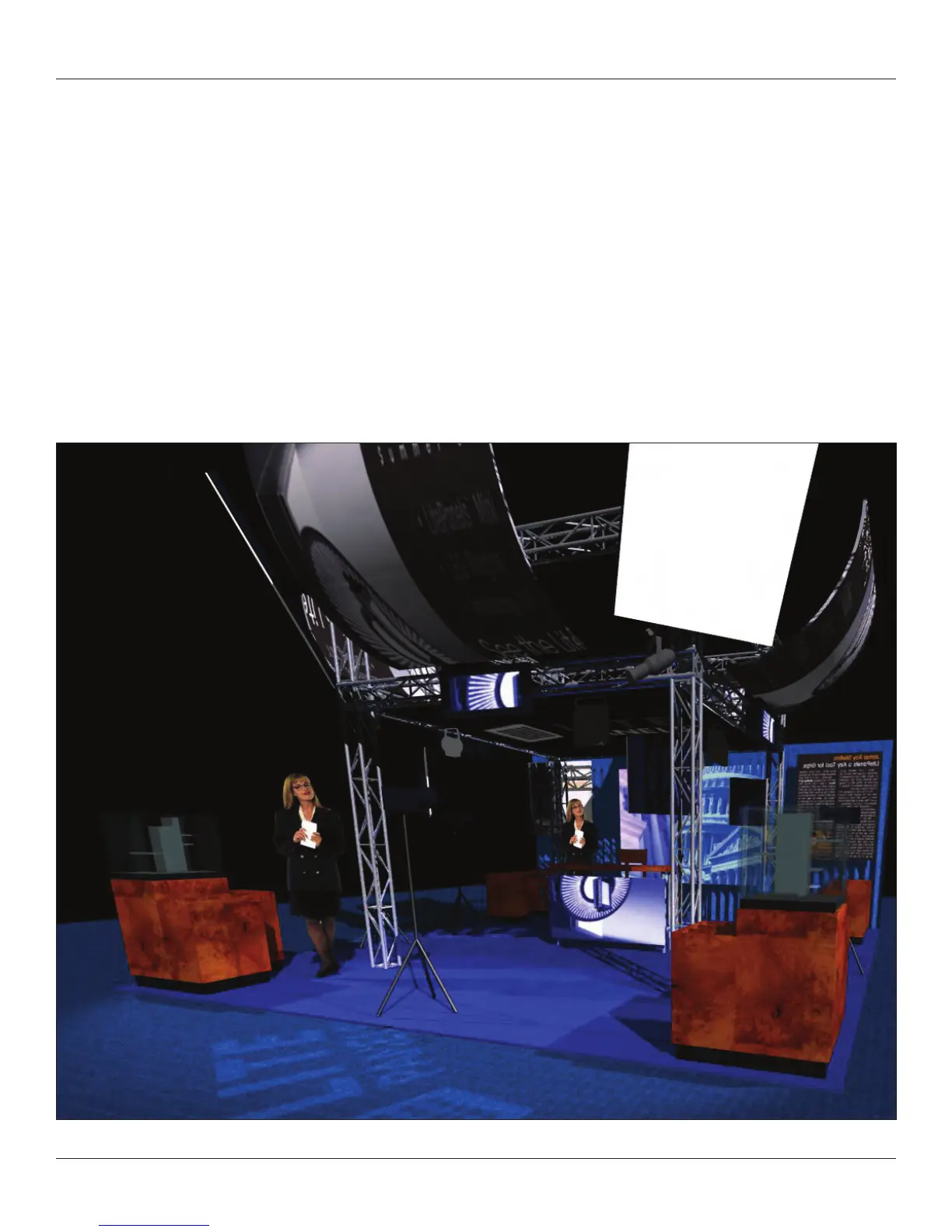
The image below uses an Area Light.



 To Next Page