Vectorworks 2010 Products 63
Vectorworks Spotlight 2010 Getting Started Guide
Adding Accessories
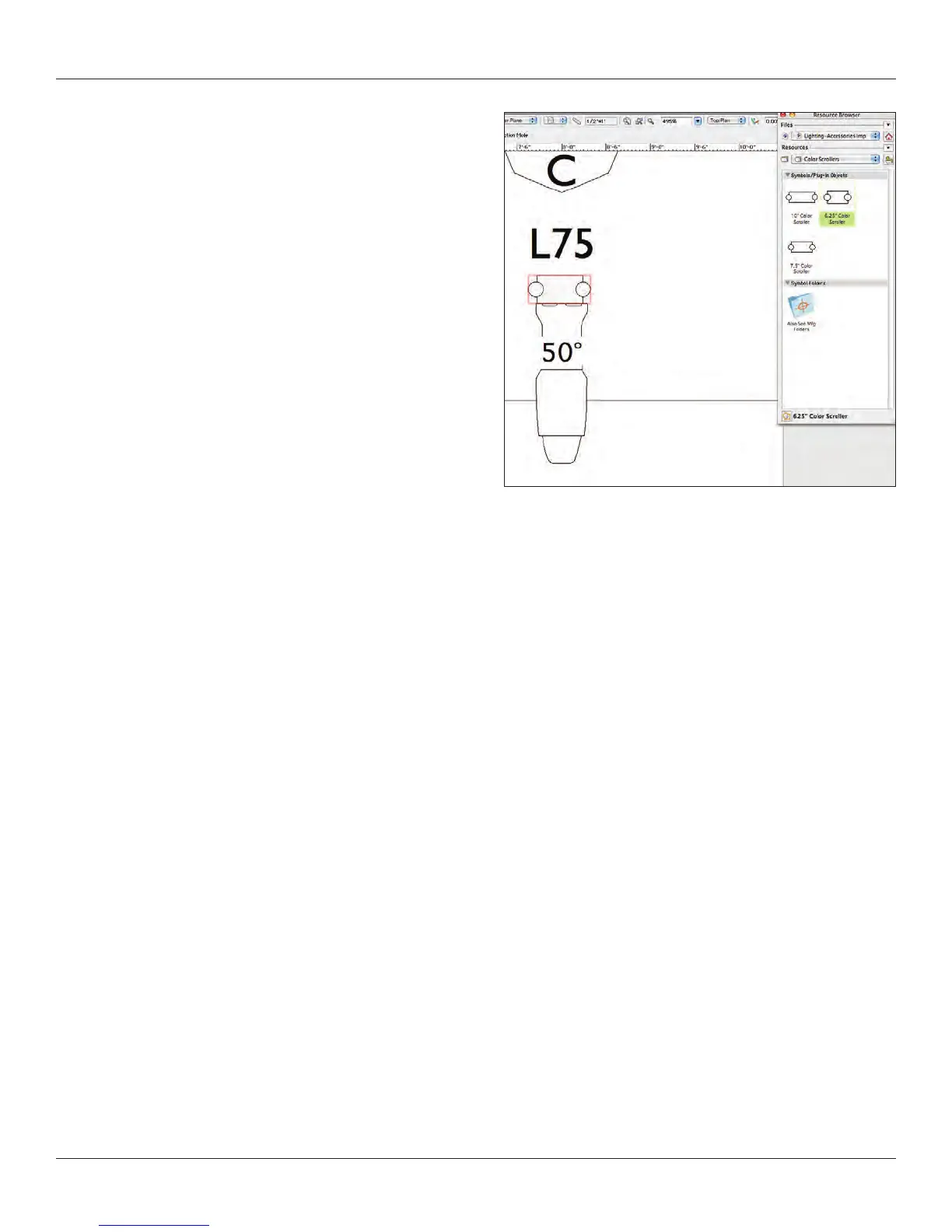
Instruments need accessories: color scollers, barn doors and the
like. You will nd a selection in the Vectorworks Entertainment
Library. You can also make accessories symbols by creating a
hybrid symbol, selecting it and going to Modify>Convert>Convert
to Accessory. Selecting an accessory symbol activates the
Accessory Insertion Tool.
Clicking on an instrument in place with an accessory associates
that accessory with that instrument.
Adding Gobos
Vectorworks comes with a large library of gobos by many
manufacturers. You can easily import a gobo texture into your
document or create a custom black and white or full color gobo.
Any square graphic image can be imported into Vectorworks as a
gobo texture. Got to Modify>Convert>Create Gobo Texture
and follow the steps through the creation of the texture. Name the gobo. We’ll look at creating textures in more depth shortly, simply
accept the defaults. Remember that the gobo projector is only going to the image within a circle within your square image.
Alternately, open or add as favorite via your RB one of the stock gobo libraries and import a gobo texture.
Once you have your texture(s) in place, you can add one or two gobos to any instrument in the OIP.
You can see in the OIP
that you can also rotate the gobo images as needed for visualization.
It is important to visualize and we will be rendering soon, that when you render gobos you need to use the Custom
Renderworks settings.



 To Next Page