Vectorworks 2010 Products 37
Vectorworks Spotlight 2010 Getting Started Guide
Duplicate
So you have this wonderful shape. Now you want more. Maybe you
want to have a pattern. All of that Absolute Positioning! No worries,
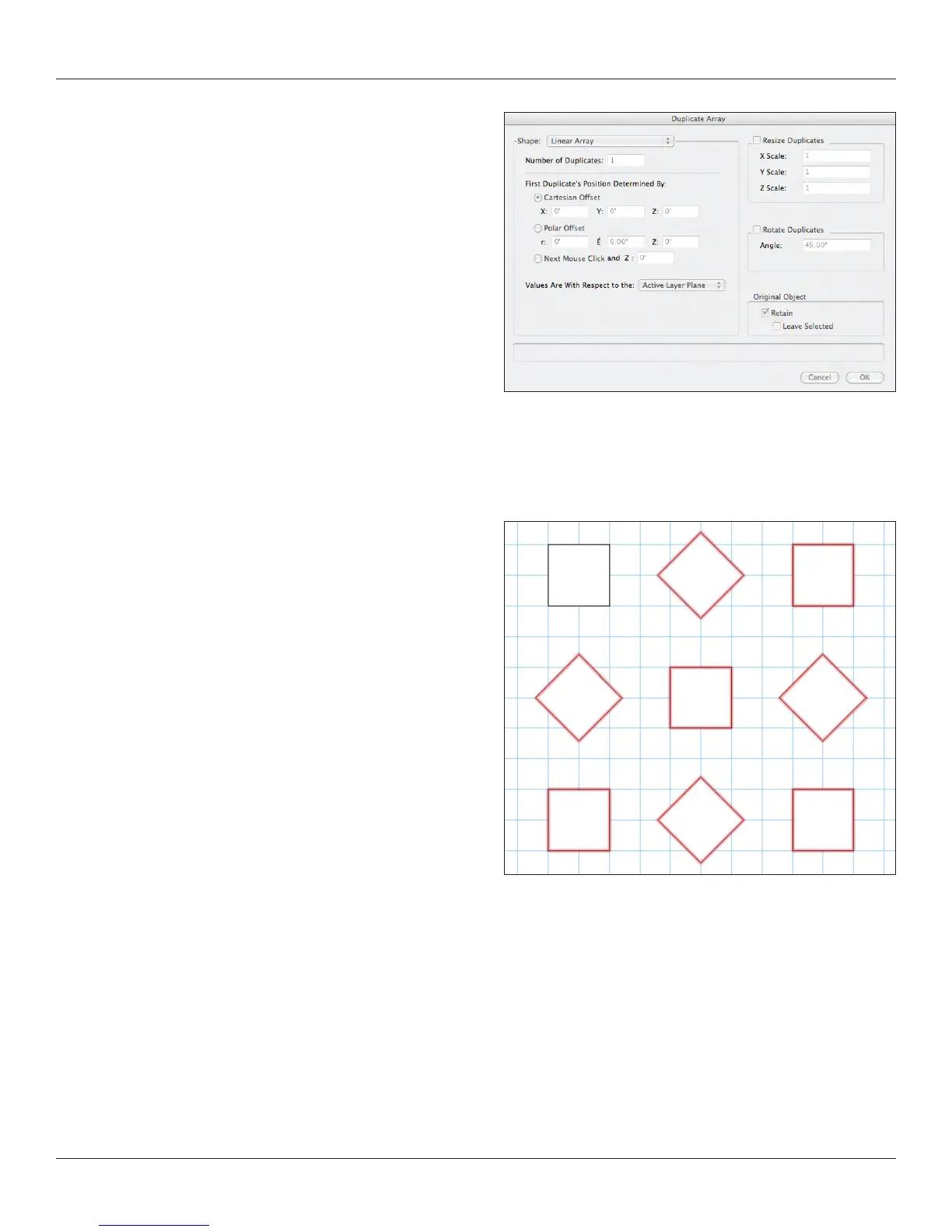
meet Duplicate Array! Go to Edit>Duplicate Array and note that at the
top left drop down menu you have three modes;
Linear Array
•
Rectangular Array•
Circular Array•
Note: Options for each mode are different but they do allow
you to offset in different ways and to rotate the object(s) that you
are duplicating.
In addition to the Duplicate Command, you should review the Move by Points Tool in the Basic Toolset. Move by Points combines some
of the functionality of the Duplicate Command, the Align Command (Modify>Align) and the Move Command (Modify>Move). The
Move by Points Tool is precise while allowing for free-form drawing.
As always, experiment.



 To Next Page