94 Vectorworks 2010 Products
Vectorworks Spotlight 2010 Getting Started Guide
Graphic Scale Tool
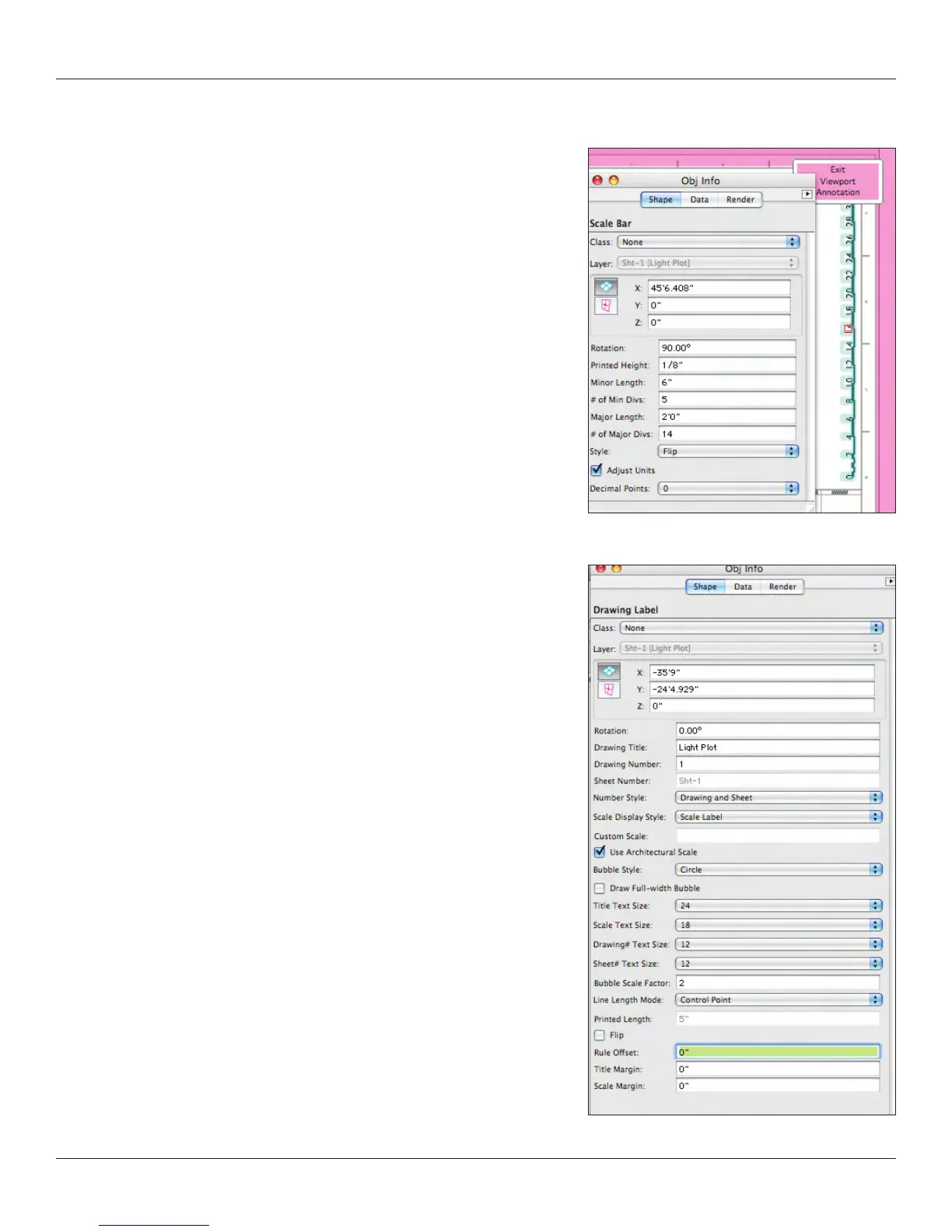
Add a Scale Bar and a Drawing Label to your light plot; these tools are in the
Dims/Notes Tool Set. Now let’s create a section viewport.
Drawing Labels
Add a Drawing Label (or several if you want to identify your booms) to your
Light Plot. The Drawing Label Tool is in the Dims/Notes Toolset. I make a
class for my Drawing Labels so I can color them and give them a heavy line
weight. I like the drawing labels to anchor my drawings. Remember, the
design of your documents is a critical part of your presentation and
communication. The Drawing Labels is associated with the information you
provided when you set-up the Viewport. You can also edit this information in
the OIP. I like to select the Line Length Mode of Control Point in the OIP.
This allows me to interactively set the line length by clicking and dragging. I
underscore each drawing completely with the line of the Drawing Label.



 To Next Page