Vectorworks 2010 Products 81
Vectorworks Spotlight 2010 Getting Started Guide
Mapping
Sphere, cylinder, plane, perimeter or roof mapping types are used to control how a texture is projected onto different types of objects.
The Attribute Mapping tool does not modify Perimeter or auto-aligned Planar mapping types.
Attribute Mapping Tool
You will nd the Attribute Mapping Tool in the Visualization Toolset. The Attribute Mapping tool allows you to edit texture mapping
parameters of wrapped color shaders or mask transparency shaders visually. We’ll use this tool with a Decal.
Decals
Decals allow multiple textures to be applied to a single object.
Decals are created in the same manner as Image Props or
Textures with a mask. Adding a decal allows you to either create a
new decal or use one that you have created and is residing as a
Texture in the RB. Decals are great for adding grafti to a wall or a
logo to a set or carpet..
Create a new document, set the scale to 1/4” - 1/-0” and draw a simple curved wall. Import your Brick Texture and class the wall with
your brick texture. Import the VWlogo.psd le and make it 96” [2.438m] long and use the Alpha Channel Mask. Make another simple
color texture.
View your wall, full screen in an isometric view, render in Final
Quality Renderworks. Select the wall and go to the OIP. Since we
were a bit carefree about drawing this wall, select the various parts
and change the texture from the brick to your solid color and back.
When you have found the part of the wall that is facing you, select
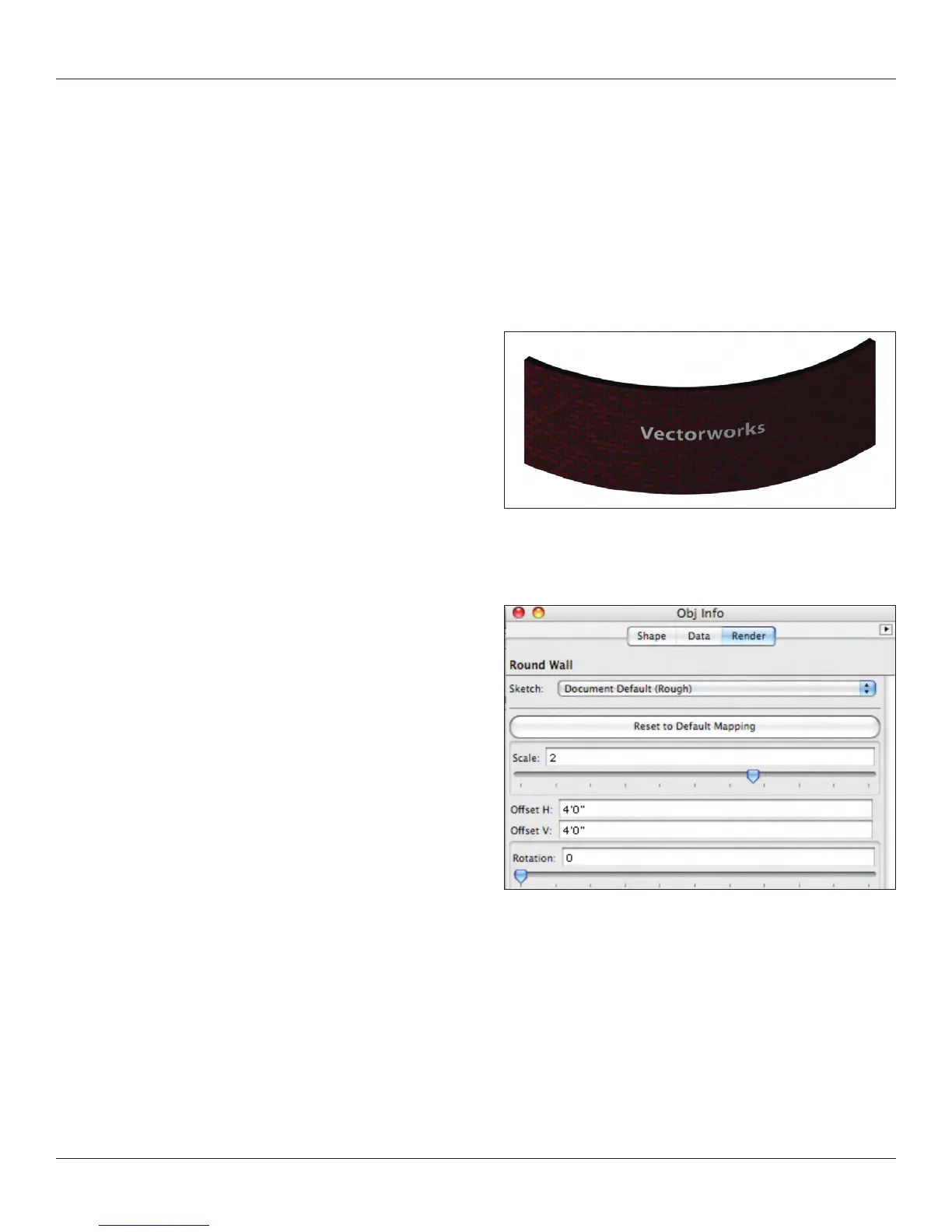
Add Decal and select your logo image. Adjust the size. The logo
should appear in the lower left corner. Select the Attribute Mapping
Tool and move around. Notice the options in the Tool Bar and the
Floating Data Bar, Also notice that you can move the logo
numerically in the OIP.



 To Next Page