Vectorworks 2010 Products 39
Vectorworks Spotlight 2010 Getting Started Guide
2D — 3D Drawing & Modeling
We’ve covered simples extrudes which allow for the creation of
many but not all 3D objects. Let’s take a look at some of the other
methods we can use to model in the 3D space. As always, we’ll
also come to some other options later as well
Sweep
Sweep (Model>Sweep) is a simple way to quickly create
modeled or sculpted round 3D objects like balusters, nials or
martini glasses. As always we start with simple 2D primitive
forms. Consider sketching a rough of your nal object and/or
using a tracing layer with a placed JPEG or PDF image. PDF
images created as vector les are especially useful for tracing
in Vectorworks as you can snap to points in the PDF.
Please refer to the le Martini.vwx included on the disc. The le
shows how I have broken down each step onto different layers and
classed all of the objects.
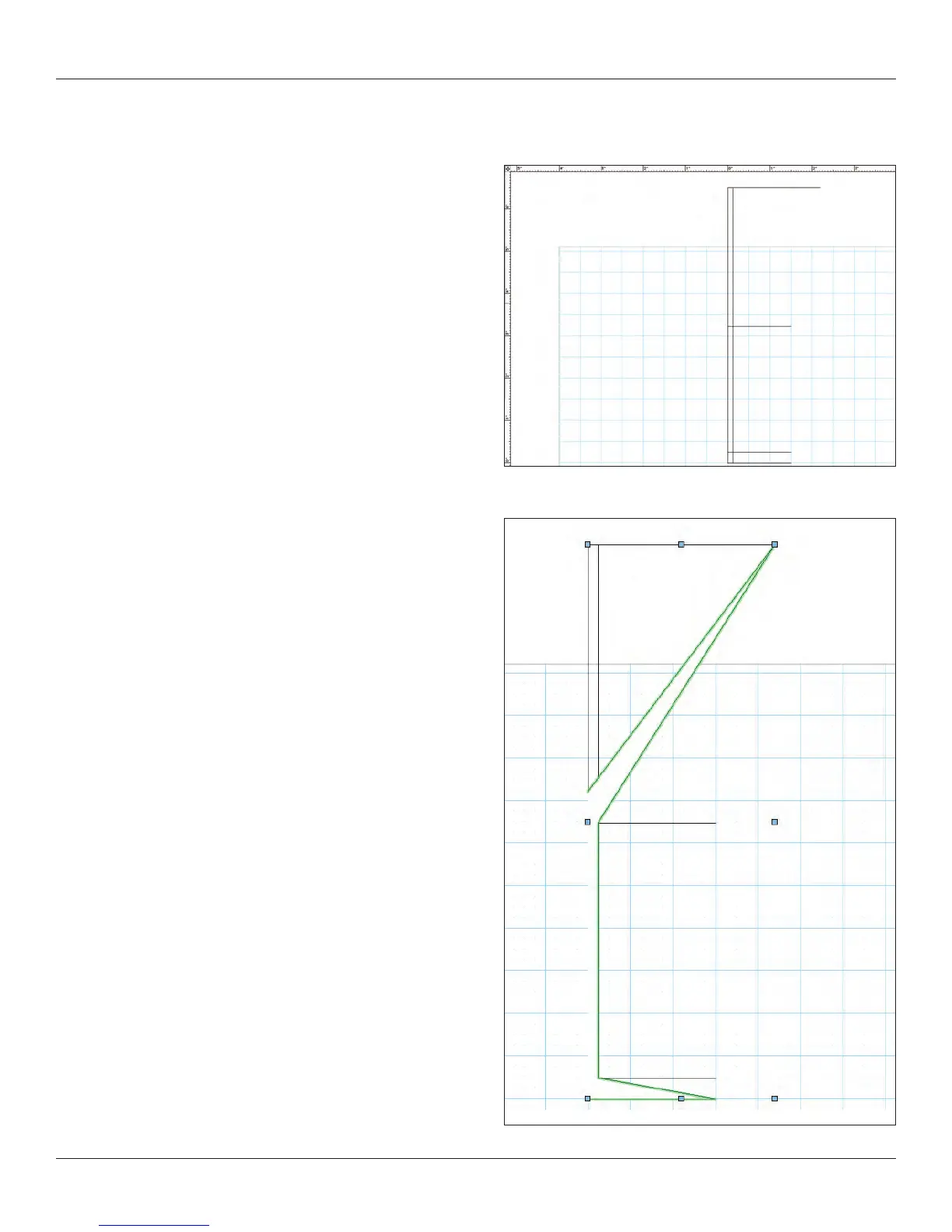
For illustration purposes, I am going to draw a few guidelines and
use the intersections of these guides to create a martini glass and
some liquid in the glass. I am using the 2D lines for the guides.
Next, I have used the Polyline tool to draw the basic shape. I like to
begin with all corner points and use the 2D Reshape tool to add my
curves and adjust the shape.



 To Next Page