40 Vectorworks 2010 Products
Vectorworks Spotlight 2010 Getting Started Guide
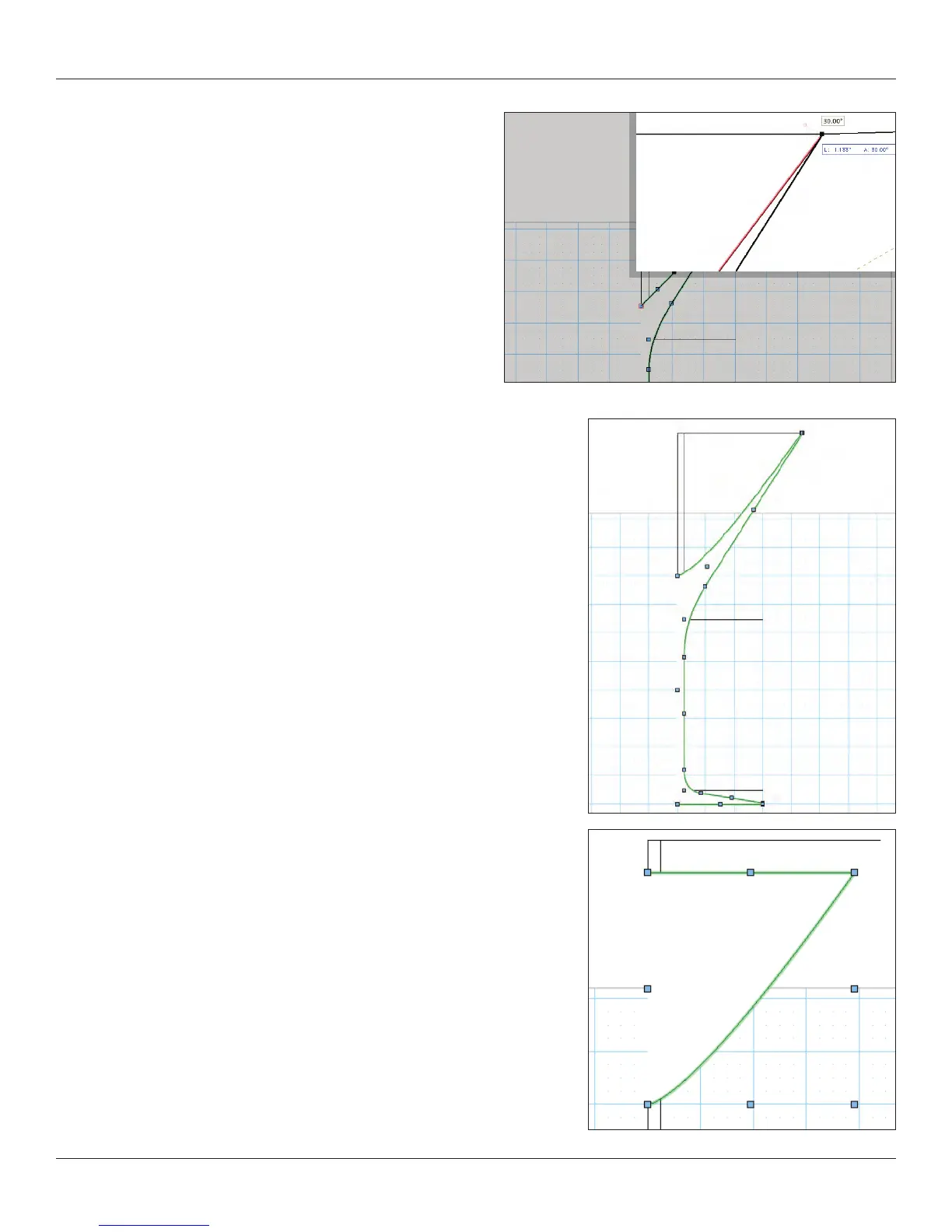
Note: I add what seem to be ‘extra’ points when drawing with
corner points.
Once I had the basic glass shape, I duplicated its layer and edited
the glass to become the form needed for the liquid.
I used the 2D Reshape tool to remove points and once I had a simpler shape,
I used the Clip Tool (Basic Tool Palette) to delete enough of the form so that
the liquid would not spill. This ensures that the inner prole of the glass and
the outer prole of the liquid match.
Once I nished that shape, I moved the liquid back into the glass by
duplicating the layer with my glass prole and then copying the liquid prole
from its layer to the new one using Edit>Paste in Place. Paste in Place will
keep objects in their exact absolute position as long as you paste between
layers of the same scale.



 To Next Page