Vectorworks 2010 Products 57
Vectorworks Spotlight 2010 Getting Started Guide
Drawing a Light Plot
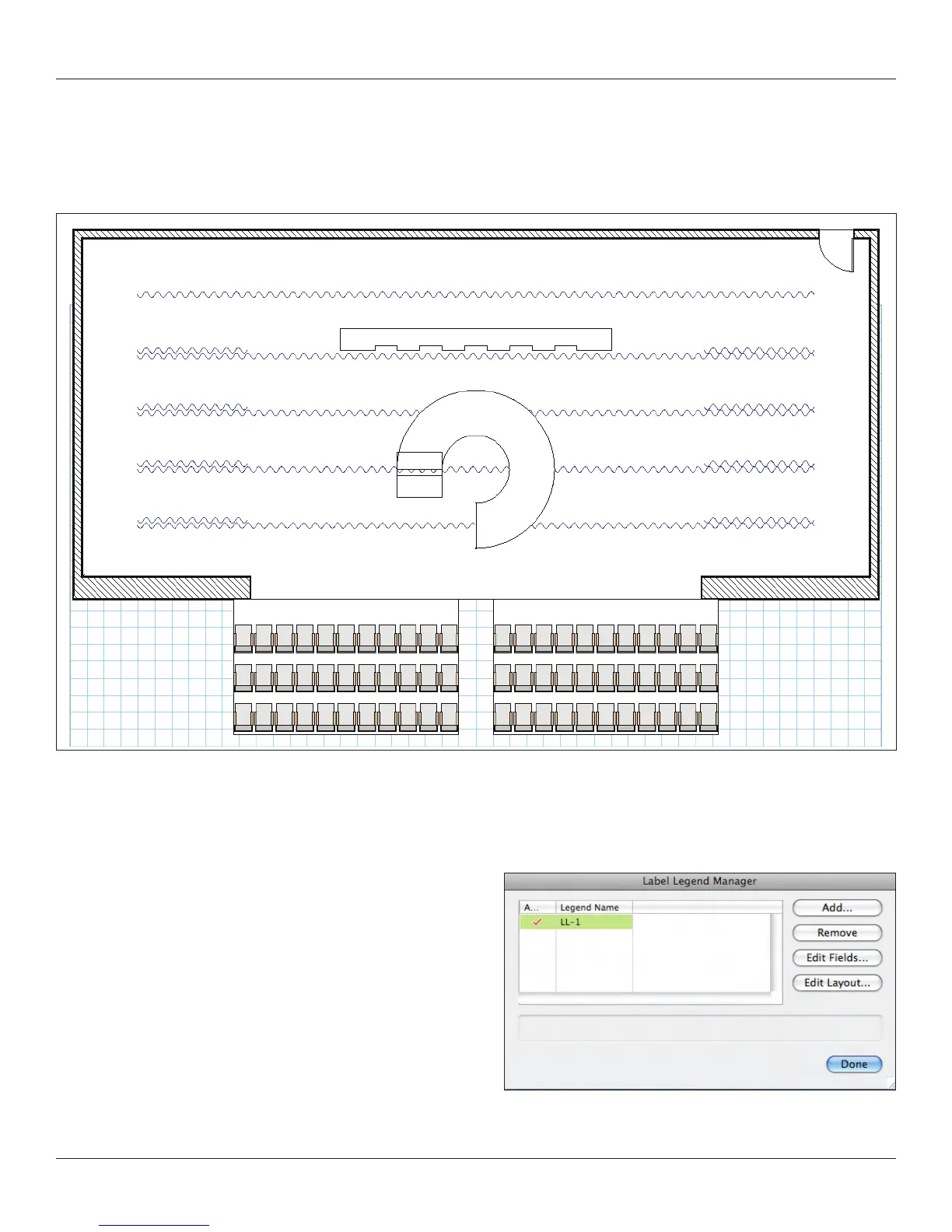
We have a basic theatre and set, and we have added some resources into our document. Now we can begin to create a light plot. In
Top/Plan view, your drawing should look something like this:
First we need some instruments in our document. Go to the Resource Browser use the drop down menu (look for the little triangle) to
access the favorite ETC symbols and import the 26° and 50°s 4’s, by right clicking and selecting Import.
Label Legends
Now we will create a Label Legend format for our instruments.
A label legend provides information around your units. Go to
Tools>Label Legend Manager and select Add. I’m calling this one
LL-1 for brevity. Once created click in the left column to make the
legend active.



 To Next Page