Vectorworks 2010 Products 55
Vectorworks Spotlight 2010 Getting Started Guide
Roof Tools
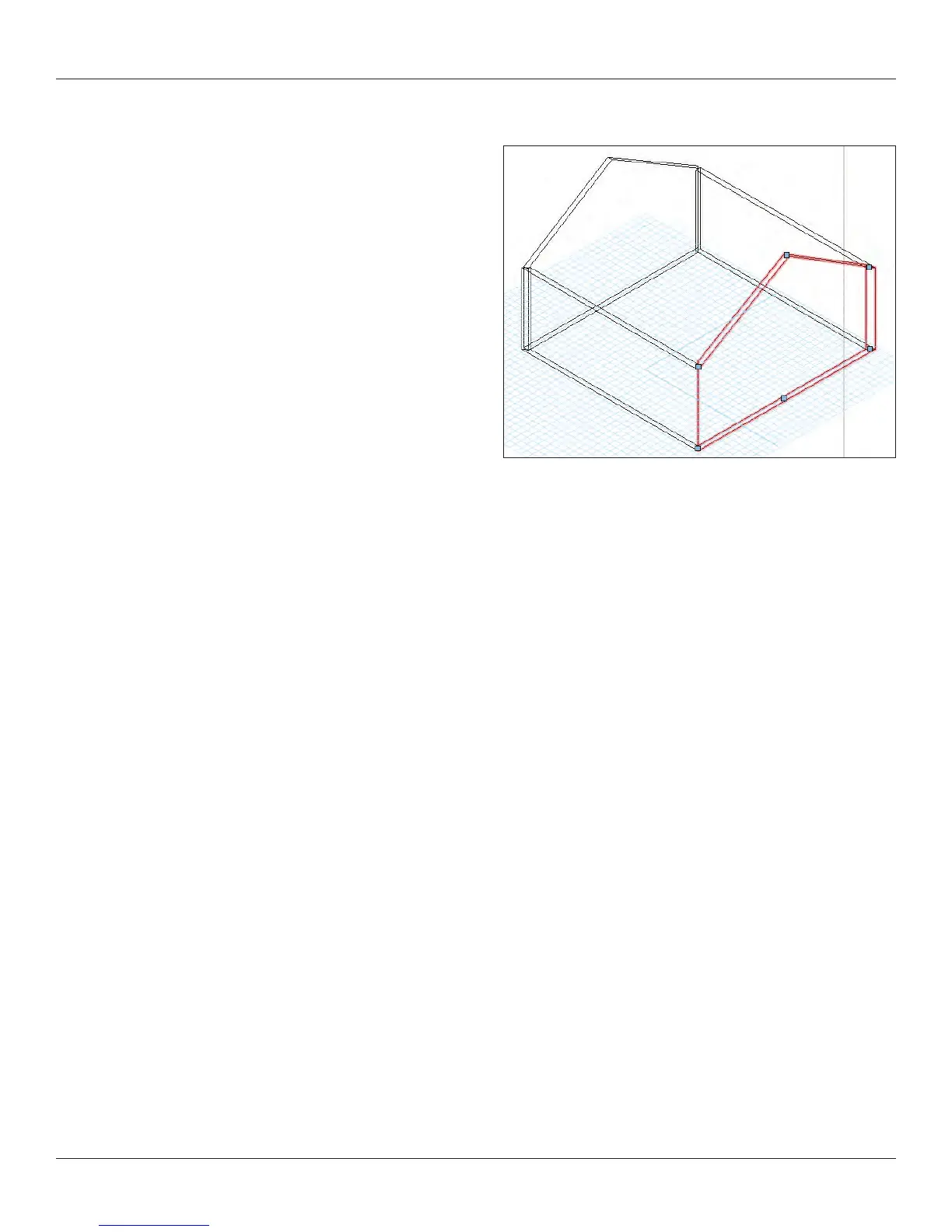
Let’s make your 20’ [6.096m] square room into a small house. In
the plan view, select the left wall and use the drop down menu in
the view bar to go to the Left view. Select the 3D Reshape tool from
the 3D Modeling Tool Set, select ‘+’ option to add a control point
and grab the left side of the wall. Note that the cursor changes
shape to the add point cursor. Grab the corner and drag up and to
the middle, tab into the Floating Data Bar. Enter 9’-6” [2.896m] and
10’-0” [3.048m] and 14’-0” [4.267m] and enter and click. Do the
same on the opposite side.



 To Next Page