Vectorworks 2010 Products 91
Vectorworks Spotlight 2010 Getting Started Guide
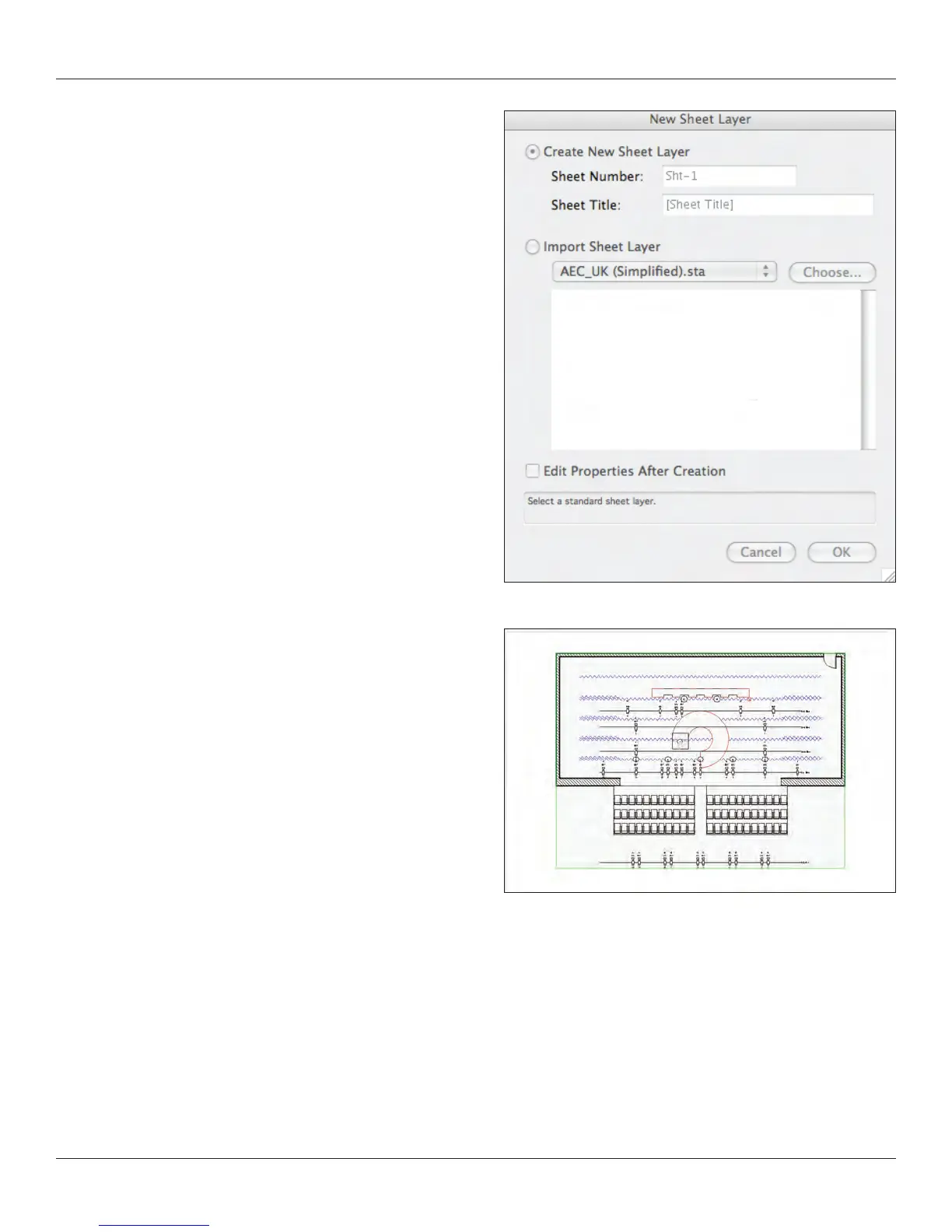
In the New Sheet Layer Dialogue, the Sheet Title is Linked to
the Title Block and Drawing Border Tools, Also in the Dims/
Notes Toolset.
Your Viewport on its sheet layer should look something
like this. However, default page size is 24/36 and this light plot
does not t well on that page. Go to File>Page Setup and
change your sheet size to US Arch E. Then your drawing
should look like the one here. Note the thicker grey border
that identies that you are on a sheet layer.
Key to Instrumentation
Right click on the viewport and select Edit Annotations from the contextual menu. A colored border shows that you’re in editing mode.
Go to Tools>Reports>Key to Instrumentation. Add it to the annotation space. I may also add dimensions, graphic scales, and a
Drawing Label from the Dims/Notes Tool Set. I have also added a Center Line and Plaster line. I use the Attributes Palette to assign a
distinctive color and proper line styles and weight to the CL and PL. Note that everything can be modied and adjusted in the OIP.



 To Next Page