Vectorworks 2010 Products 47
Vectorworks Spotlight 2010 Getting Started Guide
Using the Wall Tools
Open a new document with your Default.sta template.
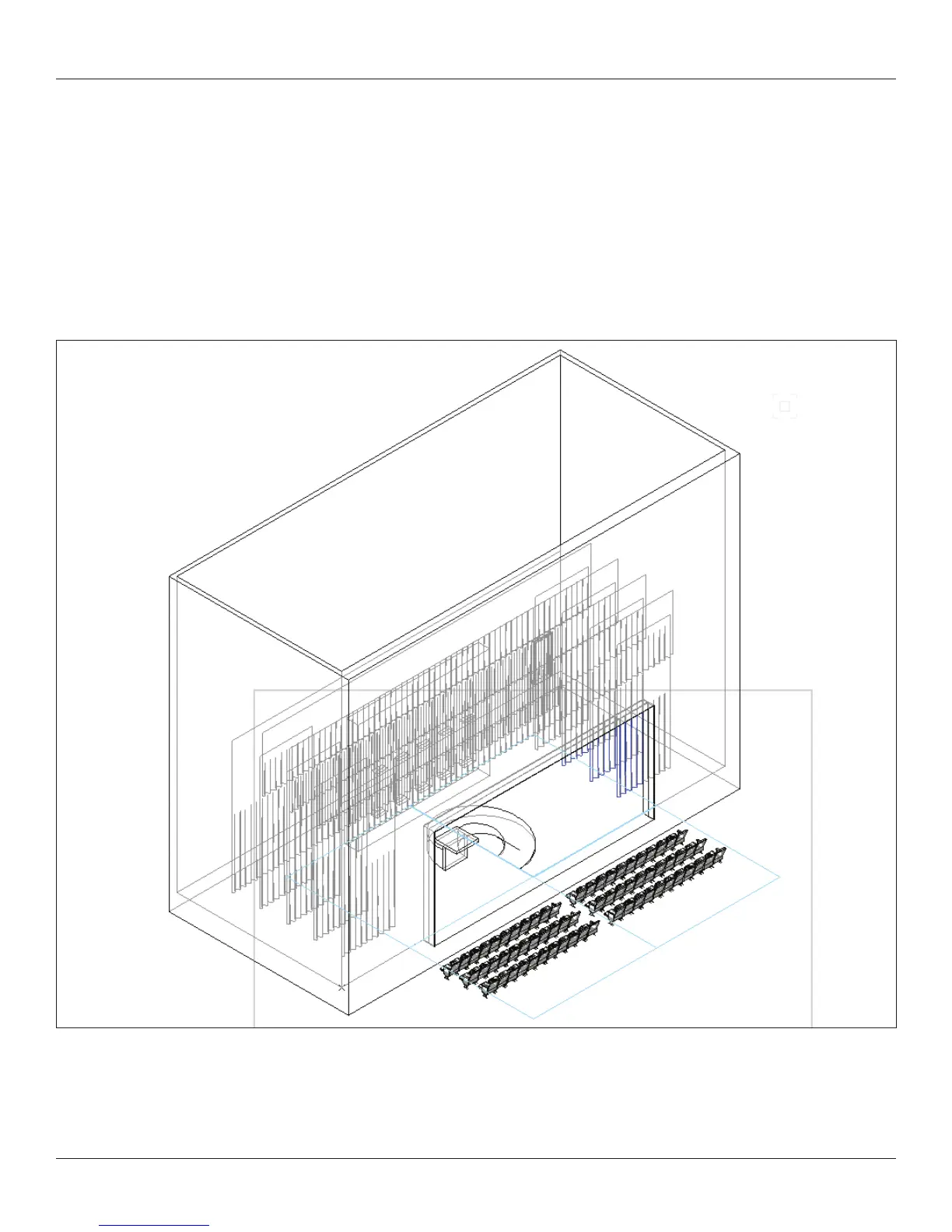
We are going to create a theatre space. As you have noticed, VW creates a zero-zero point on the page. We are going to assume that
zero-zero is the intersection of the Plaster Line and the Center Line in a traditional Broadway size proscenium theatre. We are not
going to worry that our theatre may go off the page in the Design Layer.
This is what we are going to draw:
In the View Bar set the Class drop down to your normal line weight class. From the Basic Tool Set, and in the Top/Plan view, double
click the 2D Locus tool and place a locus x = -35’ [10.668mm] y= -15’ [4.572m].



 To Next Page