46 Vectorworks 2010 Products
Vectorworks Spotlight 2010 Getting Started Guide
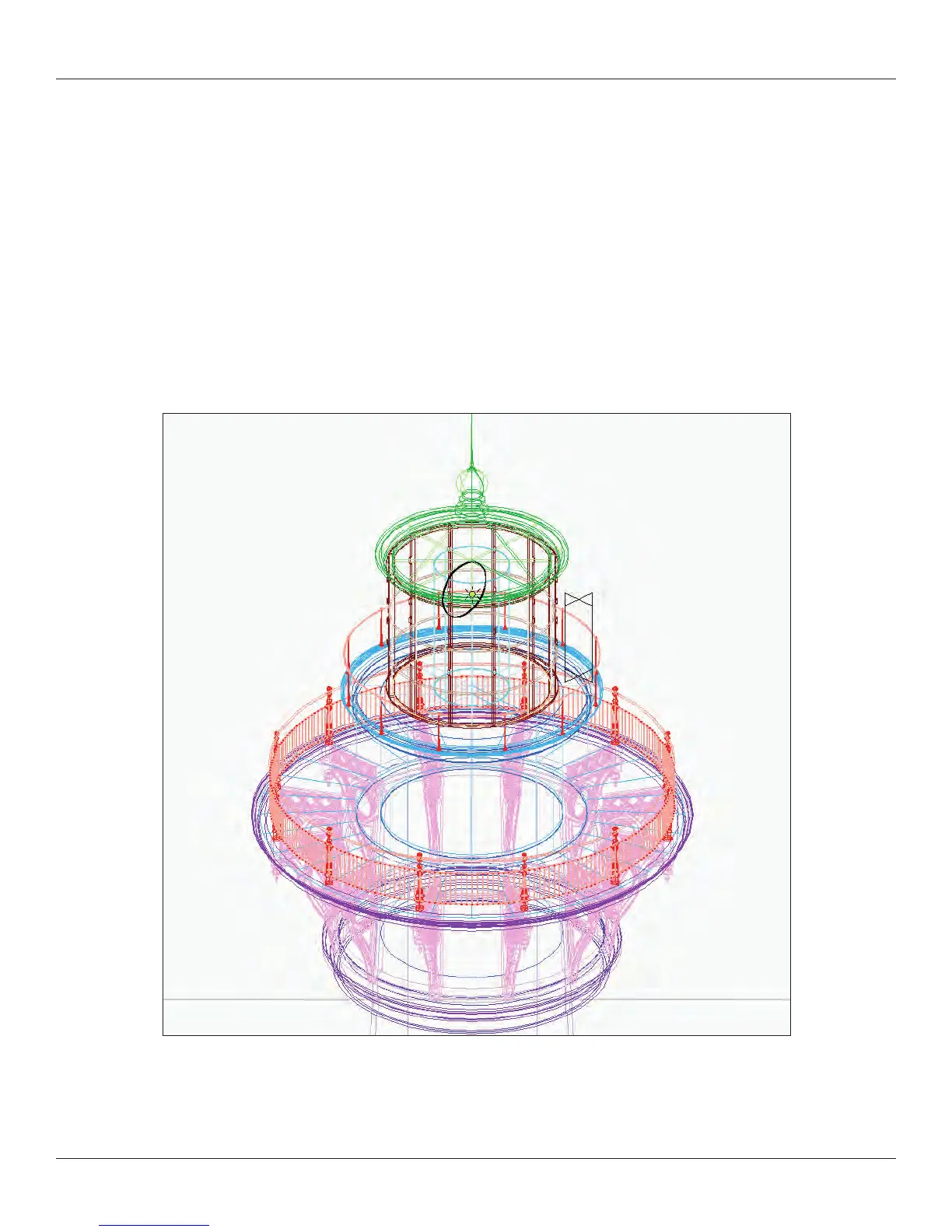
Plan your project, consider the number of nishes and object types that you will wish to class. Plan rst, make the classes rst. For a
nished product, I ask to see a plan, section and elevation of the Lighthouse. Plus a rendering. Your choice of colors and textures, you
do not have to match the original scheme, be creative. Include a human gure image prop for scale in the rendering and use the human
gure 2D symbol in the annotation layers of the section and elevation. I do not require the spiral staircase, I nd that an object that
complex adds too much time to the process. I only require the top part indicated in the drawing. I offer extra credit if you can arrange
Viewports to match the original drawing.
Don’t forget the graphic scale.
Once you can model the lighthouse, everything else drops into place.



 To Next Page