34 Vectorworks 2010 Products
Vectorworks Spotlight 2010 Getting Started Guide
Other 2D Shape Tools
We have seen how simple it is to draw using simple 2D shapes,
add and subtract from those shapes and extrude into 3D. Let’s look
at the other 2D tools in the Basic Tool Set and see how they can be
used. Specically how they can be used together to make virtually
any shape in 2D and 3D.
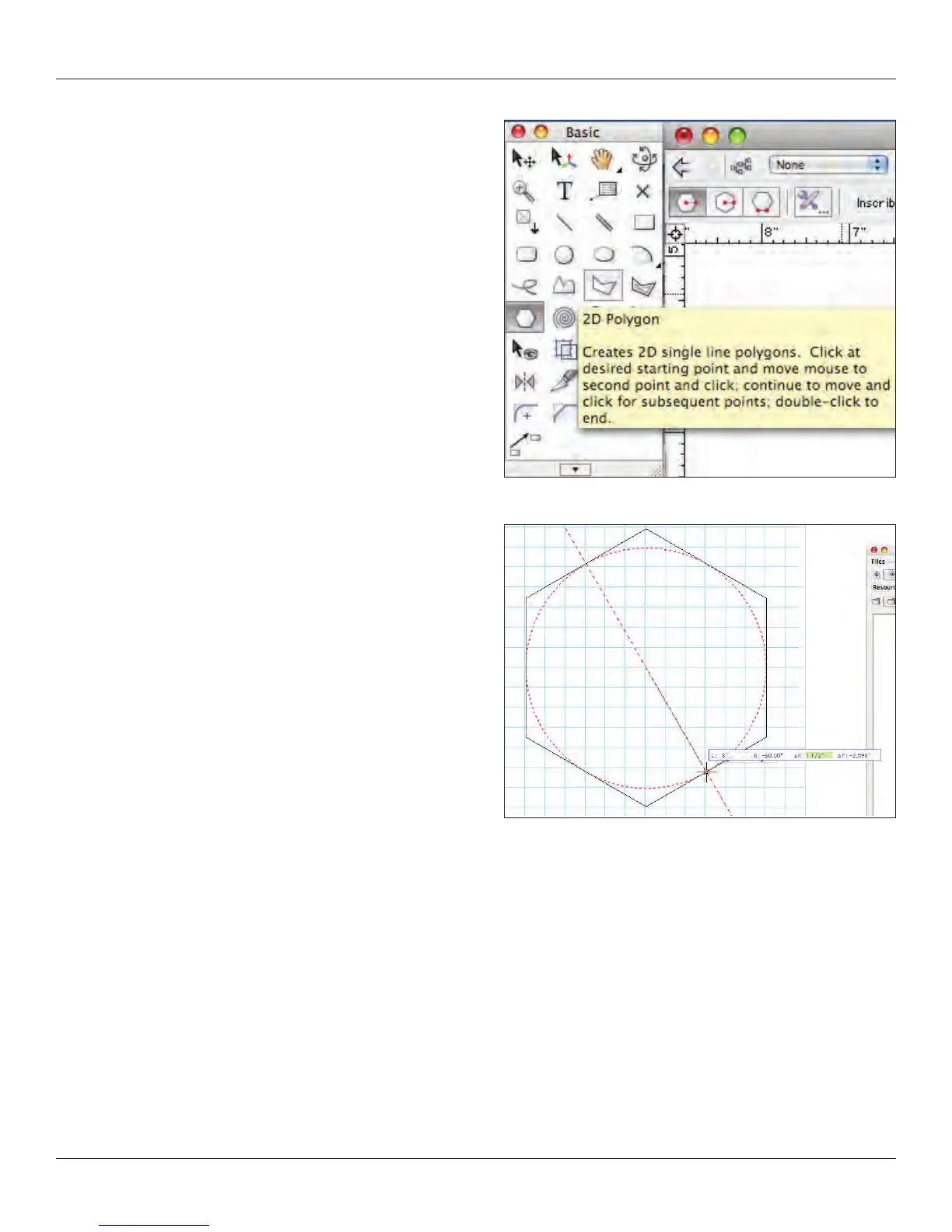
You can easily nd which tool is which by hovering and waiting for
the descriptive text to appear or go to the help les.
Oval
When you went to make the circles before you may have noticed
two similar tools, the circle and the oval. Let’s look at the Oval Tool,
select it and notice the different options in the Tool Bar. Draw a few
ovals using the different options, some freehand, some with
absolute positioning and then with the Floating Data Bar.
Regular Polygon
Like the Circle and Rectangles, the regular polygon allows you to
make simple multi-sided objects.
Polygon and Polyline
These tools allow for freehand drawing. The Polygon only has
straight lines, but the Polyline tool allows you to introduce curves.
Consider tracing a scanned drawing or placing Locus points. You
can also use the 2D Line Tools and absolute positioning to create
a set of guides. Then connect the dots with the Polygon Tool.



 To Next Page