Vectorworks 2010 Products 83
Vectorworks Spotlight 2010 Getting Started Guide
Rendering a simple scene
Preview your scene by taking a quick look in Open GL Rendering. Create and add textures to the theatre and set. Adjust your lights,
colors and gobos in the Visualization Palette and Lighting Device Dialogues. Render in Final Quality Renderworks. Adjust and Render
some more.
Remember Textures in the 3D World do not always work as you might expect. The virtual world is different. Notice that a Texture
with a constant Reectivity will work as if backlit. A backlit transparent object in the 3D world will not work as expected.
Exercise
Building on your 10 – 3D models, add textures, backgrounds and cameras. Render in Final Quality Renderworks.
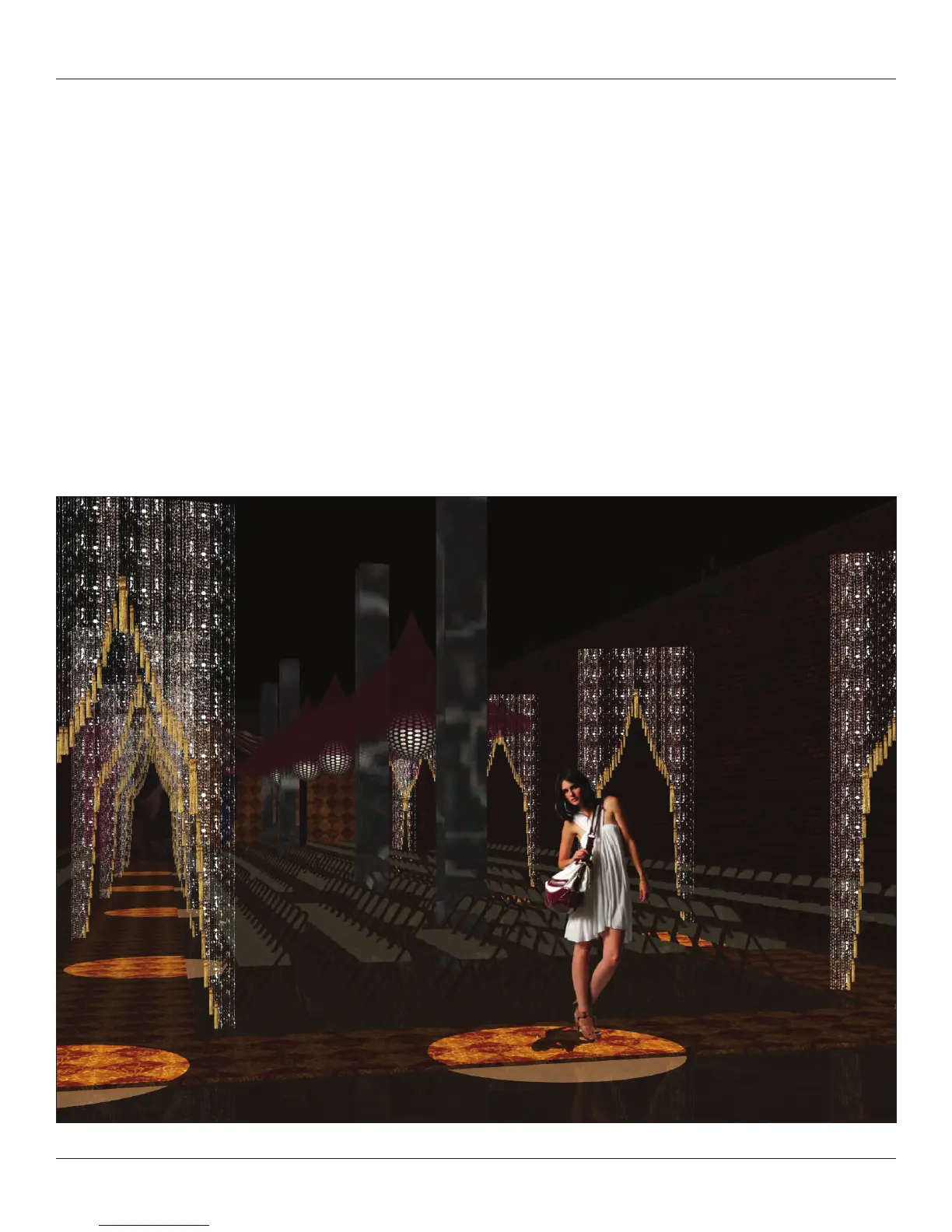
This image shows a series of Image Props layered in front of one another and an Image Prop gure standing in a pool of light
with a cast shadow.



 To Next Page