Vectorworks 2010 Products 53
Vectorworks Spotlight 2010 Getting Started Guide
Stair Tools
Let’s just note that Vectorworks comes with a variety of stairesque
tools: The Simple Stair, Custom Stair (in the Designer package and
Architect module) and Ramp should be visible. There are also
Elevator and Escalator Tools available in the Designer package or
Architect module. Look around. Note all of these tools are suitable
for use in entertainment design. These tools were created with
architects in mind. Typically architects will be inserting stairs that
will be dened by specications of existing products. It is unlikely
that an architectural rm would be drawing a Victorian Staircase or
a curved French stair and railing. An entertainment designer would
create that in 3D, likely from scratch. You should be able to create
that kind of drawing. Soon. That’s why you’re also working on that
Lighthouse image while working through this book.
Be aware here, that the door, window and stair tools are not
classed like other objects. Within the preference dialogue for each
of these items you will nd a drop down assigning pre named
classes to specic elements. These classes need to be assigned,
Vectorworks will create the classes and you then need to go back
and dene the class attributes. Once created, if you want consis-
tent line weight, you can add to your stationery.
Nevertheless, the stair tools have some application in indicating
stage house or backstage architectural details and escape stairs.
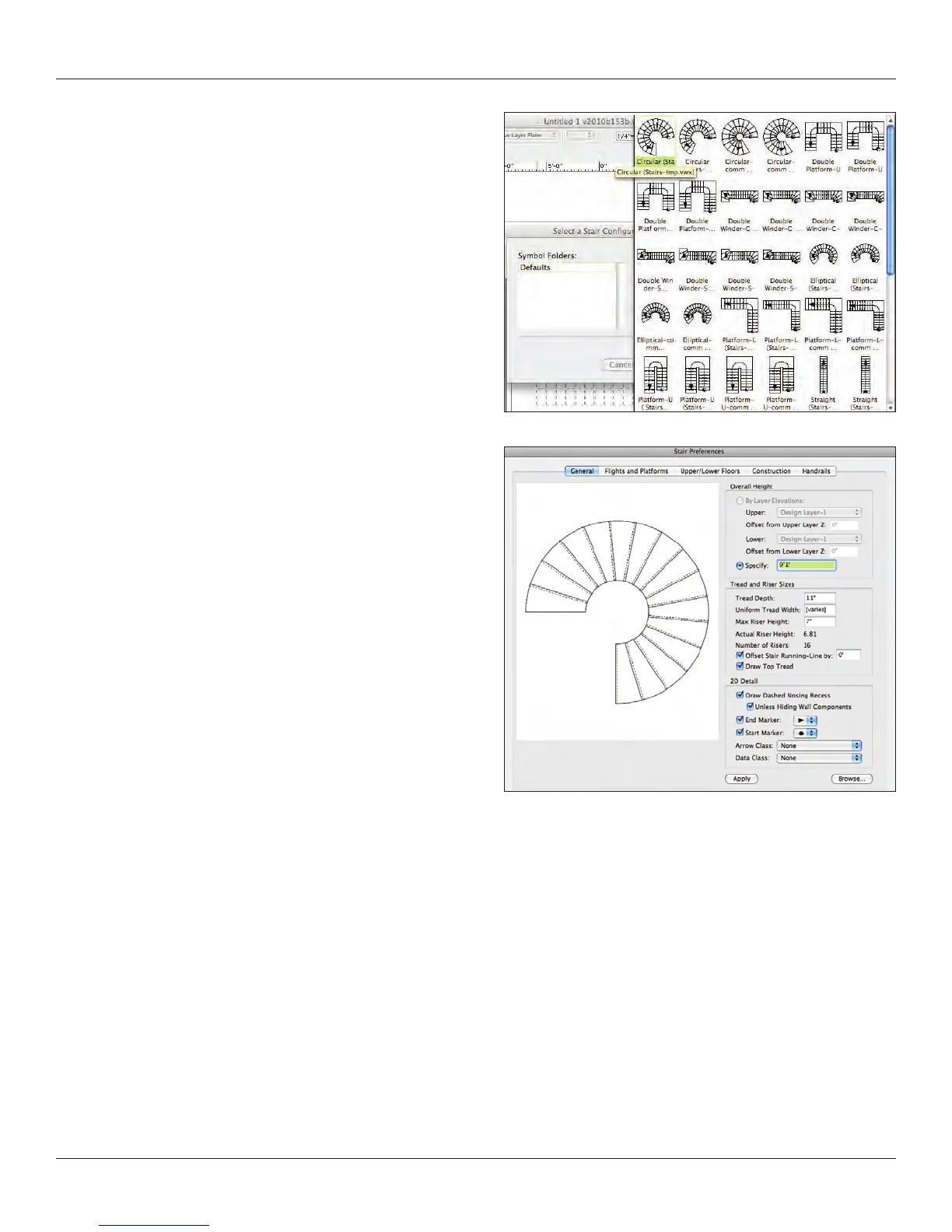
So let’s look at the Custom Stair Tool. Select the tool and click in
your drawing. You will see the dialogue at right that allows selection
of the default stair symbols. On Selection of a symbol, the Custom
Stair Dialogue opens.



 To Next Page