Vectorworks 2010 Products 59
Vectorworks Spotlight 2010 Getting Started Guide
Lighting Positions
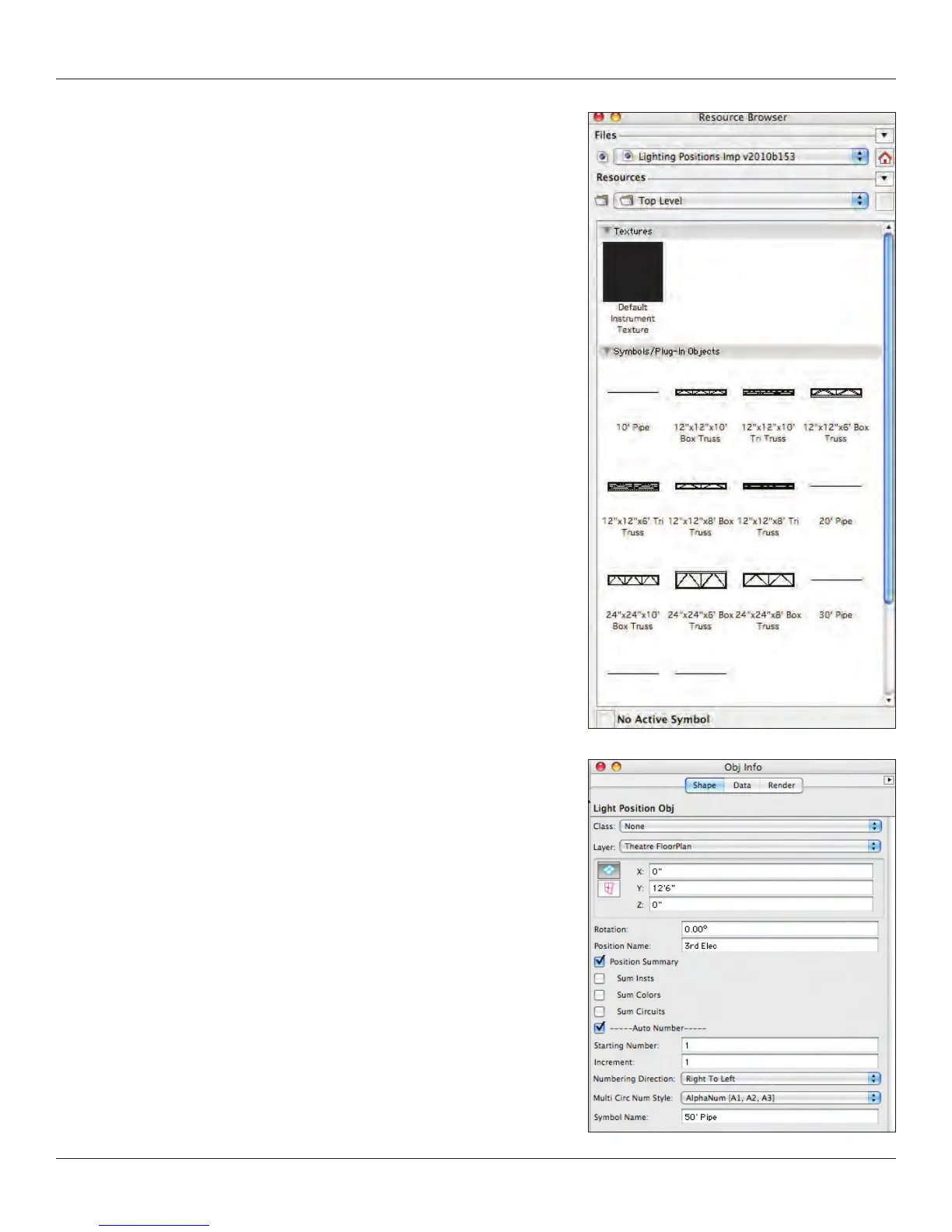
Next you’ll need some electrics. Go to the Resource Browser use the drop down
menu to access the Lighting Positions le we already added as a favorite, and
select the 50’ pipe symbol, right click (control-click on a Mac) and select import.
Revert back to the active document in the resource browser by clicking the Home
icon and double click on the 50’ pipe to select it. Then go to the Spotlight ToolSet
and choose the Light Position Obj Tool.
Align the insertion point with the midpoint of the DS edge of the stage, press
the “T” key and position. Adjust the position and set the Z height in the OIP.
Name the position in the OIP on the Data tab. Repeat for the onstage electrics.
Consider the Vectorworks duplication options for adding electrics.



 To Next Page