50 Vectorworks 2010 Products
Vectorworks Spotlight 2010 Getting Started Guide
Create Seating Layout
You now have a fairly complete and well masked stage house. Let’s add a few
seats. Draw a rectangle from the midpoint of the DS edge of the stage (draw
from CL to SR) 20’ [6.096m] wide by 12’ long [3.658m], select it and go to
Modify>Move>Move and move -2’ -[.610m] on the X axis.
With this rectangle selected, go to AEC>Create Seating Layout. Select the
padded Theatre Seat and click ok. When prompted, select the focus straight
ahead, and seats are automatically created. Congure the arrangement in
the OIP.
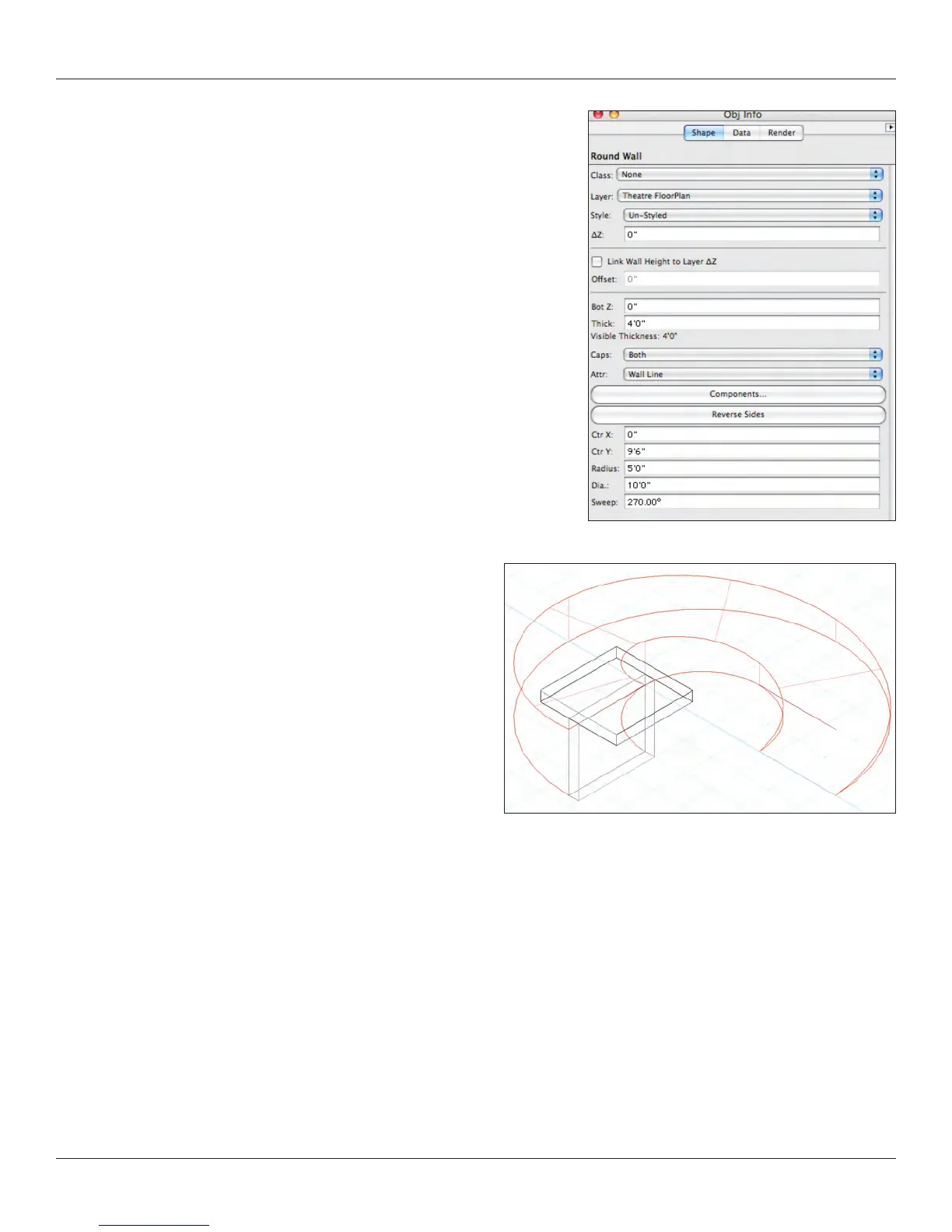
Curved Wall Tool
Now we need a bit of a set. Select the Round Wall tool from the
Building Shell Tool Set. Click on the Preferences and set the width
of the wall to 4’ [1.219m], and select the Left Control Line. Start to
draw from the center of the stage and draw an arc that is 270° so
that the arc ends facing your audience. Adjust the placement and
height in the OIP.



 To Next Page