Vectorworks 2010 Products 33
Vectorworks Spotlight 2010 Getting Started Guide
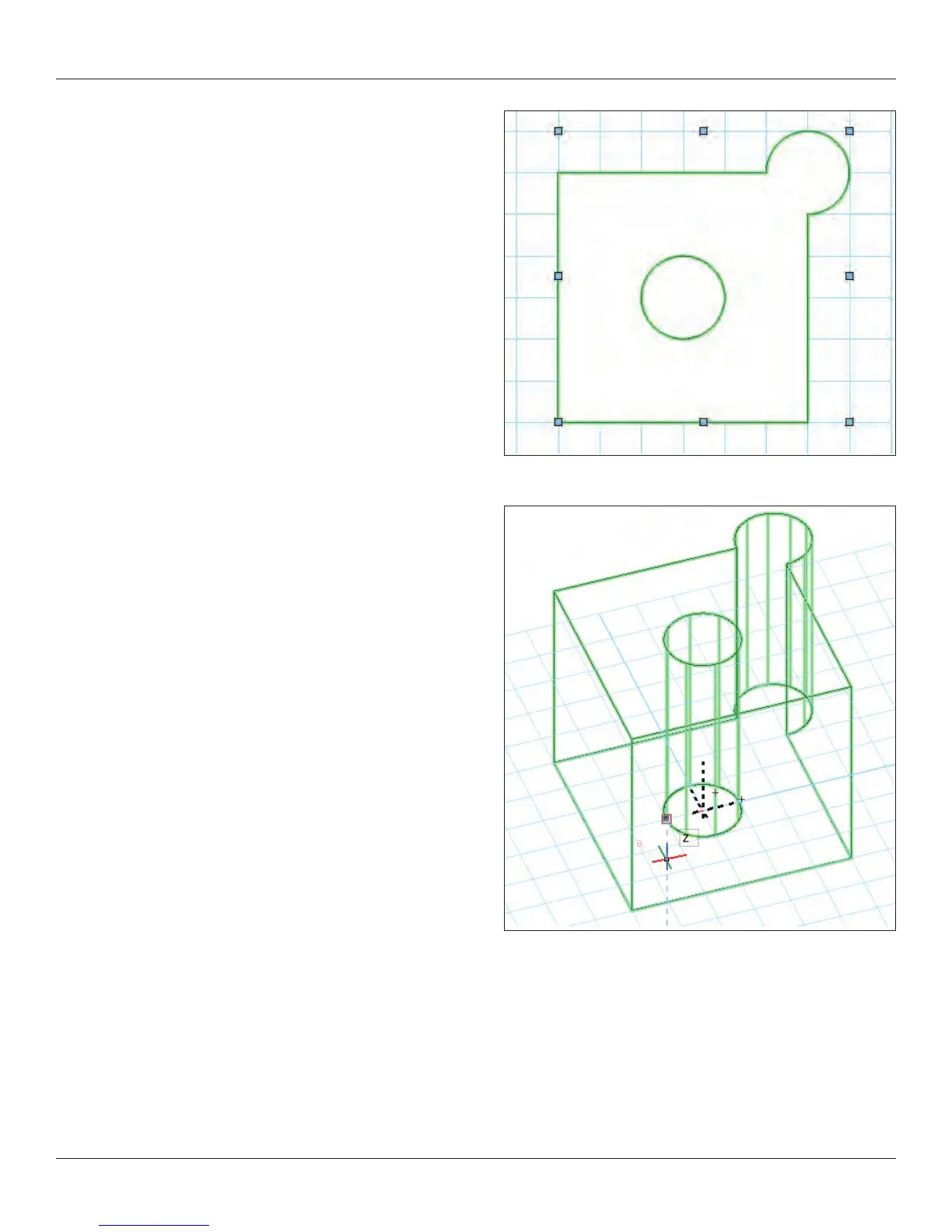
Let’s make this a 3D object. Go to Model>Extrude (Command-E)
and enter 3” [76.2mm] in the Extrusion eld and click OK.
Select the Flyover tool and look at the object in different views. Do
the same with the current view drop down menu in the View Bar and/
or your numeric keypad.
Interactive Origin Mode
•
Object Center Mode•
Active Layer Plane Origin Mode•
Working Plane Origin Mode•
For our purposes, select Object Center Mode and click and drag to
rotate the View. Experiment with the other options.
Now take a look at the object in different views. Do the same with the
view drop down menu in the View Bar and/or your numeric keypad.
These are the basics of making all kinds of 2D and 3D objects.



 To Next Page