32 Vectorworks 2010 Products
Vectorworks Spotlight 2010 Getting Started Guide
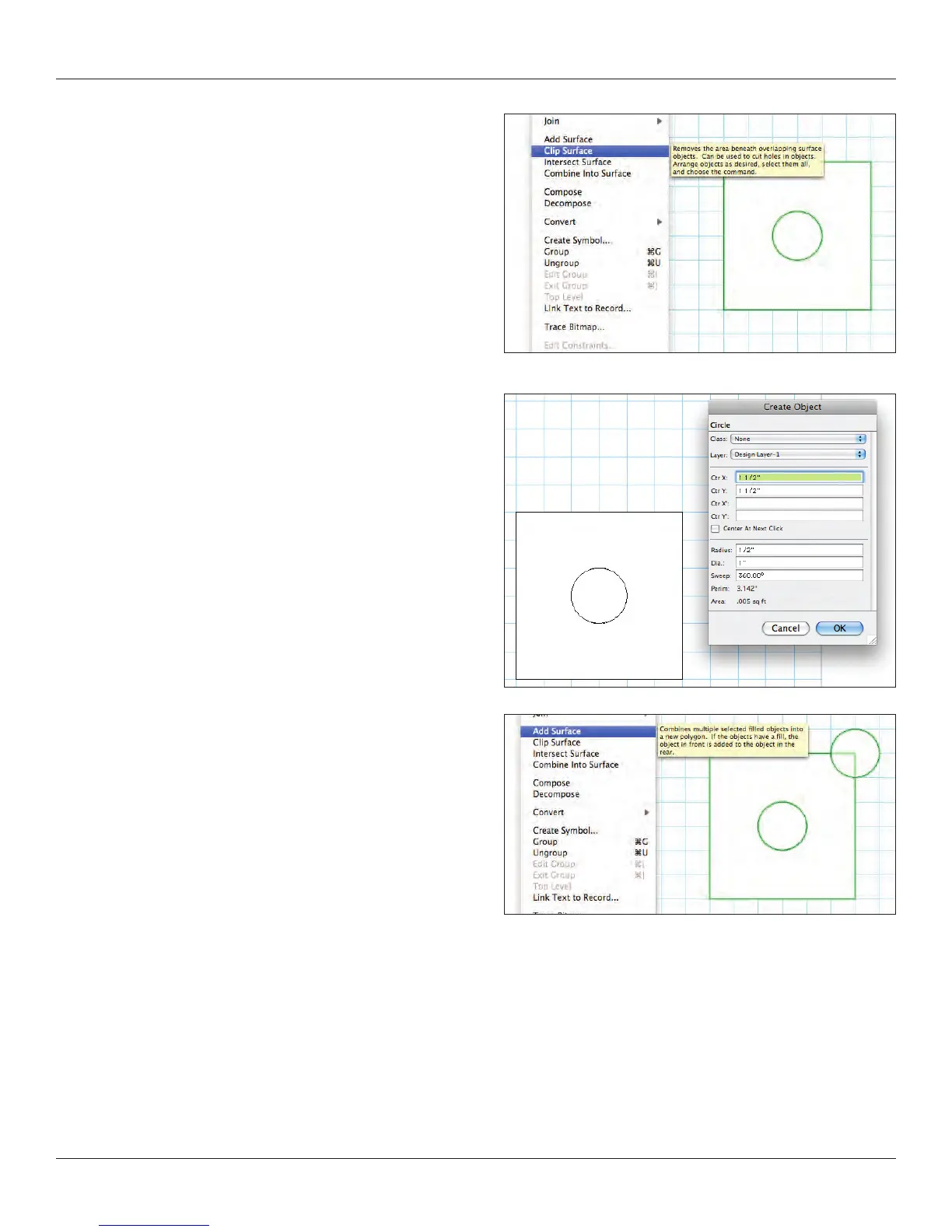
Select all and go to Modify>Clip Surface. You will now only see
the circle selected. Delete the circle. The square has been clipped
by the circle.
Double click on the circle tool. Enter the following data; radius=1/2”
[12.7mm], deselect center at next click, and enter Ctr x=1.5”
[38.1mm] and Ctr y=1.5” [38.1mm]. Click OK. You will have a circle
over the top right corner of the square.
Select all and go to Modify>Add Surface. The circle has been
added to the square.



 To Next Page