Vectorworks 2010 Products 31
Vectorworks Spotlight 2010 Getting Started Guide
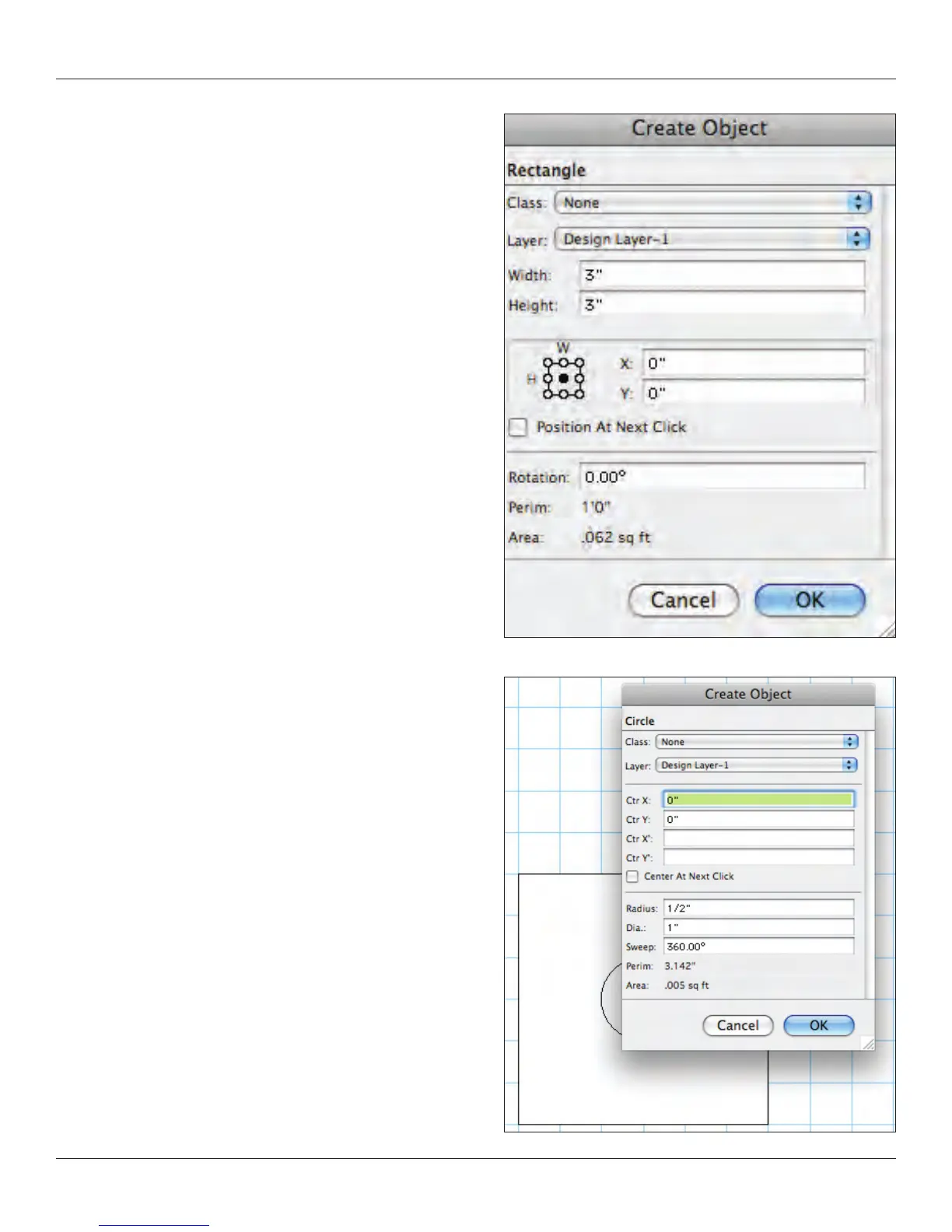
Double click on the rectangle tool and enter the following data:
width=3” [76.2mm], height=3” [76.2mm], deselect position at next
click, and select the middle circle in the object position locator. Then
in the data elds next to the object position locator, enter x=0 and
y=0. Click OK. You will have a square in the middle of the page.
Double click on the circle tool. Enter the following data: radius=5’
[127mm], deselect center at next click, and enter Ctr x=0 and Ctr
y=0. Click OK. You will have a circle in the middle of the page, on top
of the square.
We’re not going to use this function right now, but I want you to notice
the Circle by 3 Points option. This options also appears in Arcs and
Curved Walls. I have found this to be very useful in tracing curves
and in designing the right size circle or arc.



 To Next Page