30 Vectorworks 2010 Products
Vectorworks Spotlight 2010 Getting Started Guide
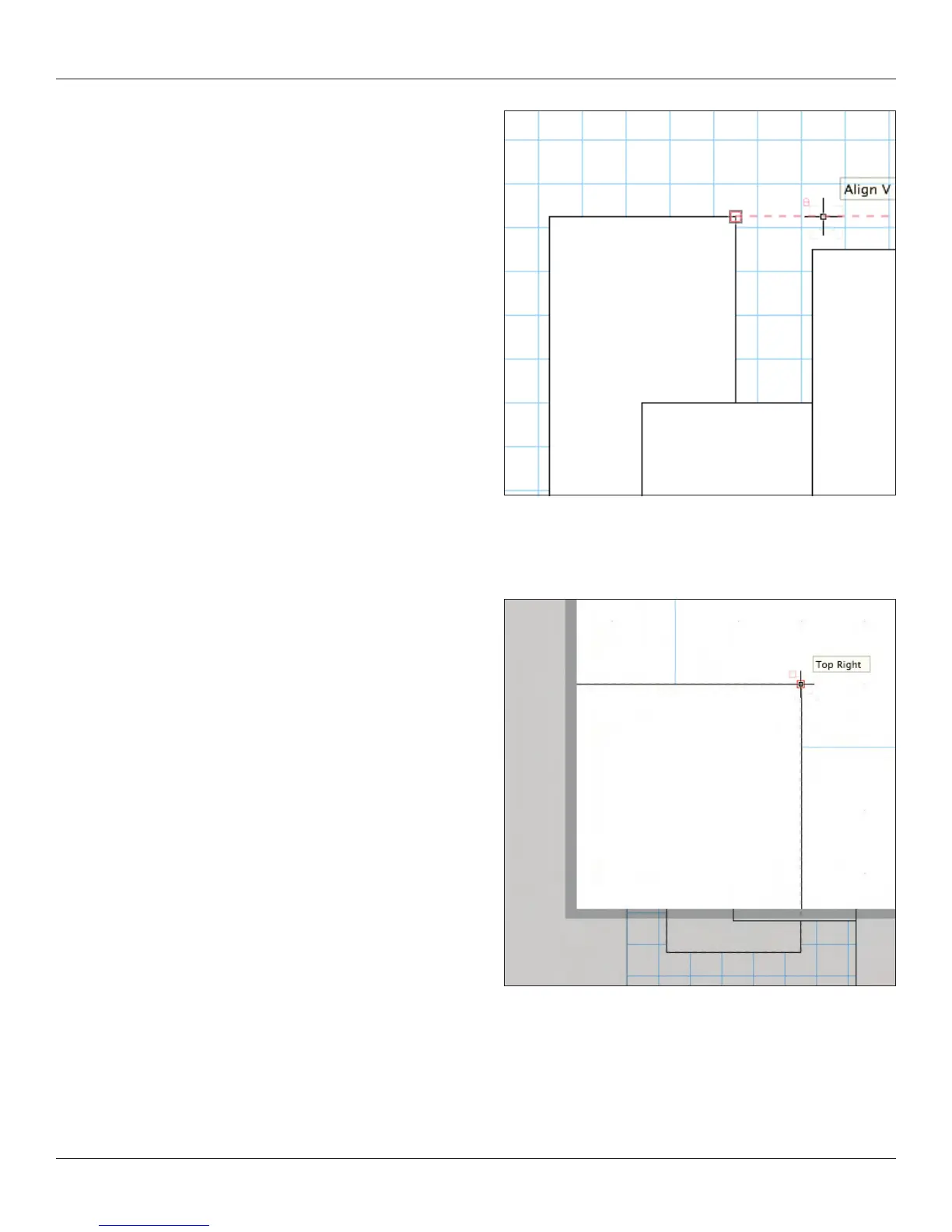
Select the rectangle tool and hover the cursor near another rectangle.
Note the smart cursor hints and alignments indicated. Align with a
corner, indicated by the red extension line and hit the “T” key to lock
in that alignment.
Try this again. When hovering near a snap point, hit the “Z” key to
enable the snap loupe which allows you to zoom in close until you
click the mouse. You can also use the snap loupe when you want to
nish drawing a shape if aligning to another point.
Select All (command-A) and delete the various rectangles.



 To Next Page