56 Vectorworks 2010 Products
Vectorworks Spotlight 2010 Getting Started Guide
Nice house, no roof.
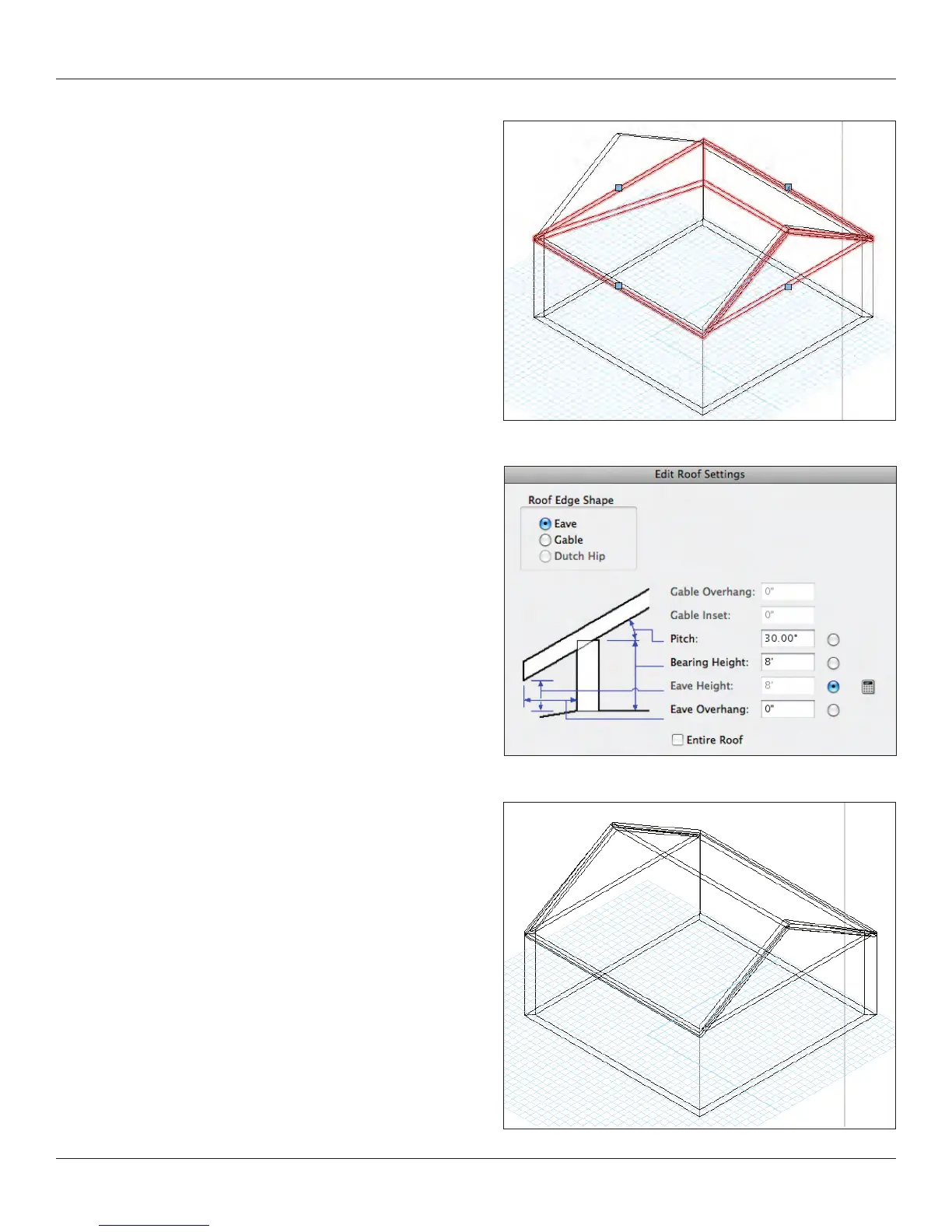
Select the four walls and go to AEC>Create Roof. For our
purposes, accept the defaults and Vectorworks will build a hip roof
that can be edited. By default you will have a four sided hipped
roof. Double click on a control point on a side of the roof and select
gable, repeat on the opposite side.
An alternate approach, like the Floor command is the AEC>Roof
Face command. Go back to your basic theatre drawing and
draw a 2D rectangle over the space as you did for the oor.
With that object selected go to AEC>Roof Face and create a
simple slab roof.



 To Next Page